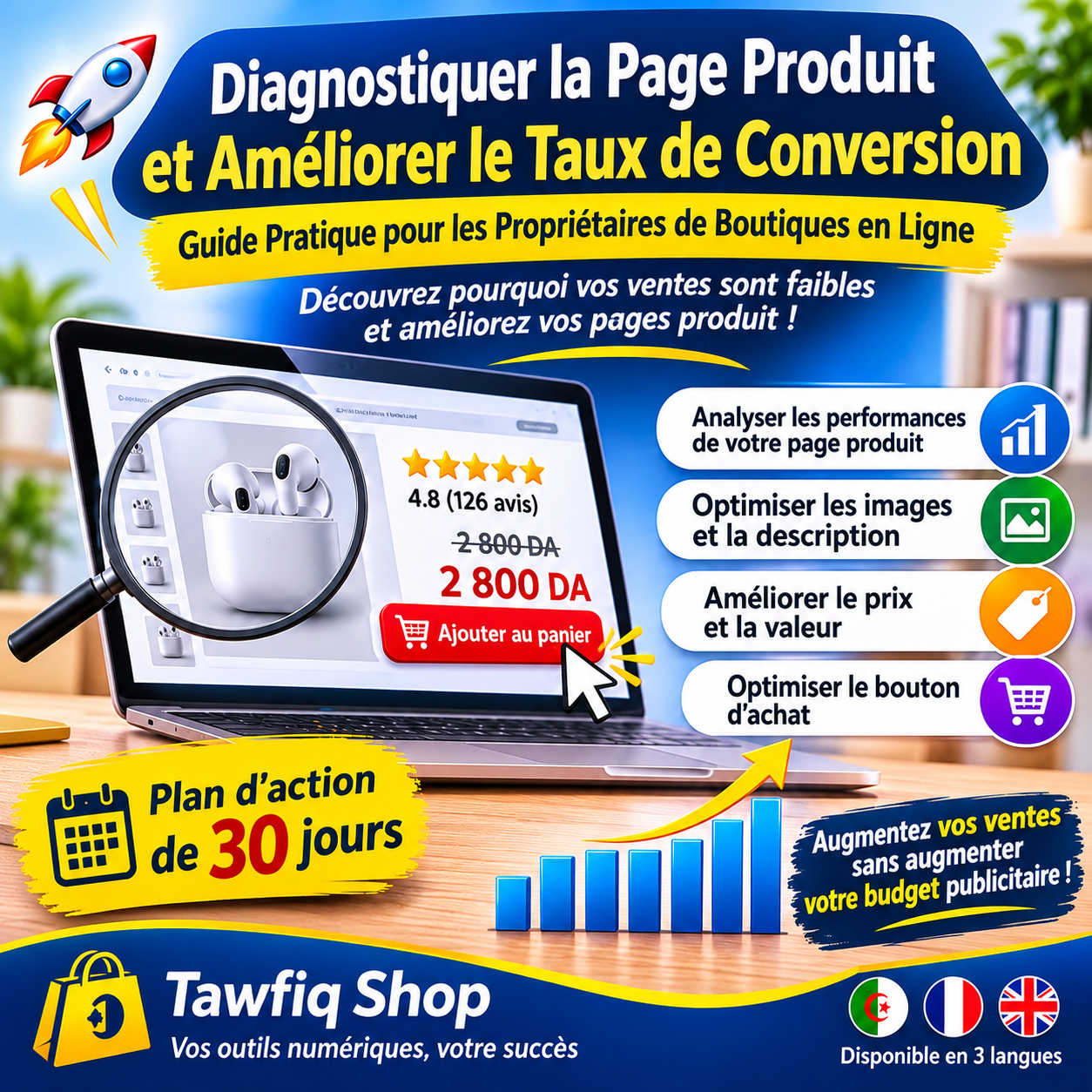
Product Page Diagnosis and Conversion Rate Optimization - Presentation - Editable via Canva (French Version)
🚀 Product Page Diagnosis and Conversion Rate Optimization | Turn your store visits into more orders and sales! Does your online store get traffic but orders and sales don't reflect it? Do customers visit your product pages and then leave without adding items to the cart? The problem may not be the ads or the number of visitors, but the product page itself! With the Product Page Diagnosis and Conversion Rate Optimization Guide, you'll learn how to spot the weaknesses that prevent customers from buying and decide what to improve first — from images and descriptions to price and the buy button. Instead of increasing your ad budget to attract more visitors, learn how to make better use of the traffic you already have. What you'll learn inside this guide: 1. Diagnosing product page performance - Understand conversion rate and how it's calculated. - Identify the stages where visitors drop off. - Discover the biggest leaks in the purchase journey. - Differentiate between a product page problem and a checkout problem. 2. Improving product images - Choose a clear, attractive main image. - Show the product from multiple angles. - Highlight materials and details with close-ups. - Add photos or videos of the product in use. - Clarify size and box contents. - Improve image quality, loading speed, and mobile display. 3. Writing descriptions that convince customers - Turn features into clear benefits. - Use numbers and specific details instead of vague phrases. - Answer customers' questions and objections. - Clarify sizing, shipping, returns, and warranty. - Learn the difference between a weak description and a persuasive, professional one. 4. Improving price and perceived value - Emphasize product value before showing the price. - Use reviews and benefits to support the purchase decision. - Show the previous price and the real discount clearly. - Display shipping cost and delivery time with no surprises. - Use quantity offers to increase cart value. 5. Optimizing the Buy button (Call To Action) - Design a prominent, easy-to-notice button. - Choose clear text like "Add to Cart" or "Order Now." - Improve its visibility on mobile screens. - Place shipping, returns, and payment information near it. - Reduce elements that distract the customer. Tools that help you diagnose the problem The guide refers to four information sources: - Google Analytics 4: to know visits, conversion rates, and add-to-cart rates. - Microsoft Clarity: to view heatmaps and visitor session recordings. - PageSpeed Insights: to test product page loading speed. - Customer messages and reviews: to understand frequent questions and reasons for hesitation and returns. Learn how to test improvements correctly You don't need to change everything at once! You'll learn a practical four-step methodology: 1. Form a clear hypothesis for improvement. 2. Make only one change at a time. 3. Measure results and compare them with a similar period. 4. Implement the successful change or try another solution. 30-day practical implementation plan - Week 1 – Diagnosis: Identify add-to-cart and conversion rates and find the biggest issue. - Week 2 – Fix: Improve images, description, price, and buy button. - Week 3 – Test: Try one change in the weakest area. - Week 4 – Measure: Compare results and apply successful improvements. Who is this guide for? - Online store owners. - Sellers on e-commerce platforms. - Small and medium business owners. - Digital marketers and store managers. - Anyone who gets visits to product pages and wants to turn them into orders. Why you need this guide? Because more visits alone don't guarantee more sales. A good product page answers the customer's questions, removes their doubts, clarifies the value of what they will buy, and shows the next step to take. Diagnose the problem, improve your product page, and test results with numbers! 🛍️ Get your practical guide now from Tawfiq Shop – Tawfiq Digital Store, and start turning your product pages into a clearer, more convincing buying experience.
Share this product
After a confirmed purchase, your downloadable files are made available only in your account.
Buyer reviews
Share your experience
Sign in to review after purchase
Discover more
Related products
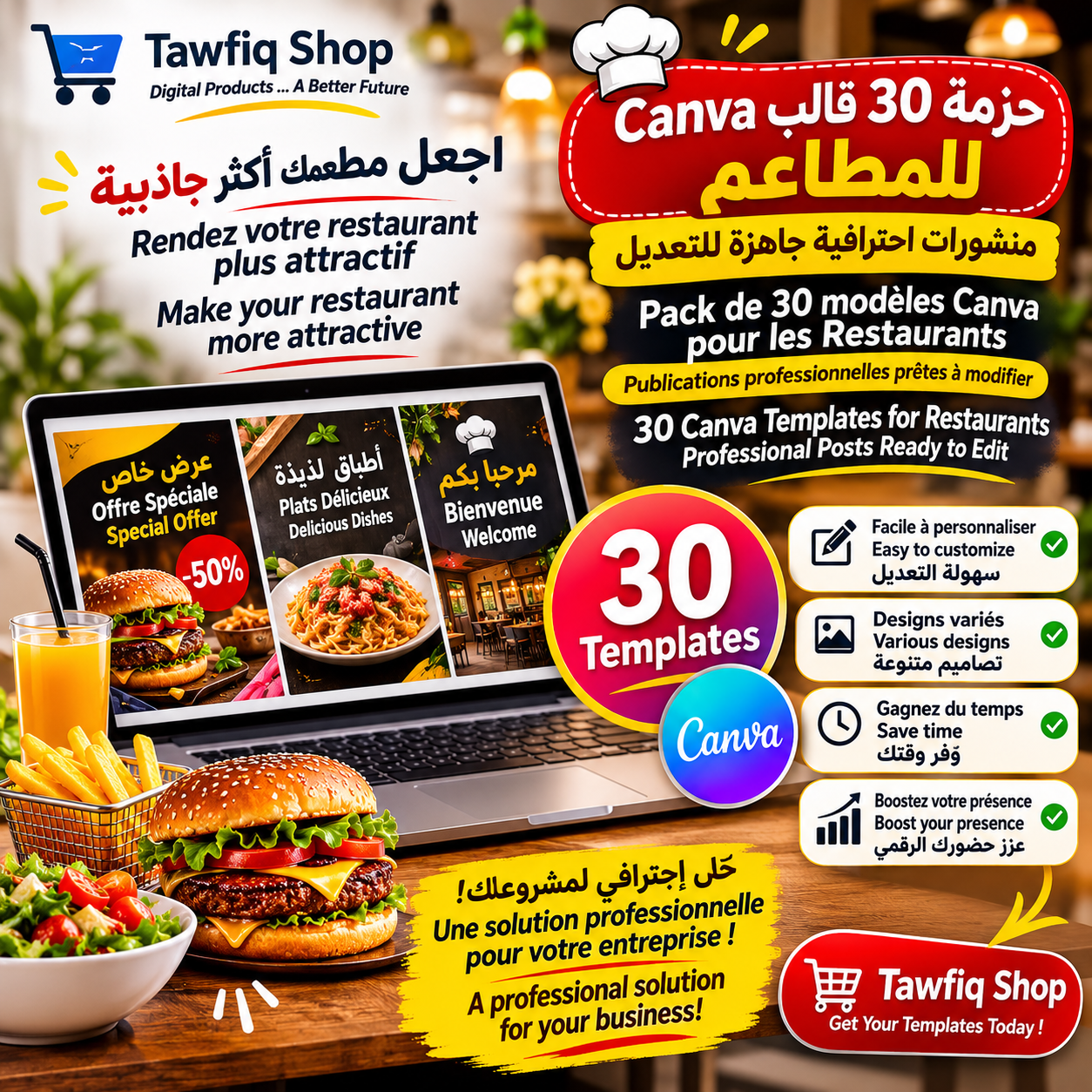
30 Canva Restaurant Templates Pack – Professional Editable Posts in Arabic, French, and English (ZIP file)
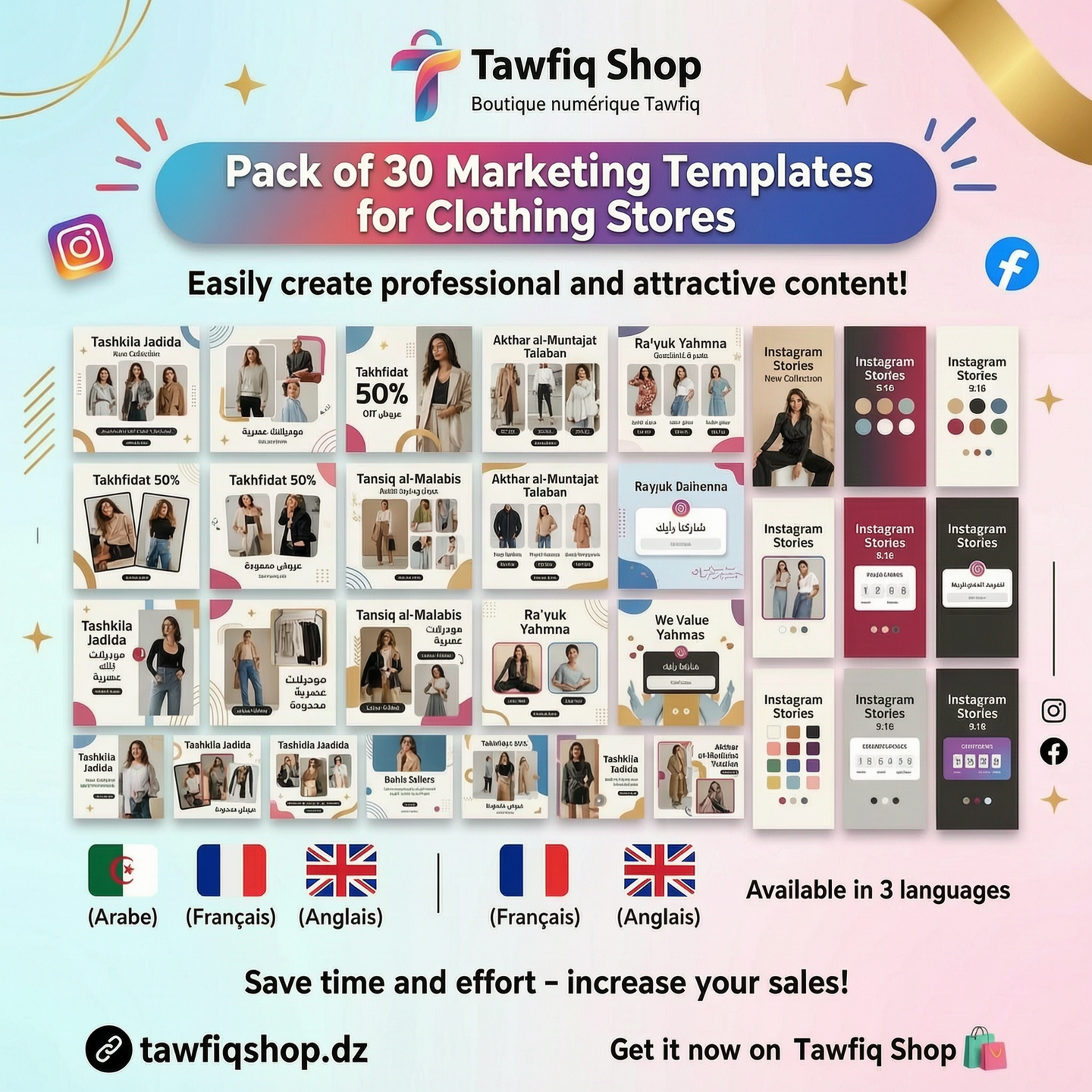
30 Marketing Templates Pack for Clothing Stores - Presentation - Editable in Canva (English Version)