Curated digital resources
The collection
71 matching products
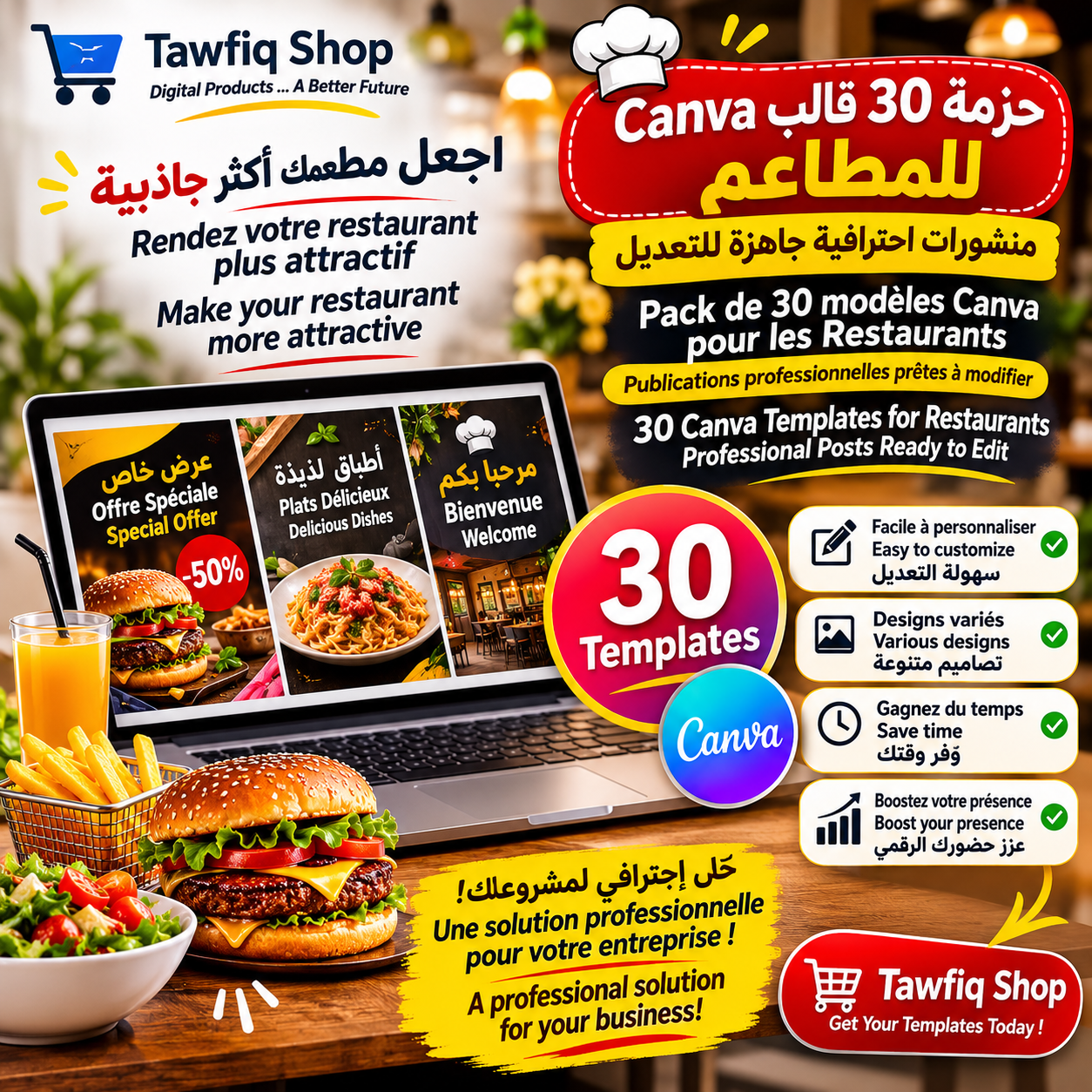
30 Canva Restaurant Templates Pack – Professional Editable Posts in Arabic, French, and English (ZIP file)
🍽️ 30 Canva Templates Pack for Restaurants – Professional editable posts ready to customize (ZIP file) Make your restaurant more attractive on social media without wasting time on design! Do you own a restaurant and find it difficult to consistently design attractive posts? Do you want to promote your dishes and offers professionally but lack the time or design skills? With the 30 Canva Templates Pack for Restaurants, you can create distinctive visual content that showcases your dishes, highlights your offers, and attracts customers’ attention—without starting from scratch each time. What's included? - Offer and discount posts: to promote meals and special deals. - Product posts: to display dishes and drinks attractively. - Instagram and Facebook stories: to share daily offers and engage your audience. - Ad templates: to announce new products and services. - Ready-made caption ideas: to help you write marketing copy for your posts. Product features - 30 ready-to-edit templates. - Customizable in Canva. - Easily change images, colors, and text. - No prior design experience required. - Saves time and effort preparing posts. - Maintains a consistent visual appearance for your restaurant account. Who is this pack for? - Restaurant owners. - Fast-food operators. - Cafes and food outlets. - Social media managers for restaurants. - Freelance marketers who manage restaurant accounts. Boost your restaurant's digital presence! Instead of spending hours searching for ideas and designing new posts, use ready-made templates, customize them to your restaurant's identity, and start showcasing your dishes and offers more professionally. 30 templates, varied ideas, and easier design with Canva. Get the restaurant posts pack from Tawfiq Shop and start showcasing your business in a distinctive way!
 Free preview
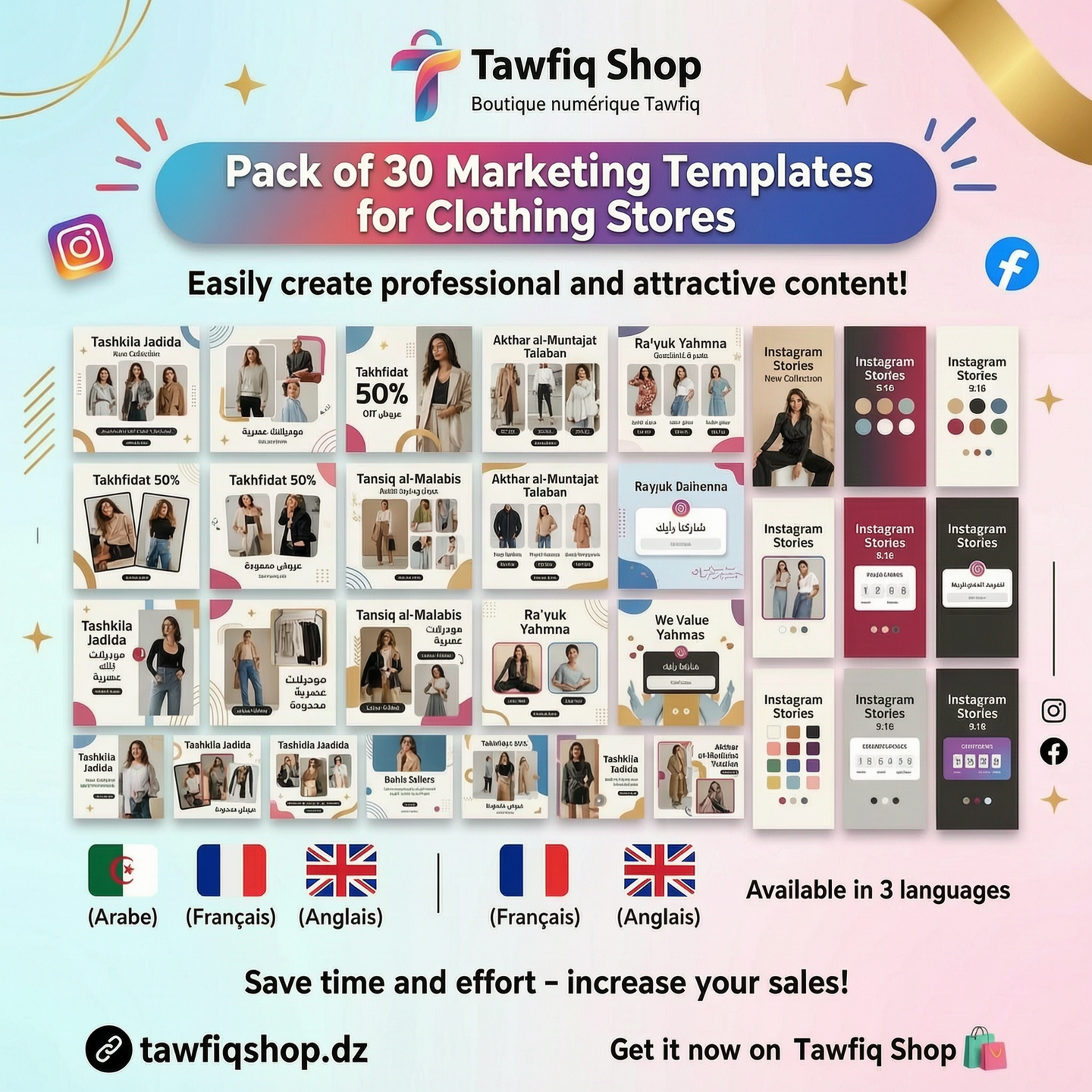
30 Marketing Templates Pack for Clothing Stores - Presentation - Editable in Canva (English Version)
👗👗 30 Marketing Templates Pack for Clothing Stores – Create professional, eye-catching content easily! Do you own a clothing store and struggle to create attractive posts to showcase your products and promote your offers consistently? Do you spend a long time coming up with new marketing ideas for Instagram and Facebook? With the Clothing Store Marketing Templates Pack, you’ll get 30 ready-to-edit designs and posts that help you present your products professionally, engage your audience, and promote your offers and new collections. Forget the hassle of starting from scratch and use organized templates you can customize with your product images, store logo, and business details. What does the pack include? 30 varied templates for marketing content 1. Product showcase posts - Announce the new collection. - Highlight the favorite piece of the week. - Outfit of the day. - Show product colors and details. - Feature best-selling items. 2. Sale and discount posts - Limited-time offers. - Discounts on selected items. - Weekend deals. - Full-look promotions. - Highlight last sizes and special prices. 3. Announcement and teaser posts - Announce arrival of a new collection. - Tease product launches. - Present new sets. - Feature limited-edition releases. - Share behind-the-scenes of product arrivals. 4. Tips and engagement posts - Three-way outfit styling ideas. - Size guide. - Clothing care tips. - Outfit selection polls. - Interactive questions to learn customer preferences. 5. Instagram Stories templates - Pick your favorite color. - Announce restocked items. - Vote between two looks. - Questions and inquiries box. - Countdown to a sale or new collection launch. - Share customer photos and store visits. The pack in three languages Get content in three ready-made language versions: - Arabic. - French. - English. Use the version that suits your audience and expand communication with different customers. Template features - Editable PowerPoint files. - Importable to Canva and editable designs. - Ready marketing copy that can be customized. - Suggested photo and caption ideas. - Dedicated spaces to add product photos, logo and prices. - Square post templates and vertical story designs in 9:16 ratio. - Organized design to help maintain a consistent visual identity. Who is this pack for? - Owners of women’s and men’s clothing stores. - Shoe, bag and accessories shops. - Online fashion retailers. - Marketers and page managers for clothing stores. - Beginners in Instagram and Facebook marketing. Why you need this pack? Because successful marketing isn’t just posting product photos and prices; it requires varied content that showcases products, offers tips, creates engagement, and encourages customers to contact and buy. 30 ready templates to help turn your store’s page into a more professional and attractive marketing showcase! Get the pack now from Tawfiq Shop – Tawfiq Digital Store, and start presenting your products in a more creative and organized way. – Create professional, eye-catching content easily!
 Free preview
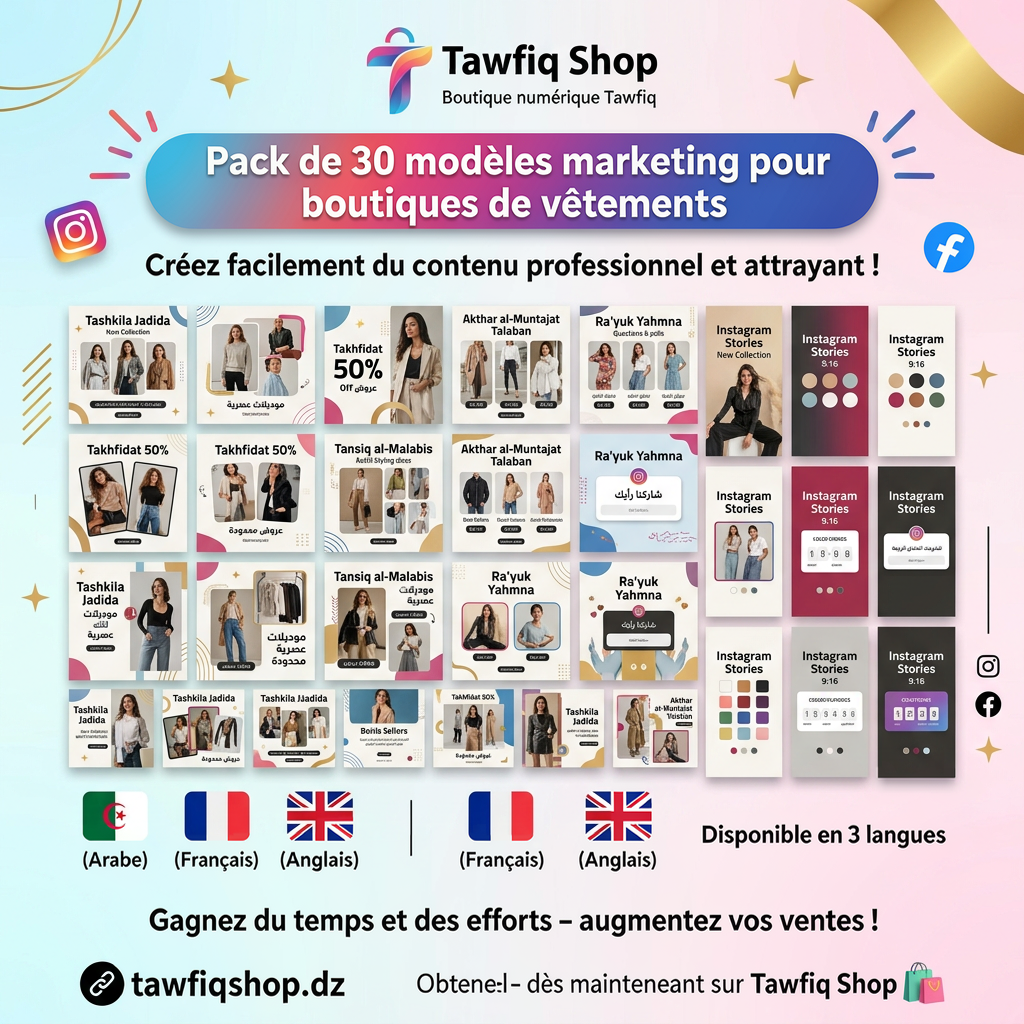
30 Marketing Templates Pack for Clothing Stores - Editable Presentation via Canva (French Version)
👗 👗 30 Marketing Templates Pack for Clothing Stores – Create professional, attractive content easily! Do you own a clothing shop and find it difficult to prepare eye-catching posts to showcase your products and consistently promote your offers? Do you spend a lot of time thinking of new marketing ideas for Instagram and Facebook? With the Clothing Store Marketing Templates Pack, you will get 30 ready-to-edit designs and posts that help you present your products professionally, engage your audience, and promote your offers and new collections. Forget the hassle of starting from scratch and use organized templates you can customize with your product photos, store logo, and business information. What does the pack include? 30 varied marketing content templates 1. Product showcase posts - Announce the new collection. - Highlight the favorite piece of the week. - Show the look of the day. - Present product colors and details. - Feature the best-selling items. 2. Sales and discount posts - Limited-time offers. - Discounts on selected pieces. - Weekend promotions. - Complete-look offers. - Highlight last sizes and special prices. 3. Announcement and teaser posts - Announce the arrival of a new collection. - Tease product launches. - Present new sets. - Highlight limited-edition releases. - Share behind-the-scenes of incoming products. 4. Tips and engagement posts - Outfit ideas styled three ways. - Size guide. - Clothing care tips. - Polls to choose a look. - Interactive questions to learn customer preferences. 5. Instagram Stories templates - Choose your favorite color. - Announce product restocks. - Vote between two looks. - Question box and inquiries. - Countdown to a launch or new offer. - Share customer photos and in-store visits. The pack in three languages Get content in three ready-made language versions: - Arabic. - French. - English. Use the version that fits your audience and expand communication with different customers. Template features - Editable PowerPoint files. - Importable to Canva and editable. - Ready marketing texts, customizable. - Suggested photo ideas and captions. - Placeholders for product images, logo, and prices. - Square post templates and vertical story designs in 9:16 ratio. - Organized design to help maintain a consistent visual identity. Who is this pack for? - Owners of women’s and men’s clothing shops. - Shoe, bag, and accessories stores. - Online fashion stores. - Marketers and page managers of clothing shops. - Beginners in Instagram and Facebook marketing. Why you need this pack Because successful marketing is not limited to posting product photos and prices; it requires varied content that showcases products, offers advice, creates engagement, and encourages customers to connect and buy. 30 ready templates to help turn your store page into a more professional and attractive marketing showcase! Get the pack now from Tawfiq Shop – Tawfiq Digital Store, and start creating professional, attractive content easily!
 Free preview
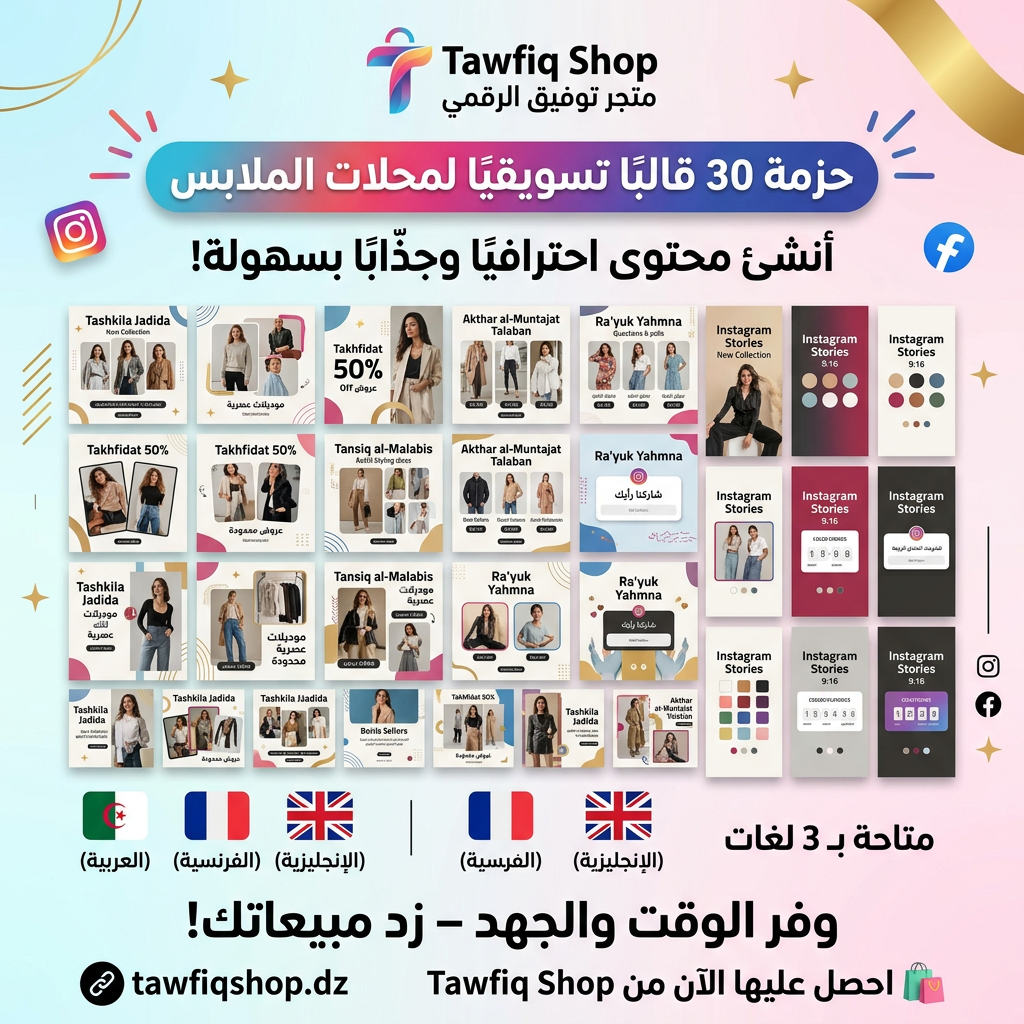
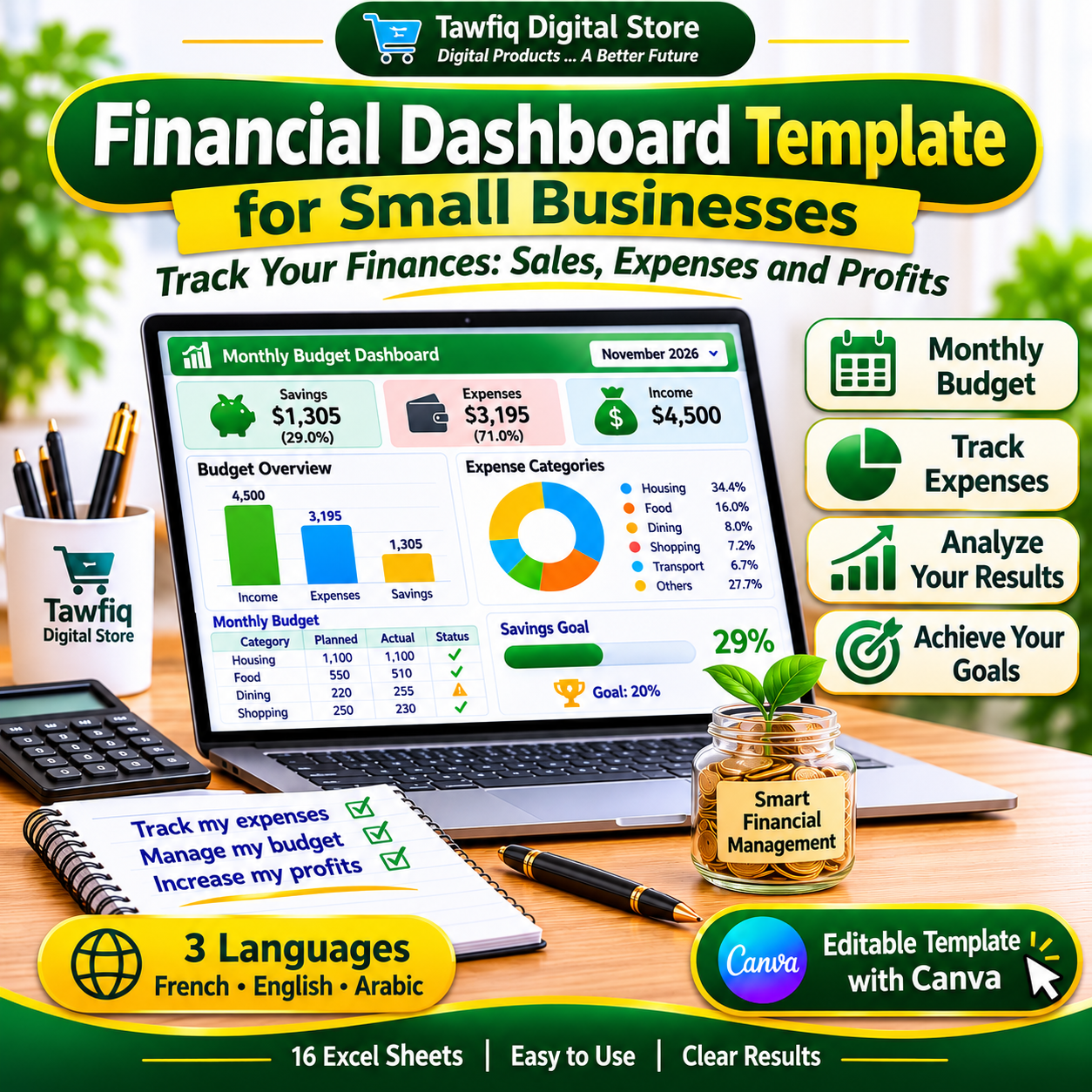
Social Media Post Pack for Small Clothing Businesses - Presentation - Editable via Canva
👗 30 marketing templates pack for clothing stores – create professional, eye-catching content easily! Do you own a clothing store and struggle to create attractive posts to showcase your products and promote your offers consistently? Do you spend too much time coming up with new marketing ideas for Instagram and Facebook? With the Marketing Templates Pack for Clothing Stores, you get 30 ready-to-edit designs and posts that help you present your products professionally, engage your audience, and promote your offers and new collections. Forget starting from scratch and benefit from organized templates you can customize with your product photos, store logo, and business information. What’s included in the pack? 30 versatile marketing content templates 1. Product showcase posts - Announcing new collections. - Highlighting the favorite item of the week. - Outfit of the day features. - Showing product colors and details. - Spotlighting best-selling items. 2. Sales and discount posts - Limited-time offers. - Discounts on selected pieces. - Weekend deals. - Complete-look promotions. - Highlighting remaining sizes and special offers. 3. Announcement and teaser posts - Announcing the arrival of new collections. - Teasing upcoming launches. - Presenting new sets. - Showcasing limited-edition releases. - Sharing behind-the-scenes of product arrivals. 4. Tips and engagement posts - Ideas to style one garment three ways. - Size guide presentations. - Garment care tips. - Outfit polls. - Interactive questions to learn customer preferences. 5. Instagram Stories templates - Choose your favorite color. - Announce product restocks. - Vote between two looks. - Questions and inquiries box. - Countdown to a sale or collection launch. - Share customer photos and in-store visits. The pack in three languages Receive the content in three ready-made language versions: - Arabic. - French. - English. You can use the appropriate version for your audience and expand your reach to different customers. Template features - Editable PowerPoint files. - Files can be imported into Canva and designs edited. - Ready marketing copy that can be customized. - Suggested photo and caption ideas. - Dedicated spaces for product images, logo, and prices. - Square post templates and vertical story designs in 9:16 ratio. - Organized layout to help maintain a consistent visual identity. Who is this pack for? - Owners of women’s and men’s clothing stores. - Shoe, bag, and accessories shops. - Online fashion stores. - Marketers and social media managers for clothing stores. - Beginners in Instagram and Facebook marketing. Why you need this pack Successful marketing is more than posting product photos and prices; it requires varied content that showcases products, offers tips, creates engagement, and encourages customers to interact and buy. 30 ready templates to help turn your store’s page into a more professional and attractive marketing storefront! Get the pack now from Tawfiq Shop – Tawfiq Digital Store and start presenting your products with more creativity and organization.
 Free preview
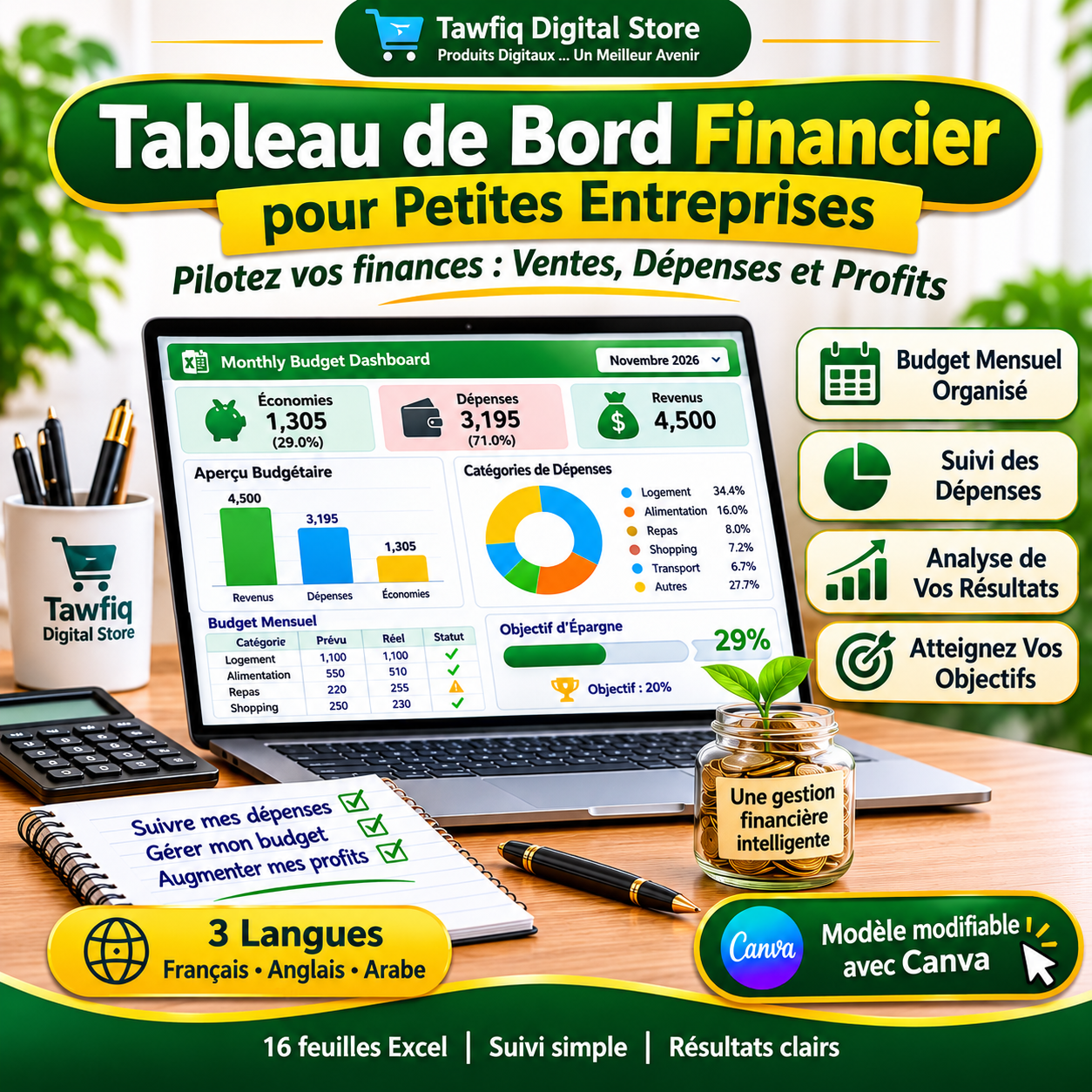
Budget & Expense Organizer - Presentation + Editable Excel File on Canva (English Version)
Budget & Expense Organizer Do you find it difficult to track your expenses and know where your income goes each month? Do you want to organize your finances and save for your goals without complication? The Budget & Expense Organizer is a practical digital template that helps you manage your monthly budget, monitor your expenses, and understand your financial situation through organized tables and clear visual summaries. What does the template include? - Monthly budget: plan income sources and allocate funds according to the 50/30/20 rule. - Expense categories: organize spending by categories such as housing, food, transportation, bills, and entertainment. - Daily expense log: record the date of each transaction, the amount, and the payment method. - Visual financial summary: charts and indicators that help you compare planned budgets with actual spending. - Savings goals: set your financial goals and track progress with a 12-month annual tracker. Available in three languages: Arabic, English, and French. Editable in Canva: customize colors, tables, and charts, add your name or brand, change the currency to suit your needs, then export the template as PDF or PNG or print it in A4 size. Who is this product for? - People who want to organize their income and expenses. - Salaried employees and monthly earners. - Freelancers and small business owners. - Anyone looking to build a saving habit and track their financial goals. Start organizing your finances today! Don’t let your expenses control your budget; track your money clearly, make more informed financial decisions, and give every amount a plan and a purpose. Available now at Tawfiq Digital Store.
 Free preview
Budget & Expense Organizer - Presentation + Editable Excel File on Canva (French Version)
📊 Budget & Expense Organizer Are you struggling to track your expenses and know where your income goes each month? Do you want to organize your money and save for your goals without complication? The Budget & Expense Organizer is a practical digital template that helps you manage your monthly budget, monitor your expenses, and understand your financial situation through organized tables and clear visual summaries. What does the template include? - Monthly budget: plan income sources and allocate funds according to the 50/30/20 rule. - Expense categorization: organize expenses by categories such as housing, food, transportation, bills, and entertainment. - Daily expense log: record the date of each transaction, its amount, and the payment method. - Visual financial summary: charts and indicators that help you compare the planned budget with actual spending. - Savings goals: set your financial goals and track your progress with a 12-month annual tracker. Available in three languages: Arabic, English, and French. Editable on Canva: customize colors, tables, and charts, add your name or brand, change the currency to suit your needs, then export the template as PDF or PNG or print it in A4 size. Who is this product for? - People who want to organize their income and expenses. - Salaried employees and monthly earners. - Freelancers and small business owners. - Anyone looking to build a saving habit and track financial goals. Start organizing your money today! Don’t let your expenses control your budget; track your money clearly, make more informed financial decisions, and give every amount a plan and a purpose. Available now at Tawfiq Digital Store.
 Free preview
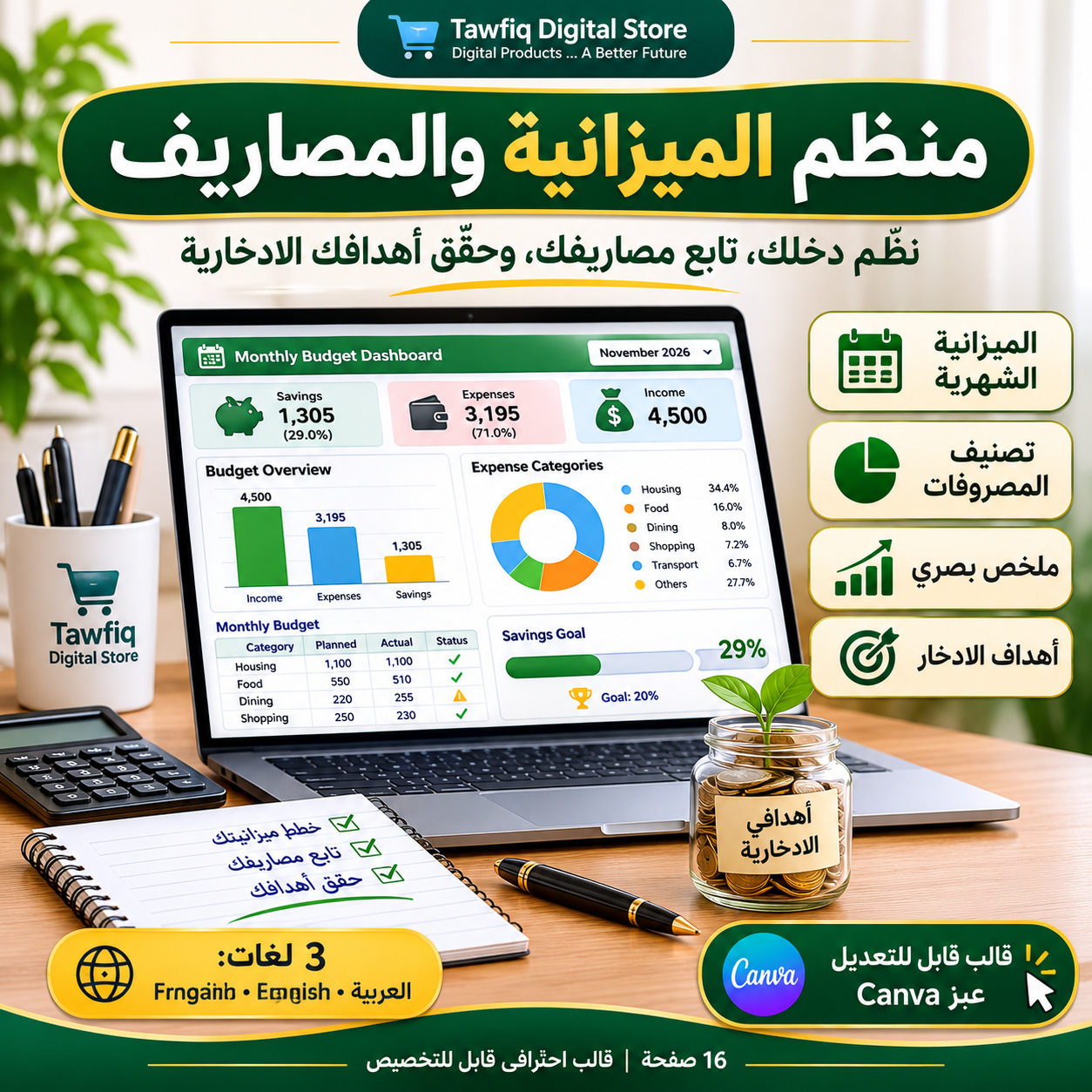
Budget & Expense Organizer — Presentation + Editable Excel File on Canva
📊 Budget & Expense Organizer Are you finding it hard to track your expenses and know where your income goes each month? Do you want to organize your money and save for your goals without complication? The Budget & Expense Organizer is a practical digital template that helps you manage your monthly budget, monitor your spending, and understand your financial situation through organized tables and clear visual summaries. • Monthly budget: plan income sources and allocate funds according to the 50/30/20 rule. • Expense categorization: organize expenses by categories such as housing, food, transportation, bills, and entertainment. • Daily expense log: record the date, amount, and payment method for each transaction. • Visual financial summary: charts and indicators to help you compare planned budget with actual spending. • Savings goals: set financial goals and track your progress with a 12-month annual tracker. • Available in three languages: Arabic, English, and French. • Editable on Canva: customize colors, tables, and charts, add your name or brand, change the currency to suit your needs, then export as PDF or PNG or print at A4 size. Who is this product for? • People who want to organize their income and expenses. • Salaried employees and monthly earners. • Freelancers and small business owners. • Anyone looking to build a saving habit and follow their financial goals. 🚀 Start organizing your money today! Available now in Tawfiq Digital Store.
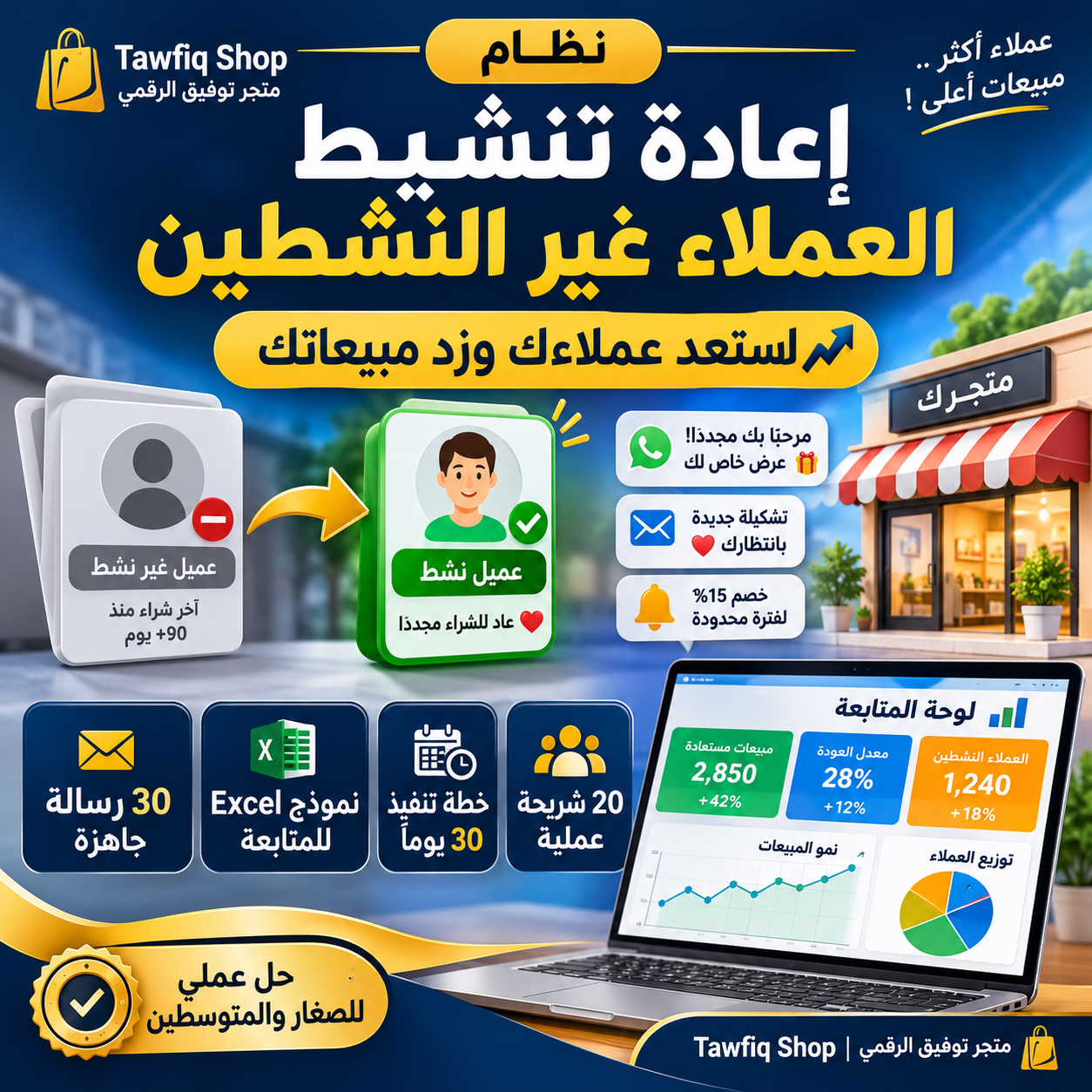
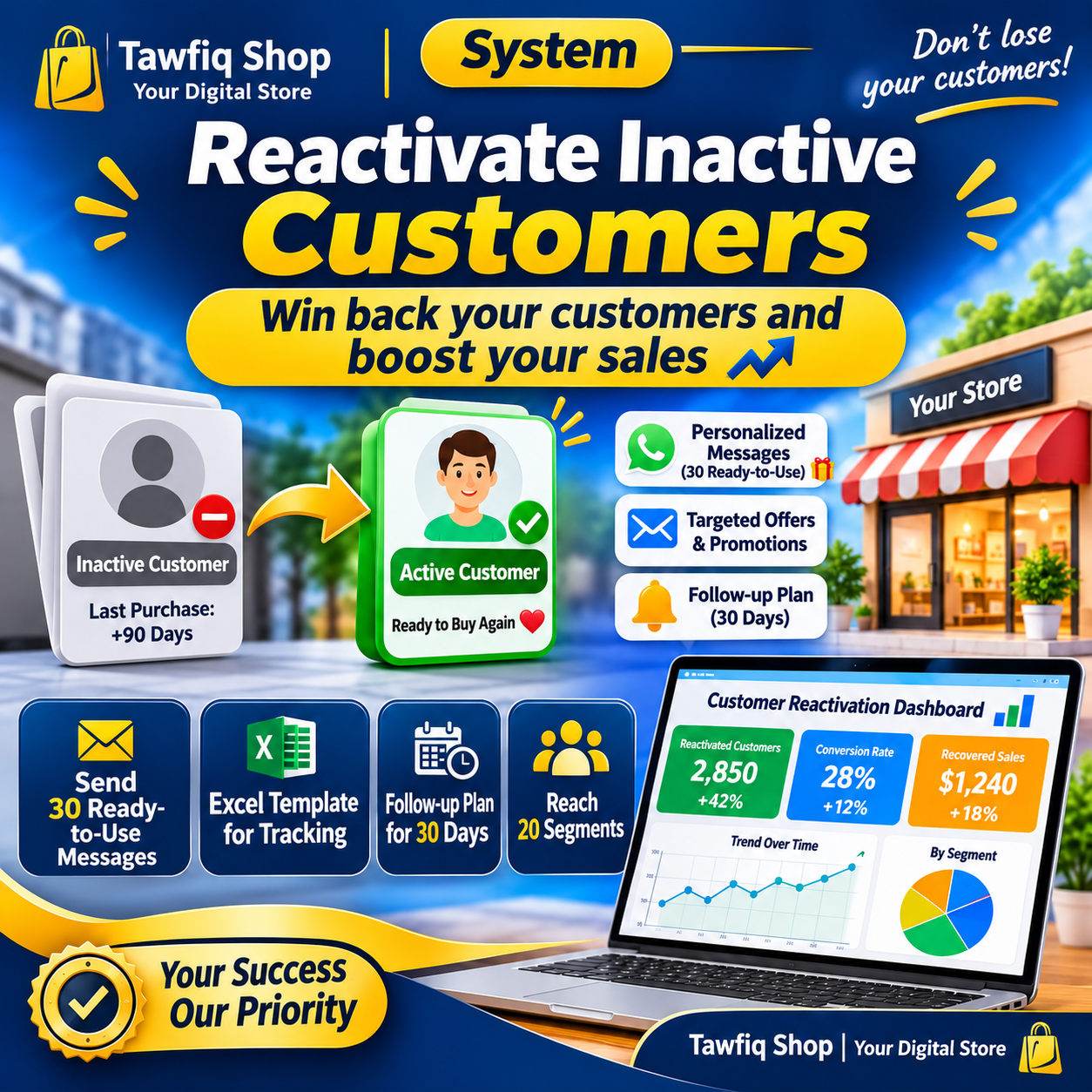
Inactive Customer Reactivation Excel Template + 30 Ready-to-Use Messages
Turn lapsed customers into new sales opportunities! Do you have customers who bought from you before but stopped engaging with your store? Do you struggle to remember their last purchase or to track messages and results? With the Inactive Customer Follow-up Excel template you can organize your customer base, categorize them by inactivity period, follow up communications, and measure recovered sales. 🚀 What does this template offer? Organized customer database: record name, phone number, date of last purchase, and contact date. Automatic customer segmentation: divide customers into Warm, Cold, Dormant and Forgotten based on time since last purchase. Message and offer tracking: log the type of message sent, the offer presented, and the customer response. Automatic calculations: compute days since last purchase and classify customers using formulas. Dashboard: track total customers, messages sent, response rate, recovery rate, and recovered sales. Measure ROI: compare recovered sales to the cost of the offers provided. Clear user guide: practical steps to update data and monitor results. Includes 30 ready-to-use reactivation messages to help you reconnect with customers, present suitable offers, encourage them to return, and recover sales opportunities. 🚀 What’s in the document? 1. 30 ready marketing messages Short, personalized messages ready to copy, edit and send via WhatsApp, and usable in Messenger and SMS. 2. Customer activity segmentation 🟢 Warm customers: 0 to 30 days. 🟡 Cold customers: 31 to 60 days. 🟠 Dormant customers: 61 to 90 days. 🔴 Forgotten customers: more than 90 days.
 Free preview
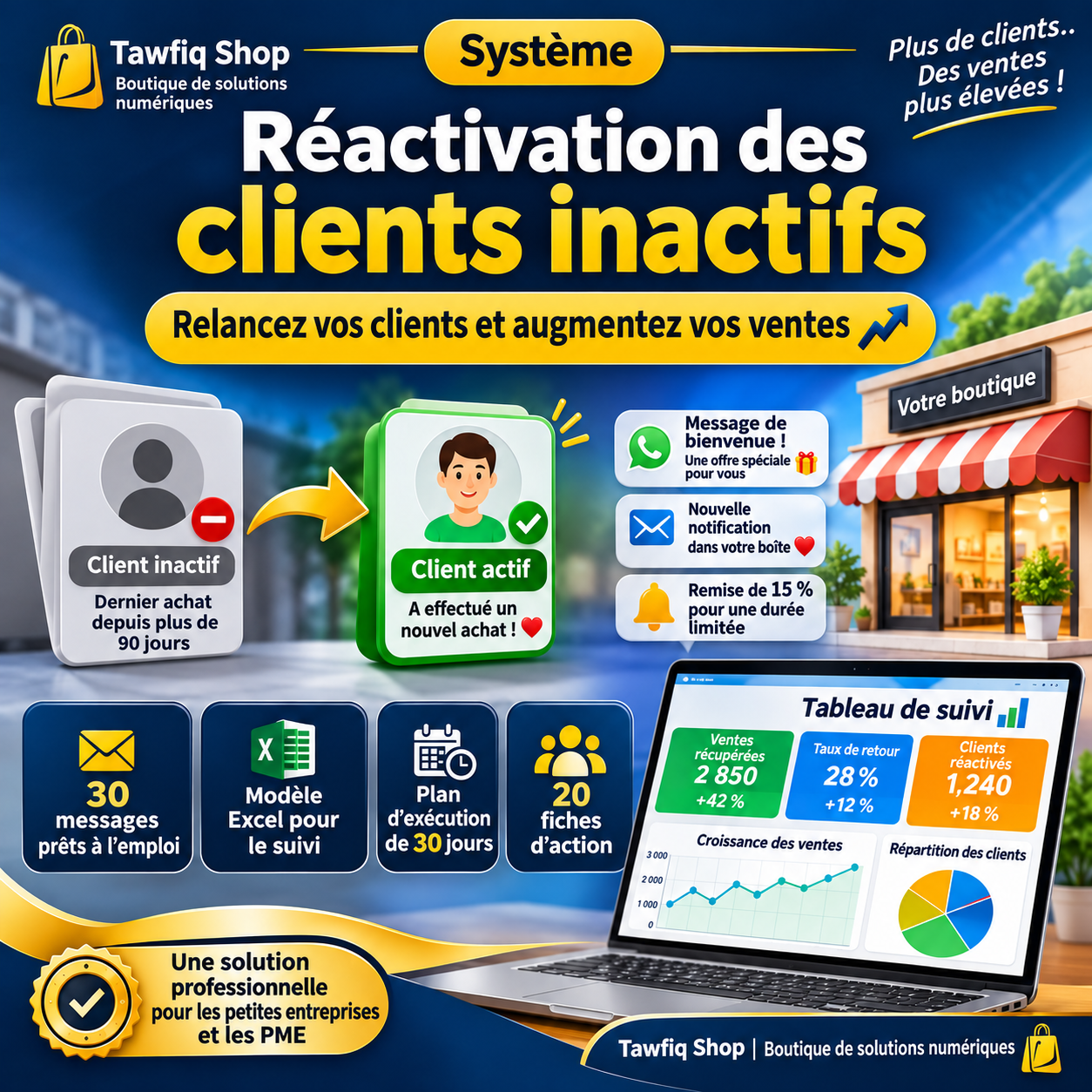
Inactive Customer Reactivation System - Presentation - Editable in Canva (English version)
Inactive Customer Reactivation System – Recover your customers and turn them into new sales! Do you have customers who bought from you before but stopped engaging or purchasing? Are you spending time and money acquiring new customers while there are untapped sales opportunities within your existing customer base? With the Inactive Customer Reactivation System, you receive a practical guide to reconnect with past customers, segment them by length of inactivity, send tailored messages and offers for each segment, then track results and measure recovered sales. Instead of sending random messages to everyone, use an organized system that makes each message more relevant to the customer's needs and how long they've been away from buying. What you will learn inside this system: - Smart customer segmentation: classify customers into four segments by last purchase: active/warm, cold, dormant, and forgotten. - 30 ready-to-use messages: personalized follow-up messages for each segment, copyable, editable and sendable via WhatsApp. - Design comeback offers: learn 6 types of offers such as discounts, free shipping, gifts, bundle deals, early access and free consultations. - Build a follow-up system: organize customer data, contact dates, responses and orders using an Excel template. - Measure results: track response rate, customer recovery rate, recovered sales and average response time. - 30-day implementation plan: move from preparing your customer base to launching reactivation campaigns and optimizing results. What the product includes: - A complete 20-slide presentation. - 30 ready messages for reactivating customers. - An Excel template to segment customers and track contacts and results. - A dashboard to monitor responses and recovered sales. - Practical examples of offers and messages by customer segment. - A 30-day action plan. - Files editable with Canva, PowerPoint and Google Slides. Who this system is for: - Small and medium shop owners. - Sellers on WhatsApp, Instagram and Facebook. - Service providers and home-based business owners. - Marketers and customer relationship managers. - Any business with past customers that wants to build ongoing relationships with them. Why you need to reactivate your customers: A customer who bought from you before already knows your store and may only need a timely reminder, an attractive offer or personal contact to return to buying. Do not let past customers forget your store. Reconnect with them, give them a reason to come back, and turn organized follow-up into new sales opportunities. Get the Inactive Customer Reactivation System from Tawfiq Shop – Tawfiq Digital Store and start recovering sales opportunities that may already exist in your customer base.
 Free preview
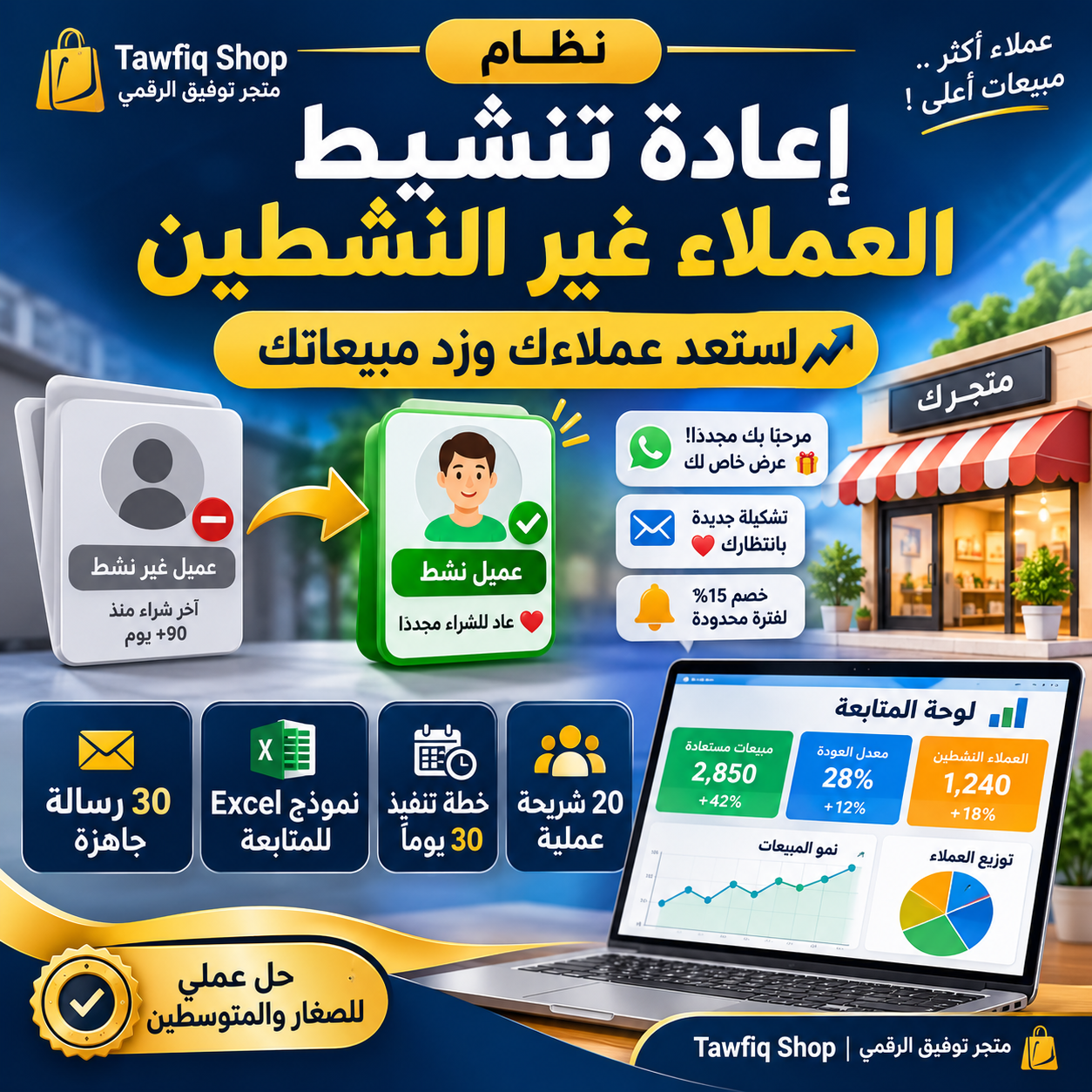
Inactive Customer Reactivation System - Presentation - Editable via Canva (French Version)
🔄 Inactive Customer Reactivation System – Win back your customers and turn them into new sales! Do you have customers who bought from you before but stopped interacting or purchasing? Are you spending time and money acquiring new customers while untapped sales opportunities exist within your current customer base? With the Inactive Customer Reactivation System, you get a practical guide to reconnect with past customers, segment them by length of inactivity, send tailored messages and offers for each segment, then track results and measure recovered sales. Instead of sending random messages to everyone, use an organized system that makes each message more relevant to the customer's needs and stage of inactivity. What you will learn: - Smart customer segmentation: classify customers into four categories based on last purchase: warm-active, cold, dormant, and forgotten. - 30 ready-made messages: personalized follow-up messages for each segment, copy-and-edit ready for WhatsApp. - Return offer designs: learn 6 types of offers such as discounts, free shipping, gifts, bundle deals, early access, and free consultations. - Building a follow-up system: organize customer data, contact dates, responses and orders using an Excel template. - Measuring results: track response rate, customer recovery rate, recovered sales and average response time. - A 30-day implementation plan: move from preparing the customer base to launching reactivation campaigns and optimizing results. What's included: - A complete 20-slide presentation. - 30 ready messages for reactivating customers. - An Excel template for classifying customers and tracking communication and results. - A dashboard to monitor responses and recovered sales. - Practical examples of offers and messages by customer segment. - A 30-day action plan. - Files editable with Canva, PowerPoint and Google Slides. Who this is for: - Small and medium shop owners. - Sellers on WhatsApp, Instagram and Facebook. - Service providers and home-based business owners. - Marketers and customer relationship managers. - Any business with past customers that wants to build ongoing relationships with them. Why you need to reactivate your customers: A customer who bought from you before already knows your store and may only need the right reminder, an attractive offer or personal outreach to buy again. Don't let past customers forget your store! Reconnect with them, give them a reason to return, and turn organized follow-up into new sales opportunities. Get the Inactive Customer Reactivation System from Tawfiq Shop – Tawfiq Digital Store and start reclaiming sales opportunities that may already exist in your customer base.
 Free preview
Inactive Customer Re-engagement System - Presentation - Editable in Canva
🔄 Inactive Customer Re-engagement System – Win back your customers and turn them into new sales! Do you have customers who bought from you before but have stopped interacting or purchasing? Are you spending time and money acquiring new customers while there are untapped sales opportunities inside your existing customer base? With the Inactive Customer Re-engagement System you get a practical guide to reconnect with past customers, segment them by length of inactivity, send tailored messages and offers for each group, then track results and measure recovered sales. Instead of sending random messages to everyone, use an organized system that makes every message more relevant to the customer's needs and stage of inactivity. 🚀 What you'll learn inside this system: ✅ Smart customer segmentation: classify customers into four categories by last purchase: Active/Warm, Cold, Dormant, Forgotten. ✅ 30 ready-made messages: use personalized follow-up messages for each segment, copyable and editable for sending via WhatsApp. ✅ Designing return offers: learn 6 types of offers such as discounts, free shipping, gifts, value bundles, early access, and free consultations. ✅ Building a follow-up system: organize customer data, contact dates, responses and orders using an Excel template. ✅ Measuring results: track response rate, customer recovery rate, recovered sales and average response time. ✅ 30-day implementation plan: move from preparing your customer base to launching re-engagement campaigns and optimizing results. 📦 What the product includes: - A complete 20-slide presentation. - 30 ready messages for customer re-engagement. - An Excel template for segmenting customers and tracking contacts and results. - A dashboard to monitor responses and recovered sales. - Practical examples of offers and messages by customer segment. - A 30-day action plan. - Files editable with Canva, PowerPoint and Google Slides. 🎯 Who this system is for: - Small and medium shop owners. - Sellers on WhatsApp, Instagram and Facebook. - Service providers and home-business owners. - Marketers and customer relationship managers. - Any business with past customers that wants to build ongoing relationships with them. 💡 Why you need to re-engage your customers: A customer who has bought from you before already knows your store; they may only need an appropriate reminder, a suitable offer, or a personal contact to return and buy again. Don’t let past customers forget your store! Reconnect with them, give them a reason to return, and turn organized follow-up into new sales opportunities. 🛍️ Get the Inactive Customer Re-engagement System from Tawfiq Shop – Tawfiq Digital Store and start recovering sales opportunities that may already exist within your customer base.
 Free preview
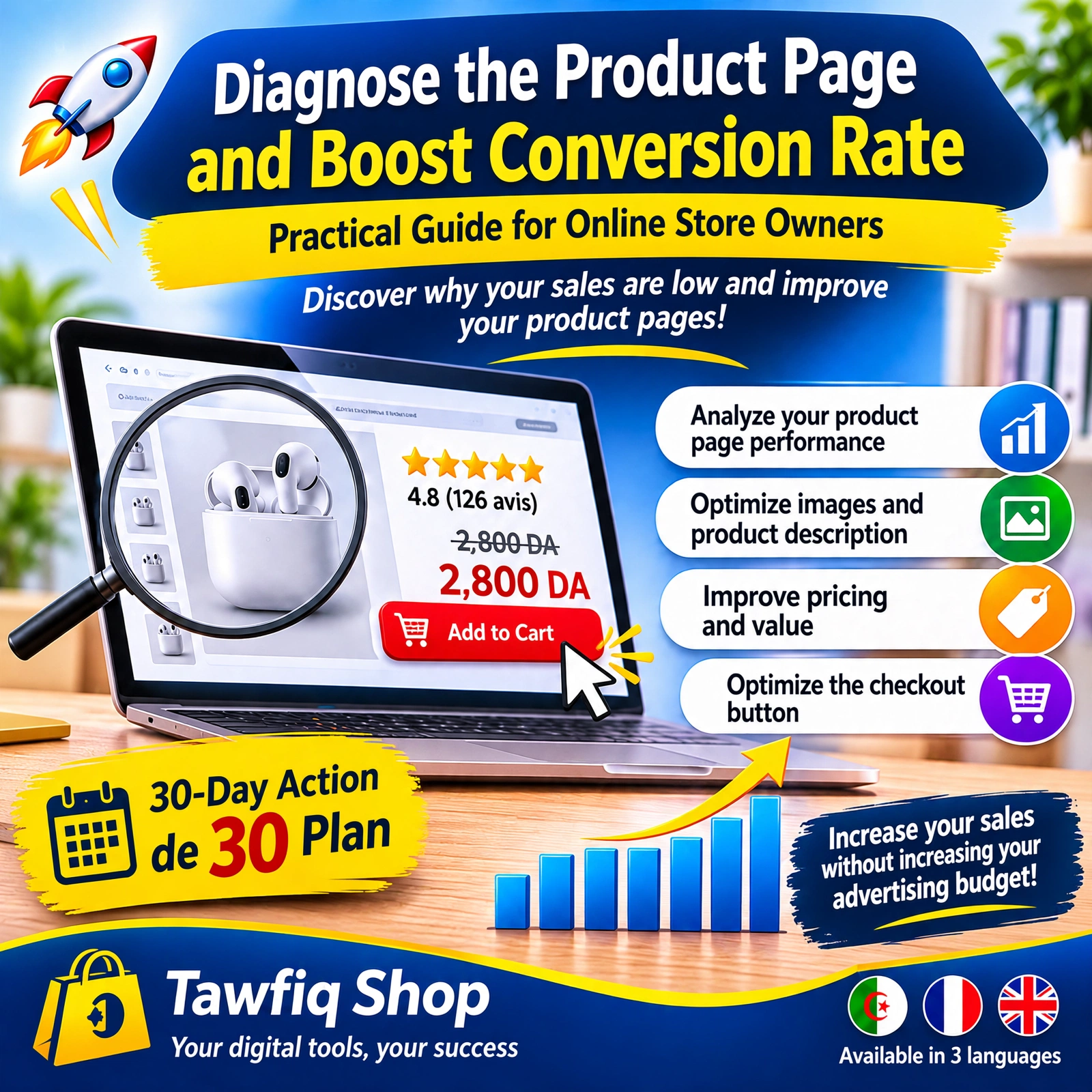
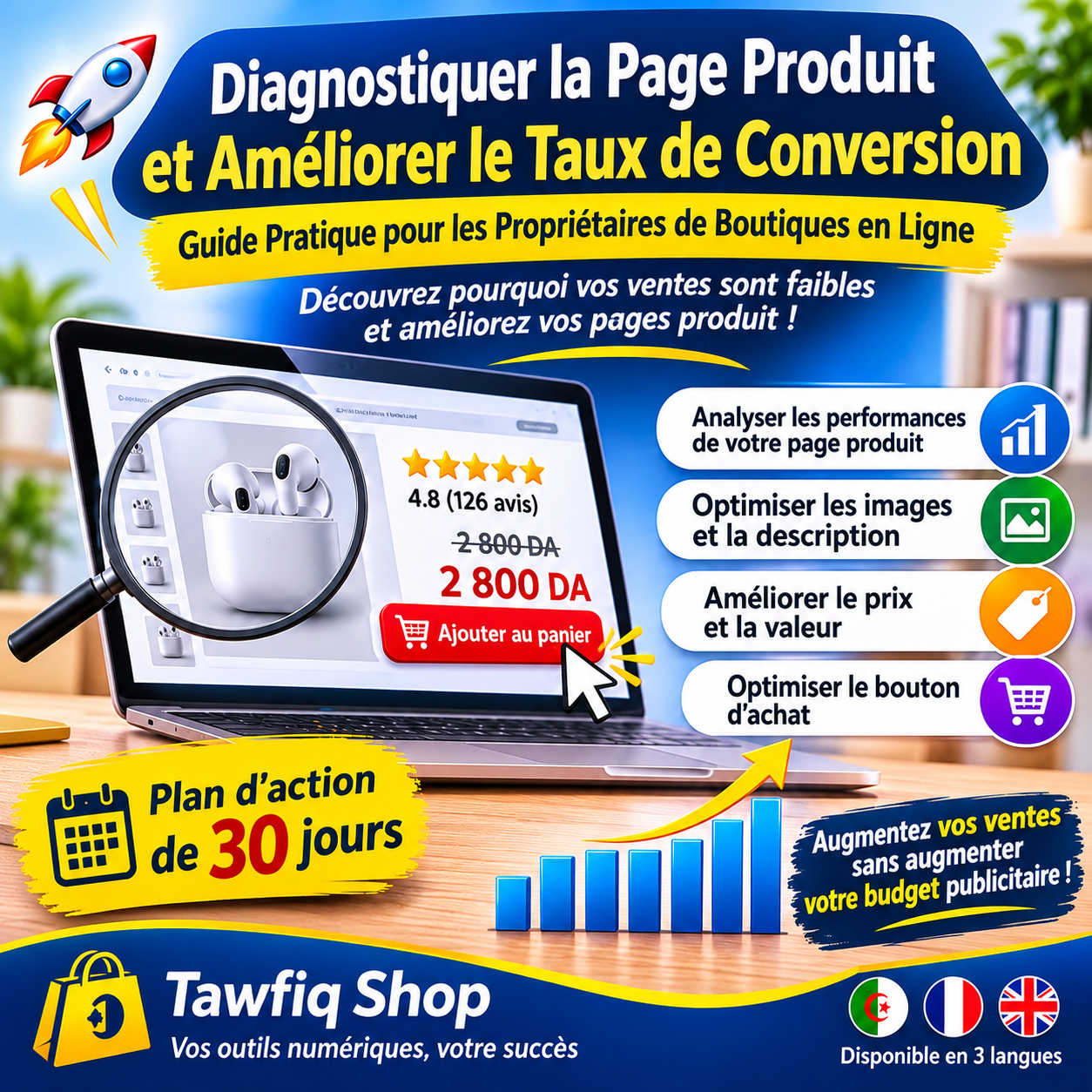
Product Page Diagnosis & Conversion Rate Optimization - Presentation - Editable via Canva (English Version)
🚀 Product Page Diagnosis and Conversion Rate Optimization | Turn your store visits into more orders and sales! Is your online store getting visits but orders and sales don't reflect that traffic? Do customers land on your product pages and leave without adding items to the cart? The problem may not be the ads or the number of visitors, but the product page itself! With the Product Page Diagnosis and Conversion Rate Optimization Guide, you will learn how to identify the weaknesses that prevent customers from buying and determine what to improve first — from images and descriptions to price and the buy button. Instead of increasing ad spend to bring more visitors, learn how to make better use of the traffic you already have. 📊 What you'll learn inside this guide: 1️⃣ Diagnosing product page performance - Understand conversion rate and how to calculate it. - Identify the stages where visitors drop off. - Discover the biggest leak points in the purchase journey. - Distinguish between a product page issue and a checkout issue. 2️⃣ Improving product images - Choose a clear, attractive main image. - Show the product from multiple angles. - Highlight materials and details with close-ups. - Add photos or videos of the product in use. - Clarify size and box contents. - Improve image quality, loading speed, and mobile display. 3️⃣ Writing descriptions that convince customers to buy - Turn features into clear benefits. - Use numbers and specifics instead of vague phrases. - Answer customers' questions and objections. - Clarify sizing, shipping, returns, and warranty. - Learn the difference between a weak description and a professionally persuasive one. 4️⃣ Improving price presentation and perceived value - Emphasize product value before showing the price. - Use ratings and benefits to support the purchase decision. - Display previous price and the real discount clearly. - Show shipping cost and delivery time without surprises. - Use quantity offers to increase cart value. 5️⃣ Improving the buy button (Call To Action) - Design a prominent, easily noticeable button. - Use clear text like "Add to Cart" or "Buy Now." - Optimize its visibility on mobile screens. - Place shipping, returns, and payment info nearby. - Reduce elements that distract the customer. 🛠️ Tools that help you diagnose the problem The guide covers four information sources: - Google Analytics 4: to see visits, conversion rates, and add-to-cart metrics. - Microsoft Clarity: to view heatmaps and visitor session recordings. - PageSpeed Insights: to test product page load speed. - Customer messages and reviews: to understand frequent questions, hesitations, and returns. 🧪 Learn to test improvements the right way You won't need to change everything at once. You'll learn a practical four-step methodology: 1. Form a clear hypothesis for improvement. 2. Make only one change at a time. 3. Measure results and compare them to a similar period. 4. Keep the successful change or try another solution. 🗓️ A 30-day practical implementation plan - Week 1 — Diagnosis: identify add-to-cart and conversion rates and find the biggest issue. - Week 2 — Fixes: improve images, description, price, and the buy button. - Week 3 — Testing: try one change in the weakest area. - Week 4 — Measurement: compare results and implement the successful improvements. 🎯 Who this guide is for? - Online store owners. - Sellers on e-commerce platforms. - Small and medium business owners. - Digital marketers and store managers. - Anyone getting traffic to product pages who wants to turn visits into orders. 💡 Why you need this guide Because more traffic alone doesn't guarantee more sales. A good product page answers the customer's questions, removes doubts, and clearly shows the product's value and the next step to take. Diagnose the problem, improve your product page, and test the results with numbers! Get your practical guide now from Tawfiq Shop — Tawfiq Digital Store, and start turning your product pages into a clearer, more persuasive buying experience.
 Free preview
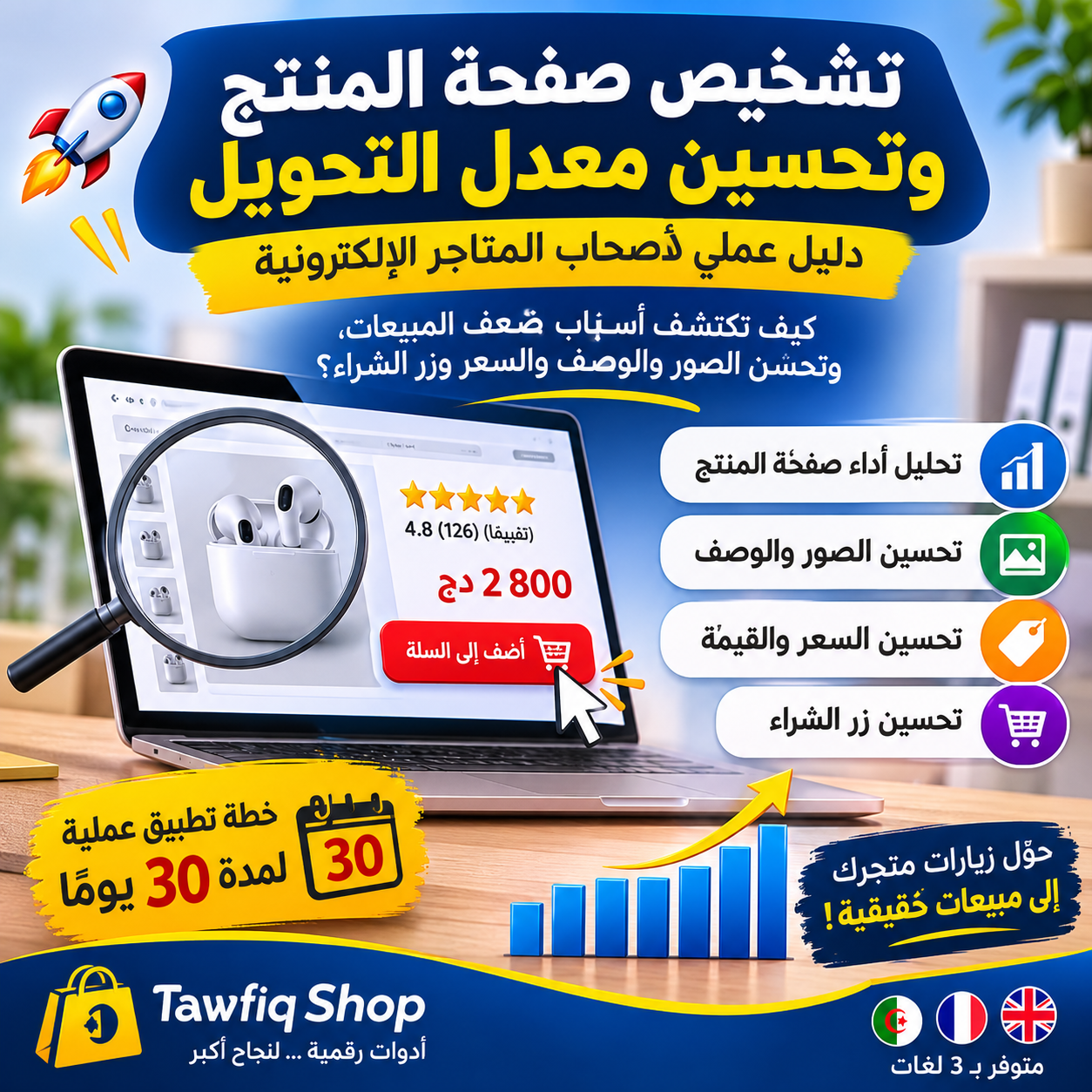
Product Page Diagnosis and Conversion Rate Optimization - Presentation - Editable via Canva (French Version)
🚀 Product Page Diagnosis and Conversion Rate Optimization | Turn your store visits into more orders and sales! Does your online store get traffic but orders and sales don't reflect it? Do customers visit your product pages and then leave without adding items to the cart? The problem may not be the ads or the number of visitors, but the product page itself! With the Product Page Diagnosis and Conversion Rate Optimization Guide, you'll learn how to spot the weaknesses that prevent customers from buying and decide what to improve first — from images and descriptions to price and the buy button. Instead of increasing your ad budget to attract more visitors, learn how to make better use of the traffic you already have. What you'll learn inside this guide: 1. Diagnosing product page performance - Understand conversion rate and how it's calculated. - Identify the stages where visitors drop off. - Discover the biggest leaks in the purchase journey. - Differentiate between a product page problem and a checkout problem. 2. Improving product images - Choose a clear, attractive main image. - Show the product from multiple angles. - Highlight materials and details with close-ups. - Add photos or videos of the product in use. - Clarify size and box contents. - Improve image quality, loading speed, and mobile display. 3. Writing descriptions that convince customers - Turn features into clear benefits. - Use numbers and specific details instead of vague phrases. - Answer customers' questions and objections. - Clarify sizing, shipping, returns, and warranty. - Learn the difference between a weak description and a persuasive, professional one. 4. Improving price and perceived value - Emphasize product value before showing the price. - Use reviews and benefits to support the purchase decision. - Show the previous price and the real discount clearly. - Display shipping cost and delivery time with no surprises. - Use quantity offers to increase cart value. 5. Optimizing the Buy button (Call To Action) - Design a prominent, easy-to-notice button. - Choose clear text like "Add to Cart" or "Order Now." - Improve its visibility on mobile screens. - Place shipping, returns, and payment information near it. - Reduce elements that distract the customer. Tools that help you diagnose the problem The guide refers to four information sources: - Google Analytics 4: to know visits, conversion rates, and add-to-cart rates. - Microsoft Clarity: to view heatmaps and visitor session recordings. - PageSpeed Insights: to test product page loading speed. - Customer messages and reviews: to understand frequent questions and reasons for hesitation and returns. Learn how to test improvements correctly You don't need to change everything at once! You'll learn a practical four-step methodology: 1. Form a clear hypothesis for improvement. 2. Make only one change at a time. 3. Measure results and compare them with a similar period. 4. Implement the successful change or try another solution. 30-day practical implementation plan - Week 1 – Diagnosis: Identify add-to-cart and conversion rates and find the biggest issue. - Week 2 – Fix: Improve images, description, price, and buy button. - Week 3 – Test: Try one change in the weakest area. - Week 4 – Measure: Compare results and apply successful improvements. Who is this guide for? - Online store owners. - Sellers on e-commerce platforms. - Small and medium business owners. - Digital marketers and store managers. - Anyone who gets visits to product pages and wants to turn them into orders. Why you need this guide? Because more visits alone don't guarantee more sales. A good product page answers the customer's questions, removes their doubts, clarifies the value of what they will buy, and shows the next step to take. Diagnose the problem, improve your product page, and test results with numbers! 🛍️ Get your practical guide now from Tawfiq Shop – Tawfiq Digital Store, and start turning your product pages into a clearer, more convincing buying experience.
 Free preview
Product Page Diagnosis & Conversion Rate Optimization - Presentation - Editable via Canva
🚀 Product Page Diagnosis and Conversion Rate Optimization | Turn your store’s visits into more orders and sales! Is your online store getting visits but the number of orders and sales doesn’t reflect that traffic? Do customers visit your product pages and then leave without adding products to the cart? The problem may not be the ads or the visitor numbers, but the product page itself. With the Product Page Diagnosis & Conversion Rate Optimization Guide, you’ll learn how to find the weaknesses that prevent customers from buying and decide what to improve first — from images and descriptions to price and the buy button. Instead of increasing ad budgets to bring more visitors, learn how to get more value from the visitors you already have. What you’ll learn inside this guide: 1) Diagnosing product page performance - Understanding conversion rate and how it’s calculated. - Identifying the stages where visitors drop off. - Discovering the biggest leakage points in the purchase journey. - Distinguishing between a product page issue and a checkout issue. 2) Improving product images - Choosing a clear, attractive main image. - Showing the product from multiple angles. - Highlighting materials and details with close-ups. - Adding images or videos of the product in use. - Clarifying size and box contents. - Improving image quality, loading speed, and mobile display. 3) Writing descriptions that convince customers to buy - Turning features into clear benefits. - Using numbers and specifics instead of general phrases. - Answering customers’ questions and objections. - Clarifying sizes, delivery, returns, and warranty. - Recognizing the difference between a weak description and a persuasive professional one. 4) Improving price and value presentation - Highlighting product value before showing the price. - Using reviews and benefits to support the purchase decision. - Showing the previous price and the real discount clearly. - Displaying shipping cost and delivery time without surprises. - Using quantity offers to increase cart value. 5) Improving the buy button (Call To Action) - Designing a prominent, easy-to-notice button. - Choosing clear text like “Add to Cart” or “Order Now”. - Improving its visibility on phone screens. - Placing delivery, returns, and payment information near it. - Reducing elements that distract the customer. Tools that help you diagnose the problem The guide identifies four information sources: - Google Analytics 4: to know visits, conversion rates, and add-to-cart metrics. - Microsoft Clarity: to view heatmaps and session recordings. - PageSpeed Insights: to test product page loading speed. - Customer messages and reviews: to understand frequent questions and reasons for hesitation and returns. Learn how to test improvements correctly You won’t need to change everything at once! You’ll learn a practical four-step methodology: 1. Form a clear hypothesis for improvement. 2. Make only one change. 3. Measure results and compare them to a similar period. 4. Keep the successful change or try another solution. 30-day practical implementation plan - Week 1 – Diagnosis: determine add-to-cart and conversion rates and find the biggest problem. - Week 2 – Fix: improve images, description, price, and buy button. - Week 3 – Test: try one change in the weakest area. - Week 4 – Measure: compare results and consolidate successful improvements. Who this guide is for - E-commerce store owners. - Online sellers and e-commerce platform vendors. - Small and medium business owners. - Digital marketers and store managers. - Anyone getting visits to product pages and wanting to improve conversion into orders. Why you need this guide Because increasing visits alone doesn’t guarantee more sales. A good product page answers the customer’s questions, removes their doubts, clarifies the value of what they’ll buy, and shows the next step to take. Diagnose the problem, improve your product page, and test the results with numbers! Get your practical guide now from Tawfiq Shop – Tawfiq Digital Store, and start turning your product pages into a more persuasive and clear shopping experience.
 Free preview
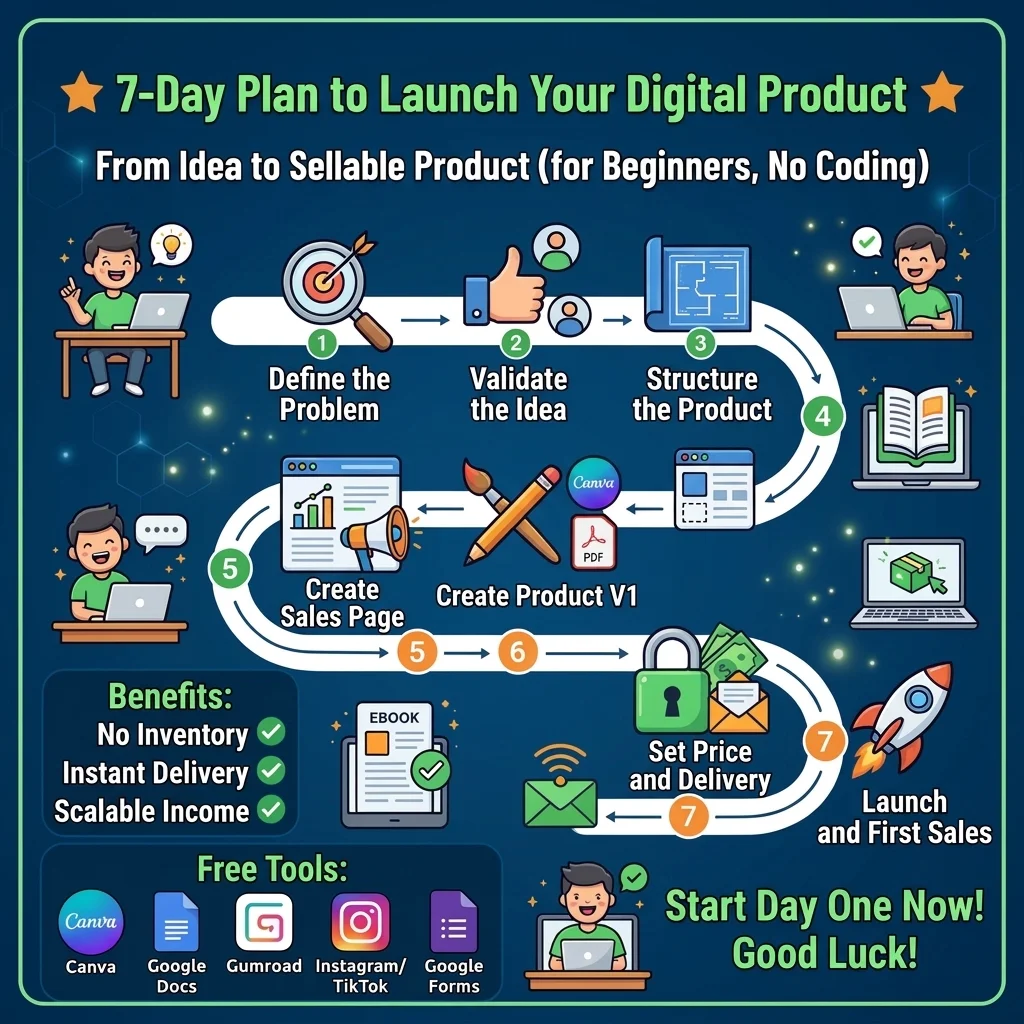
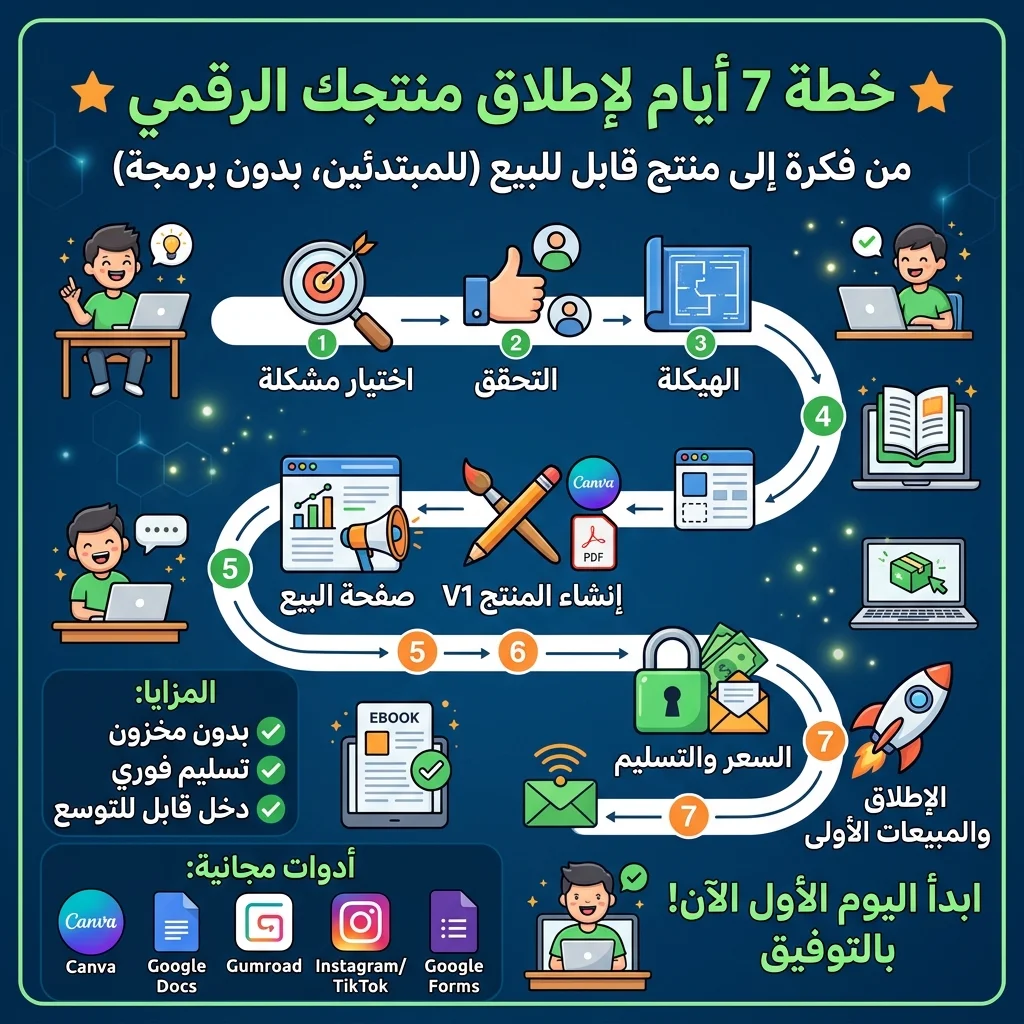
From Idea to a Sellable Digital Product in 7 Days — Presentation — Editable in Canva (English Version)
Overview: A practical, step-by-step daily plan spread over a full week (7 days) to help beginners turn any experience or skill into a sellable digital product (for example, an e-book or a set of templates editable in Canva) and sell it online.
 Free preview
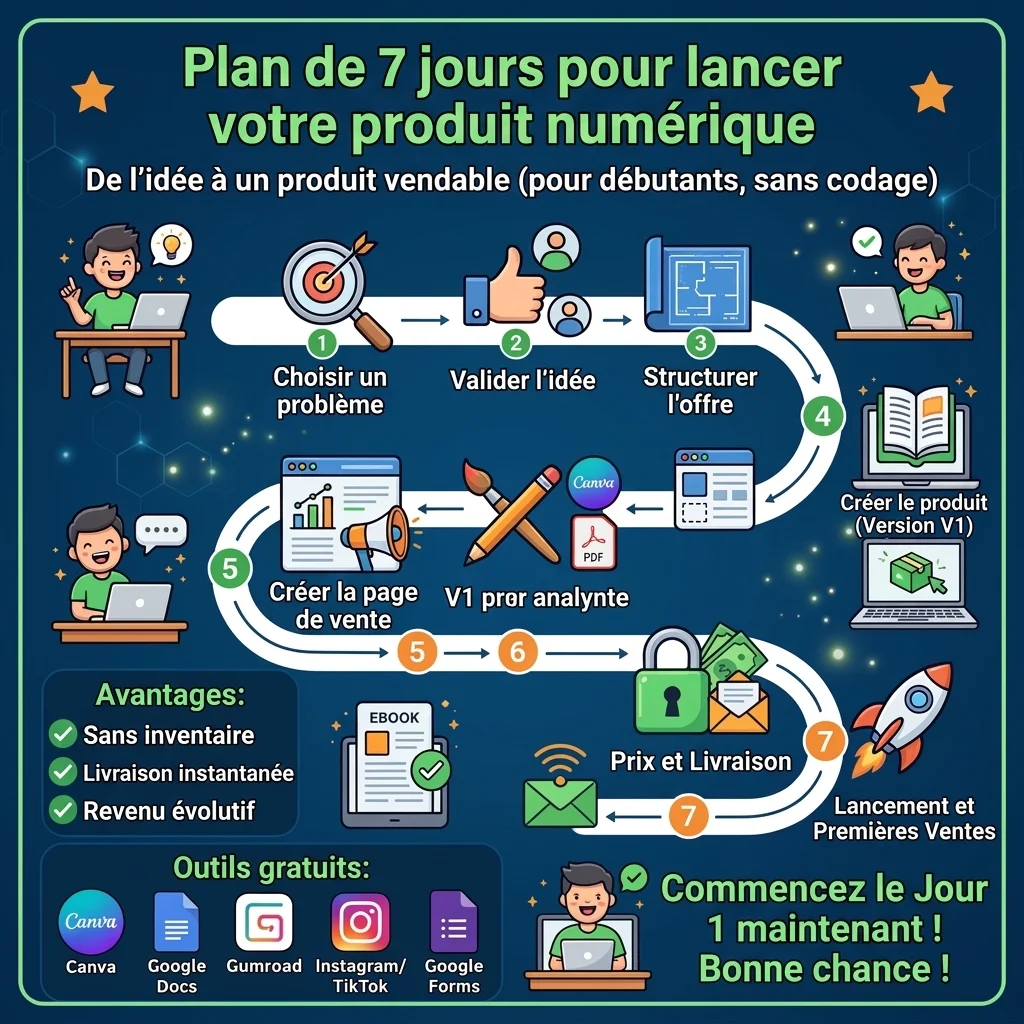
From Idea to a Sellable Digital Product in 7 Days — Presentation — Editable in Canva (French Version)
File concept: This file provides a complete, practical day-by-day plan spread across a full week (7 days) to help beginners turn any expertise or skill they have into a digital product (such as an e-book or a pack of Canva-editable templates) and sell it online.
 Free preview
From Idea to a Sellable Digital Product in 7 Days - Editable Canva Presentation
This resource delivers a practical, ready-to-follow daily plan spread across a full week (7 days) to help beginners transform any expertise or skill they have into a digital product (for example, an e‑book or a pack of templates editable in Canva) and sell it online.
 Free preview
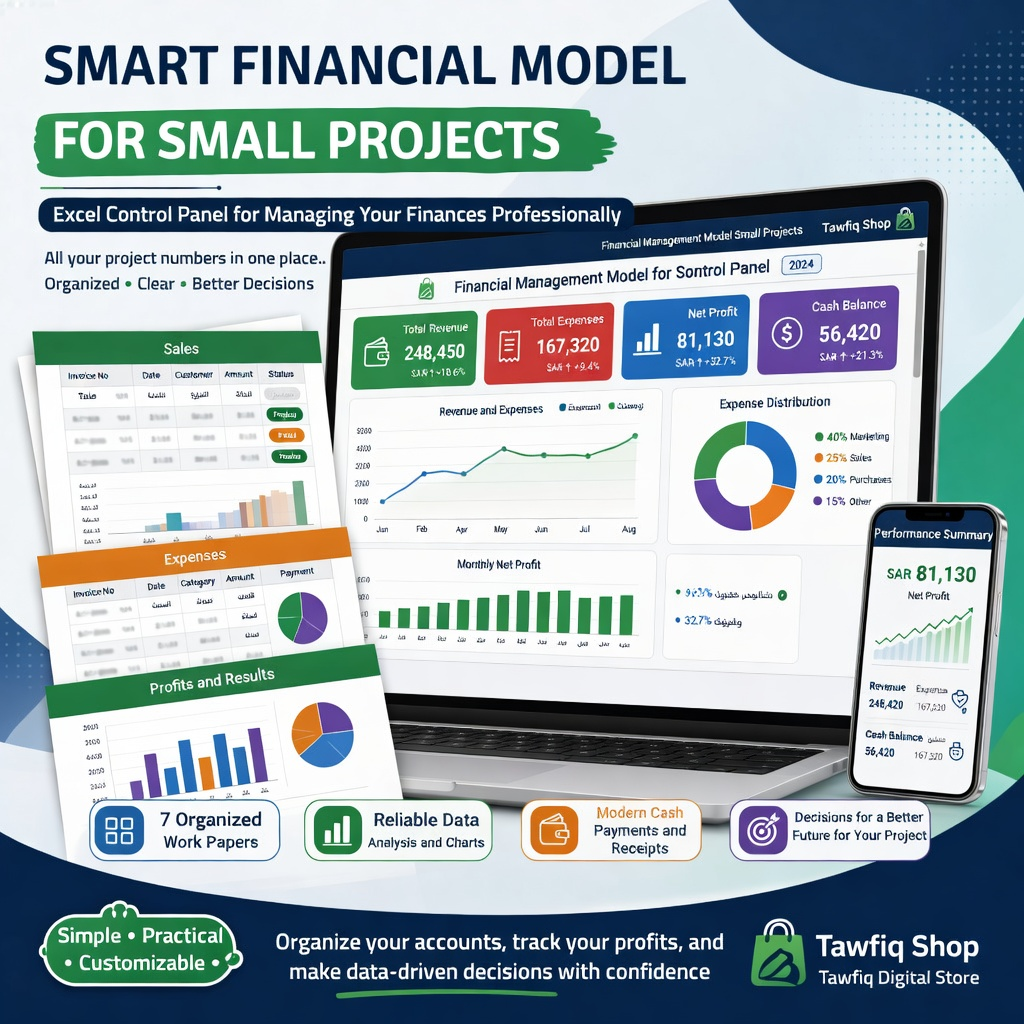
Small Business Financial Dashboard — Excel Template (English Version)
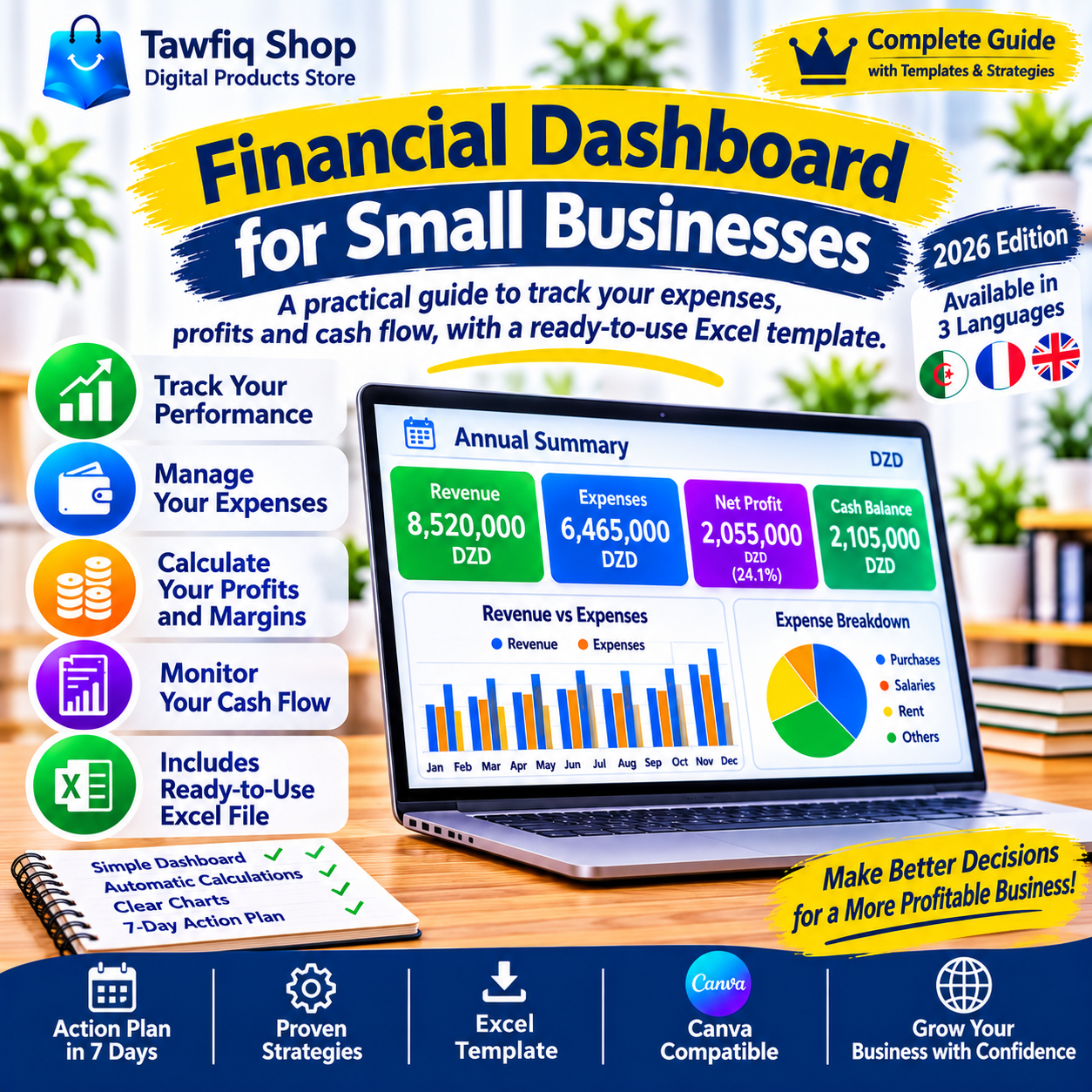
Financial Dashboard for Small Businesses — take control of your money and make smarter decisions! Do you own a small business and want to know your true financial position? Struggling to track sales, expenses, profits, and cash flow? With the Small Business Financial Dashboard, you can organize your business accounts and monitor financial performance using a practical Excel file that brings the most important indicators into one place—without needing complex accounting systems. What this product gives you: • Track revenues and sales: record your business income and follow its development clearly. • Manage expenses: organize and categorize spending to see where your money goes. • Calculate profits: monitor net profit and profit margin to understand real performance. • Monitor cash flow: track money coming in and going out and keep an eye on liquidity. • Visual dashboard: benefit from key indicators and charts that make analysis and interpretation easier. • Ready Excel template: start using the file after entering your data and customize it to your needs. What’s included: • Excel file for organizing financial data. • Dashboard to follow key financial indicators. • Tables for tracking sales and expenses. • Tools to analyze profits and margins. • Cash flow tracking. • Charts to illustrate financial performance. • A practical guide to help you set up and use the template. Available in three languages: Arabic, French and English. Who this product is for: • Small and medium business owners. • Store and shop owners. • Entrepreneurs and startup founders. • Freelancers and service providers. • Anyone who wants to organize their accounts and monitor finances easily. Why you need a financial dashboard: Sales figures alone aren’t enough. You need to know your expenses, profits, and available cash so you can make better decisions and identify areas for improvement. Organize your numbers, understand your business performance, and make financial decisions based on clear data! Get this digital product now from Tawfiq Shop – Tawfiq Digital Store, and start a more organized, professional financial management journey.
 Free preview
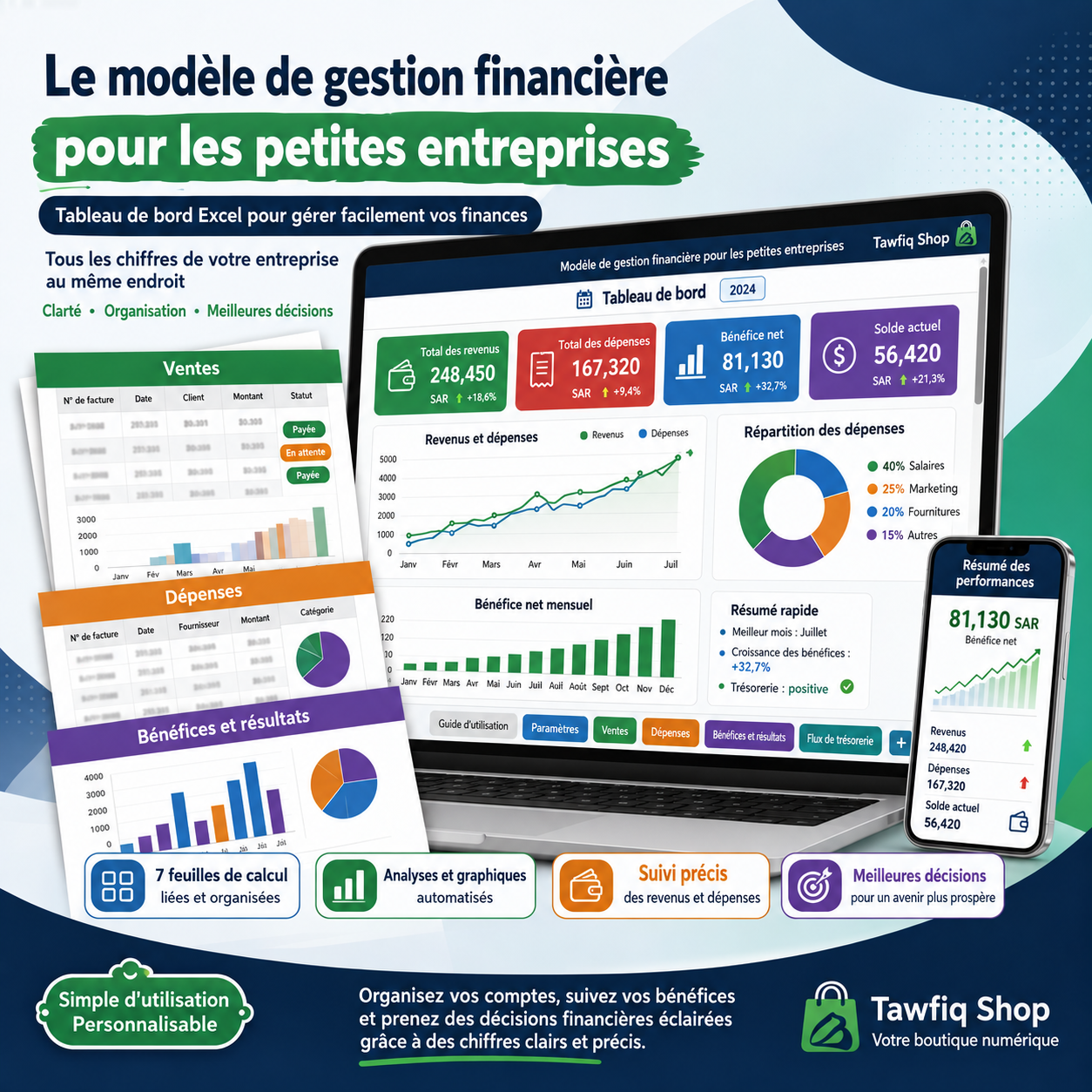
Small Business Financial Dashboard — Excel Template (French Version)
Financial Dashboard for Small Businesses – Take control of your money and make smarter decisions! Do you own a small business and want to know the true state of your finances? Do you find it difficult to track sales, expenses, profits, and cash flow? With the Small Business Financial Dashboard, you can organize your business accounts and monitor financial performance using a practical Excel file that gathers key indicators in one place, without the need for complex accounting systems. What this product offers: - Track revenue and sales: Record your business income and follow its progress clearly. - Manage expenses: Organize and categorize your expenses to know where your money goes. - Calculate profits: Monitor net profit and profit margin to understand real performance. - Monitor cash flow: Track incoming and outgoing funds and follow your liquidity position. - Visual dashboard: Use indicators and charts to simplify data reading and results analysis. - Ready Excel template: Start using the file after entering your business data and customizing it to your needs. What the product includes: - Excel file for organizing financial data. - Dashboard to monitor key financial indicators. - Tables for tracking sales and expenses. - Tools for profit and margin analysis. - Cash flow tracking. - Charts to illustrate financial performance. - A practical guide to help you set up and use the template. Available in three languages: Arabic, French, English. Who this product is designed for: - Small and medium business owners. - Shop and retail owners. - Entrepreneurs and startup founders. - Freelancers and service providers. - Anyone who wants to organize their accounts and monitor their money easily. Why you need a financial dashboard: Because knowing sales numbers alone is not enough. You need to know your expenses, profits, and available liquidity so you can make better decisions and identify areas for improvement. Organize your numbers, understand your business performance, and make data-driven financial decisions. Get this digital product now from Tawfiq Shop – Tawfiq Digital Store, and start the most organized and professional financial management journey.
 Free preview
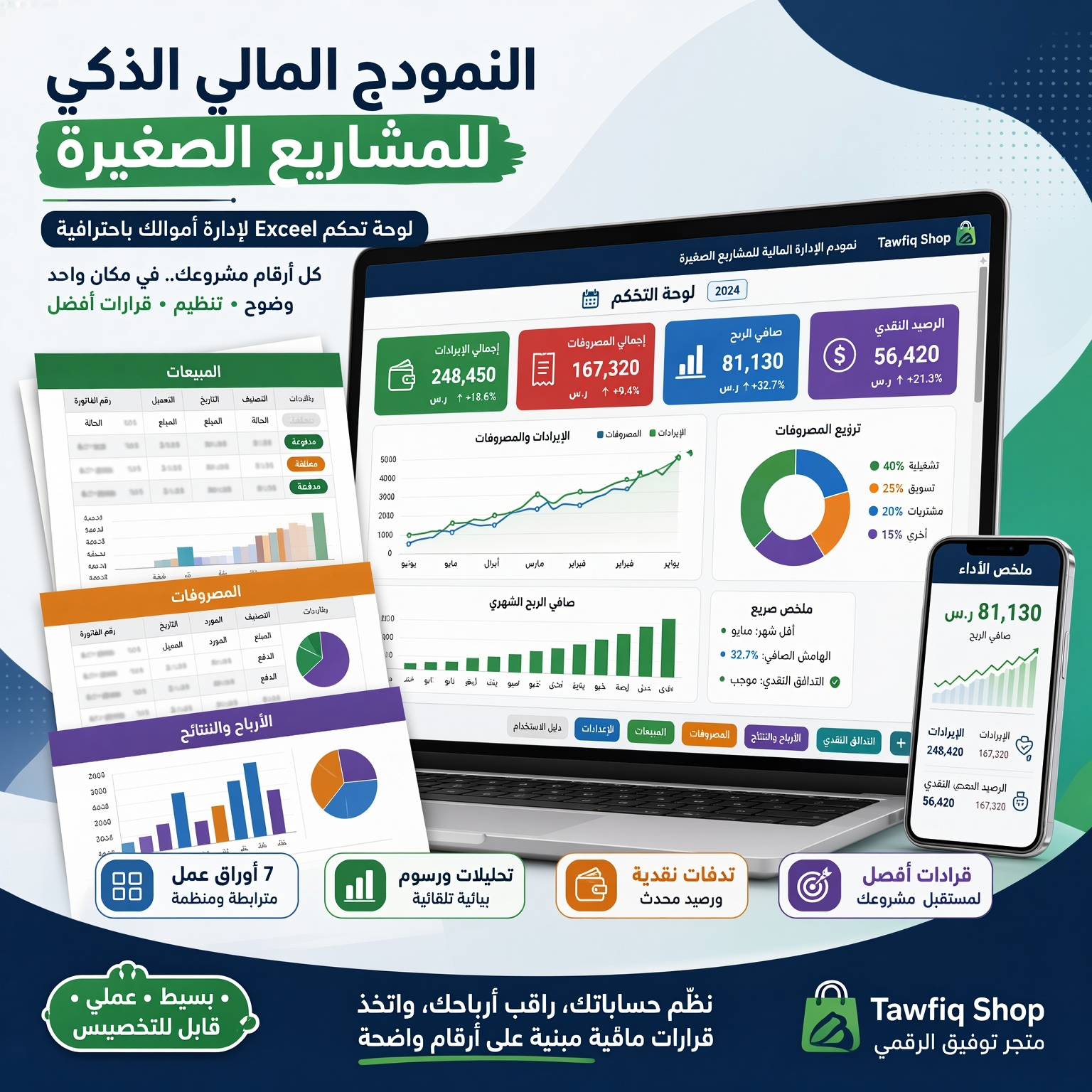
Small Business Financial Dashboard - Excel Template
📊 Smart Financial Template for Small Businesses – Excel dashboard to manage your finances professionally Do you own a small business and want to take control of your financial numbers? Do you find it difficult to track revenues and expenses, determine real profits, and monitor cash flows? With the Small Business Financial Template from Tawfiq Shop, you can organize your financial data and monitor your business performance through a practical Excel file that gathers the most important indicators and calculations in one place. Say goodbye to scattered spreadsheets and manual calculations, and start using an organized system that helps you understand your financial position and make better decisions. 🚀 What does this template offer you? ✅ Interactive financial dashboard: track total revenue, expenses, net profit, net margin, cash balance, and average monthly profit. ✅ Sales and invoices management: record invoice number, date, client, description, amount, payment status, and received amounts. ✅ Expense organization: categorize expenses, record supplier, date, payment method, amount, and applied tax/fee. ✅ Profit and performance analysis: monitor revenue, expenses, and net results monthly; identify the best and worst months for profit. ✅ Cash flow tracking: monitor receipts, payments, investments or loan repayments, and follow closing cash balance. ✅ Visual data analysis: benefit from charts, expense breakdowns by category, and a quarterly cash flow summary. 📦 What does the Excel file include? The template consists of 7 interlinked worksheets: 1. Guide: five clear steps to run the template. 2. Dashboard: a visual summary of key financial indicators. 3. Settings: customize business name, year, currency, tax/fee rate, expense categories, and budgets. 4. Sales: record invoices, payment statuses, and amounts. 5. Expenses: record expenditures, categorize them, and track status. 6. Profit & Loss: automatic monthly analysis of revenues, expenses, and margins. 7. Cash Flow: track opening balance, receipts, payments, and closing balance. ⚙️ Features that make financial management easier - Automatic calculations using Excel formulas. - Space to add up to 400 transactions in both the sales and expenses sheets. - Cells designated for manual input and others for automatic calculation. - Drop-down lists to simplify data entry. - Ability to customize currency, fiscal year, and tax/fee rate. - Expense categories with monthly budgets. - Charts and indicators to track performance. - Template editable to suit your business type. 🎯 Who is this product suitable for? - Small and medium business owners. - Store and shop owners. - Entrepreneurs and startup founders. - Freelancers and service providers. - Business owners who want to organize their accounts without using complex accounting software. 💡 How to get started? 1. Enter your business data in the Settings sheet. 2. Record your invoices in the Sales sheet. 3. Add your expenses and their categories. 4. Let the Profit & Loss and Dashboard sheets calculate the indicators automatically. 5. Review charts and cash flows to monitor your business performance. 🌟 Better control of your money starts with organizing your data! It’s not enough to know how much you sold; you need to know how much you spent, how much you earned, and how much cash is available. Organize your accounts, monitor your profits, and make financial decisions based on clear numbers using the Tawfiq Shop Excel financial template. 🛍️ Discover more practical digital tools at Tawfiq Shop – Tawfiq Digital Store.
 Free preview
Small Business Financial Dashboard — Presentation — Editable via Canva (English Version)
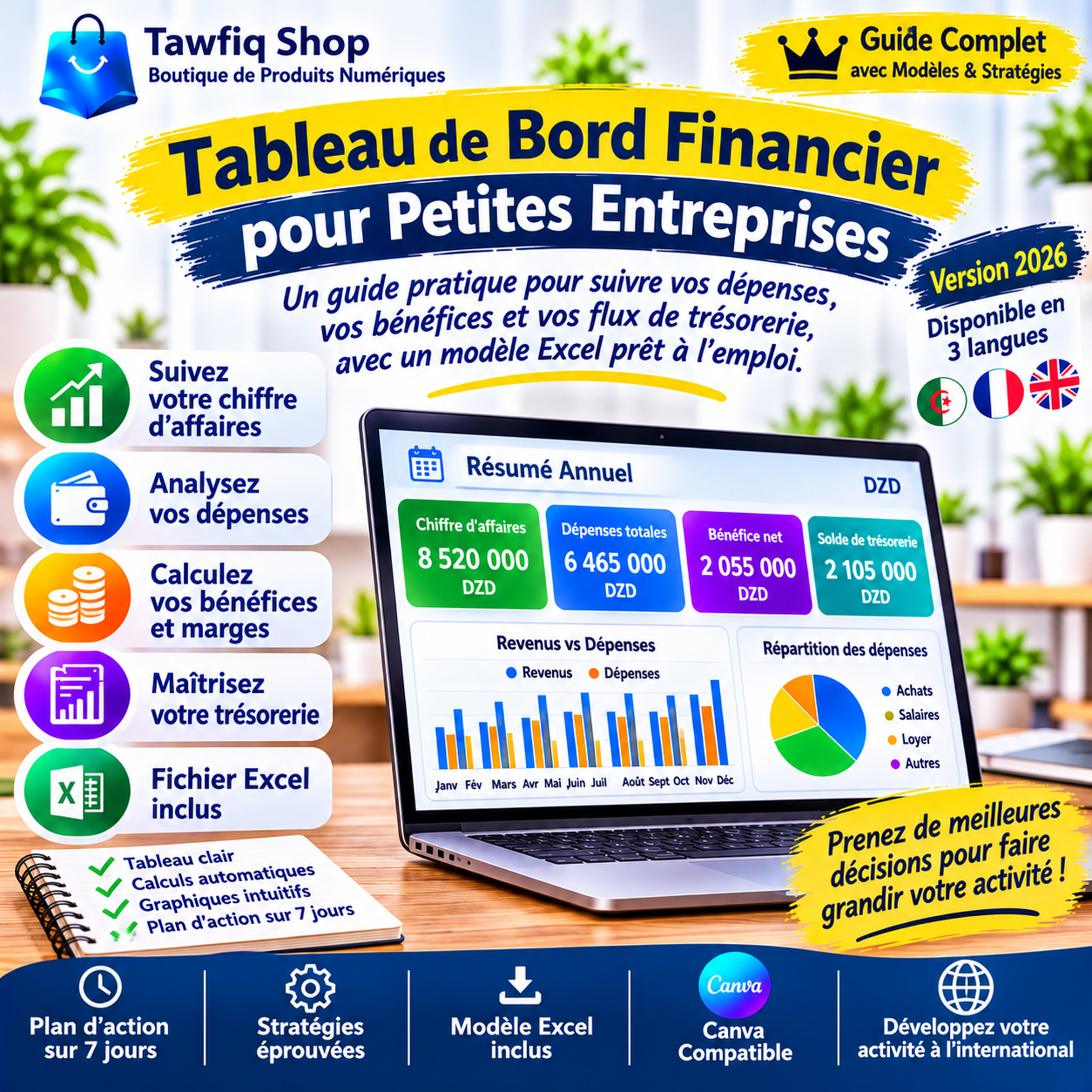
📊 Small Business Financial Dashboard — Organize your finances and make better decisions Are you running a small business and finding it hard to know where your money goes? Do you want to track sales, expenses, profits and cash flow without relying on scattered records? With the Small Business Financial Dashboard you get a practical system to organize your business data and monitor financial performance from one place, using a ready-made Excel template with formulas and charts. What the product includes: ✅ Interactive financial dashboard: track turnover, total expenses, net profit, profit margin, and cash balance. ✅ Expense tracking system: categorize expenses by type, record date, supplier, amount and invoice. ✅ Profit and margin analysis: monitor month-by-month results and identify best months and periods that need review. ✅ Cash flow monitoring: record money in and out and follow your cash balance to know your liquidity position. ✅ Ready Excel template: six linked sheets — Dashboard, Settings, Sales, Expenses, Profit & Results, and Cash Flow. ✅ Automatic calculations: ready formulas, indicators and charts that update when you enter data, with dropdown lists and conditional formatting for ease of use. ✅ 7-day implementation plan: practical steps to customize the template, enter your data and start tracking your business. Benefits you'll gain: - Clear view of revenues and expenses. - Track net profit instead of relying only on sales figures. - Identify expenses that need controlling. - Monitor liquidity and prepare for obligations. - Make financial decisions based on real numbers. Three languages in one product: The presentation is available in Arabic, French and English, and the Excel financial template is provided in three languages, making it suitable for a wide range of users. Who this product is for: - Small and medium business owners. - Shop owners and commercial activities. - Freelancers and service providers. - Entrepreneurs and startup founders. - Anyone who wants to organize their accounts and monitor their business’s financial performance. Start organizing your business numbers today; every better financial decision begins with a clear understanding of your financial situation. Get practical digital tools from Tawfiq Shop – Tawfiq Digital Store.
 Free preview
Financial Dashboard for Small Businesses - Presentation - Editable via Canva (French Version)
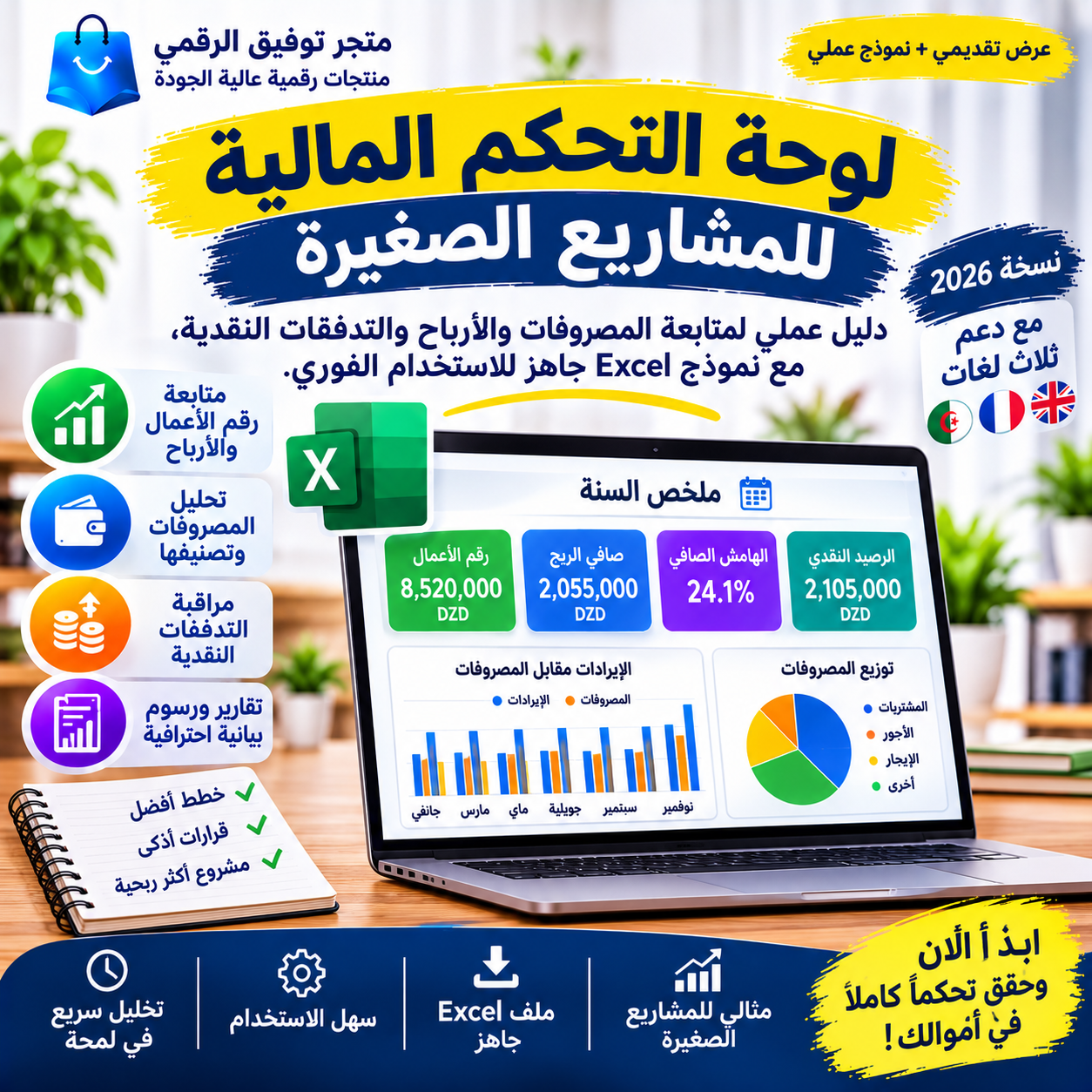
📊 Financial Dashboard for Small Businesses — Organize your finances and make better decisions Are you running a small business and struggling to know where your money goes? Do you want to track sales, expenses, profits and cash flows without relying on scattered accounts? 📦 What the product includes: ✅ Interactive financial dashboard: Track turnover, total expenses, net profit, profit margin, and cash balance. ✅ Expense tracking system: Categorize expenses, record date, vendor, amount and invoice. ✅ Profit and margin analysis: Monitor month-to-month results, identify top months and periods needing review. ✅ Cash flow tracking: Record incoming and outgoing funds and monitor your cash balance to know your liquidity position. ✅ Ready Excel template: Includes six interlinked sheets: Dashboard, Settings, Sales, Expenses, Profit & Results, and Cash Flow. ✅ Automatic calculations: Ready formulas, indicators and charts that update when data is entered, with dropdown lists and conditional formatting for ease of use. ✅ 7-day implementation plan: Practical steps to customize the template, enter your data and start monitoring your business. 📈 What you will gain: - Clear understanding of revenues and expenses. - Track net profit instead of relying solely on sales figures. - Identify expenses that need control. - Monitor liquidity and prepare for obligations. - Make financial decisions based on actual numbers. 🎯 Who this product is for: - Owners of small and medium businesses. - Shop and retail business owners. - Freelancers and service providers. - Entrepreneurs and startup founders. - Anyone who wants to organize their accounts and track financial performance. Start organizing your project's numbers today — every better financial decision starts with a clear understanding of your financial position. 🛍️ Get your practical digital tools from Tawfiq Shop – Tawfiq Digital Store.
 Free preview
Small Business Financial Dashboard - Presentation - Editable via Canva
📊 Small Business Financial Dashboard — Organize your finances and make better decisions Are you running a small business and struggling to know where your money goes? Do you want to track sales, expenses, profits, and cash flows without relying on scattered spreadsheets? With the Small Business Financial Dashboard, you get a practical system to organize your business data and monitor financial performance from one place, using a ready-made Excel template with formulas and charts. 📦 What the product includes: ✅ Interactive financial dashboard: track revenue, total expenses, net profit, profit margin, and cash balance. ✅ Expense tracking system: categorize expenses and record date, vendor, amount, and invoice. ✅ Profit and margin analysis: monitor month-to-month results and identify top-performing months and periods that need review. ✅ Cash flow monitoring: record incoming and outgoing funds and follow your cash balance to understand your liquidity position. ✅ Ready Excel template: six interlinked sheets — Dashboard, Settings, Sales, Expenses, Profit & Results, and Cash Flow. ✅ Automatic calculations: ready formulas, indicators, and charts that update when you enter data, plus dropdown lists and conditional formatting for ease of use. ✅ 7-day implementation plan: practical steps to customize the template, enter your data, and start tracking your business. 📈 Benefits you’ll get: - Clear view of revenues and expenses. - Track net profit instead of relying only on sales figures. - Identify expenses that need control. - Monitor liquidity and prepare for obligations. - Make financial decisions based on real numbers. 🎯 Who this product is for: - Small and medium business owners. - Shop and commercial activity owners. - Freelancers and service providers. - Entrepreneurs and startup founders. - Anyone who wants to organize their accounts and monitor their business’s financial performance. Start organizing your business numbers today; every better financial decision begins with a clear understanding of your financial position. Get your practical digital tools from Tawfiq Shop – Tawfiq Digital Store.
 Free preview
How to Get Your First Foreign Client for a Specialized Digital Service? - Presentation - Editable via Canva (French Version)
🌍 Your guide to getting your first foreign client with a specialized digital service Do you want to work with clients abroad and earn income from your digital skills, but don't know how to start or how to secure your first real opportunity? This practical guide takes you step-by-step from choosing the right service to building a compelling portfolio, finding potential clients, sending professional proposals, and converting conversations into paid projects. You won't need a big agency, a huge audience, or previous client experience to start; you'll learn how to offer a small, clear service and prove your ability through real or conceptual work samples without inventing results. What you'll find inside the guide: - Choosing a specialized digital service: Learn how to pick one service for a specific audience and a clear problem. - Building a portfolio without previous clients: Create sample and conceptual projects that showcase your skills and way of thinking. - Defining a clear offer and price: Design a limited-scope trial project with defined deliverables, timeline, and price. - Finding 30 potential clients: Learn methods for finding clients via LinkedIn, Instagram, specialized directories, and communities. - Writing professional outreach messages: Use ready-made templates for cold emails, direct messages, and follow-ups. - Preparing a one-page service proposal: Clarify the problem, solution, deliverables, timeline, price, and the next step. - Closing your first paid project: Learn how to run a qualification call, confirm the agreement and the upfront payment before starting delivery. 14-day practical plan: - Days 1–2: Choose the service and define the offer and price. - Days 3–5: Create work samples and a case study. - Day 6: Prepare a list of 30 potential clients. - Day 7: Research and prepare outreach messages. - Days 8–10: Send personalized, tailored messages. - Days 11–13: Follow up, hold calls, and send proposals. - Day 14: Review results and improve the outreach plan. Who this guide is for? - Freelancing beginners. - Designers, developers, and content creators. - Digital marketers and service providers. - Skilled individuals who want to reach international markets. - Anyone looking for an organized way to get their first foreign client. Start with a small step toward the global market Don't try to offer every service to everyone. Choose one specialization, prepare a useful offer, and start conversations with the right clients. Your goal isn't to send hundreds of random messages, but to build a real opportunity with the right client. Discover more guides and practical tools at Tawfiq Shop – Tawfiq Digital Shop.
 Free preview
How to Get Your First International Client with a Specialized Digital Service? - Presentation - Editable via Canva - English Version
🌍 Your guide to getting your first international client with a specialized digital service Do you want to work with clients abroad and earn income from your digital skills, but don’t know how to start or how to get the first real opportunity? This practical guide takes you step by step from choosing the right service to building a compelling portfolio, finding prospects, sending professional proposals, and converting conversations into paid projects. You won’t need a large agency, a huge audience, or prior client experience to start; you’ll learn how to offer a small, focused service and prove your ability through real or conceptual work samples without fabricating results. What you’ll find inside the guide: ✅ Choosing a specialized digital service: Learn how to pick one service for a specific audience and a clear problem. ✅ Building a portfolio without previous clients: Create sample and conceptual projects that showcase your skills and way of thinking. ✅ Defining a clear offer and price: Design a limited-scope trial project with defined deliverables, duration, and price. ✅ Finding 30 prospects: Discover methods for finding clients on LinkedIn, Instagram, niche directories, and communities. ✅ Writing professional outreach messages: Use ready-made templates for cold emails, direct messages, and follow-ups. ✅ Preparing a one-page service proposal: Clarify the problem, solution, deliverables, timeline, price, and next step. ✅ Closing the first paid project: Learn how to run a discovery call, confirm the agreement, and secure a deposit before starting work. 14-day practical plan - Days 1–2: Choose the service and define the offer and price. - Days 3–5: Create work samples and a case study. - Day 6: Prepare a list of 30 prospects. - Day 7: Research and prepare outreach messages. - Days 8–10: Send personalized, tailored messages. - Days 11–13: Follow up, conduct calls, and send proposals. - Day 14: Review results and refine the outreach plan. Who this guide is for? - Freelancing beginners. - Designers, developers, and content creators. - Digital marketers and service providers. - Skilled professionals who want to reach international markets. - Anyone looking for a structured way to get their first international client. Start with a small step toward the global market Don’t try to offer everything to everyone. Choose one specialty, prepare a useful offer, and start conversations with the right clients. Your goal isn’t to send hundreds of random messages, but to build a real opportunity with the right client. 🛍️ Discover more guides and practical tools at Tawfiq Shop – Tawfiq Digital Store.
 Free preview
How to Get Your First International Client with a Specialized Digital Service — Presentation — Editable in Canva
🌍 Your guide to getting your first international client with a specialized digital service Do you want to work with clients abroad and earn income from your digital skills, but don’t know where to start or how to land the first real opportunity? This practical guide takes you step by step from choosing the right service to building a compelling portfolio, finding prospects, sending professional proposals, and turning conversations into paid projects. You won’t need a large agency, a huge audience, or prior client experience to get started; you’ll learn how to offer a small, clear service and prove your ability with real or mock portfolio pieces without inventing results. What you’ll find inside the guide: ✅ Choosing a specialized digital service: Learn how to pick one service for a specific audience and clear problem. ✅ Building a portfolio without previous clients: Create mock projects and case studies that showcase your skills and thinking. ✅ Defining a clear offer and price: Design a limited-scope trial project with defined deliverables, timeline, and price. ✅ Finding 30 potential clients: Learn ways to search for clients via LinkedIn, Instagram, niche directories, and communities. ✅ Writing professional outreach messages: Use ready-made templates for cold emails, DMs, and follow-ups. ✅ Preparing a one-page service proposal: Clarify the problem, solution, deliverables, timeline, price, and next step. ✅ Closing your first paid project: Learn to run a discovery call, confirm terms, and secure a deposit before starting. 14-day practical plan - Days 1–2: Choose the service and set the offer and price. - Days 3–5: Create portfolio pieces and a case study. - Day 6: Prepare a list of 30 prospects. - Day 7: Research and prepare outreach messages. - Days 8–10: Send personalized, tailored messages. - Days 11–13: Follow up, hold calls, and send proposals. - Day 14: Review results and refine your outreach plan. Who is this guide for? - Freelancing beginners. - Designers, developers, and content creators. - Digital marketers and service providers. - Skilled professionals who want to reach international markets. - Anyone looking for an organized way to get their first foreign client. Start with a small step toward the global market Don’t try to offer everything to everyone. Choose a single specialty, prepare a useful offer, and start conversations with the right clients. Your goal isn’t to send hundreds of random messages but to build a real opportunity with a suitable client. Discover more guides and practical tools at Tawfiq Shop – Tawfiq Digital Store.
 Free preview
Turn One Video into 20 Pieces of Content — Presentation — Editable on Canva (English Version)
🚀 From one video to 20 pieces of content — a smart system for repurposing content using Canva and artificial intelligence Do you constantly create videos and content but struggle to turn them into multiple posts, clips, and marketing messages? With this practical guide, you won’t have to start from scratch every time! Learn how to turn a single video into 20 ready-to-develop-and-publish content pieces through an organized system that combines Canva and AI. 📦 What you’ll get: - 6 short clips: ideas for hooks, tips, mistakes, stories, and takeaways. - 10 posts: educational carousels, text posts, quotes, checklists, and interactive questions. - 4 email messages: value, story, mistakes, and summary emails. - Ready-made AI prompts: to turn a video transcript into ideas, scripts, posts, and emails. - Canva templates: to design content, duplicate templates, and easily change text and clips. - A 4-week publishing plan: to organize the 20 pieces and distribute them over a month. - Quality and performance checklists: to reduce repetition and track views, saves, shares, clicks, and results. ⚙️ How the system works: 1. Choose one video and collect the transcript, quotes, and timestamps. 2. Extract the main ideas and moments from the video. 3. Use AI prompts to generate 20 varied content pieces. 4. Prepare designs and templates using Canva. 5. Review the content and schedule it over 4 weeks. 🎯 Who this guide is for: - Content creators and YouTube channel owners. - Digital marketers and social media managers. - Business owners and online shop owners. - Coaches, consultants, and experts. - Freelancers and anyone who wants to produce more content with less time and effort. 💡 Why you need this system: Instead of spending time searching for new ideas every day, invest in the value of the content you’ve already created and repurpose it into formats that suit different platforms and audiences. A single video can be the start of a full month of organized content! 🛍️ Discover your digital tools and start organizing content production with Tawfiq Shop – Tawfiq Digital Store.
 Free preview
Turn One Video into 20 Content Pieces - Presentation - Editable on Canva (French Version)
🚀 From one video to 20 content pieces — an intelligent system for repurposing content using Canva and artificial intelligence Do you create videos and content regularly but struggle to turn them into multiple posts, clips, and marketing messages? With this practical guide, you won’t have to start from scratch every time. Learn how to turn one video into 20 ready-to-develop and ready-to-publish content pieces through an organized system that combines Canva and AI. What you will get: - 6 short clips: ideas for hooks, tips, mistakes, stories, and takeaways. - 10 posts: educational carousel, text posts, quotes, checklists, and interactive questions. - 4 email messages: value, stories, mistakes, and summary. - Ready-made AI prompts: to turn the video transcript into ideas, scripts, posts, and messages. - Canva templates: for designing content, duplicating templates, and easily editing text and clips. - A 4-week publishing plan: to organize the twenty pieces and distribute them across a month. - Quality and performance checklists: to reduce repetition and track views, saves, shares, clicks, and results. How the system works: 1. Choose one video and collect the transcript, quotes, and timestamps. 2. Extract the key ideas and moments from the video. 3. Use AI prompts to generate 20 diverse content pieces. 4. Prepare designs and templates using Canva. 5. Review the content and schedule it across 4 weeks. Who this guide is for: - Content creators and YouTube channel owners. - Digital marketers and social media managers. - Business owners and e-commerce stores. - Trainers, consultants, and experts. - Freelancers and anyone who wants to produce more content with less time and effort. Why you need this system: Instead of spending time hunting for new ideas every day, leverage the value of the content you’ve already created and repurpose it into formats suited to different platforms and audiences. One video can be the start of a full month of organized content! Discover your digital tools and start organizing your content production with Tawfiq Shop – Tawfiq Digital Store.
 Free preview
Convert One Video into 20 Content Pieces — Presentation — Editable on Canva
🚀 From One Video to 20 Content Pieces — a smart system for repurposing content using Canva and AI Do you constantly create videos and content but struggle to turn them into multiple posts, clips and marketing messages? With this practical guide, you won't need to start from scratch each time! Learn how to turn a single video into 20 ready-to-develop-and-publish content pieces through an organized system that combines Canva and artificial intelligence. What you'll get: - 6 short clips: ideas for hooks, tips, mistakes, stories and summaries. - 10 posts: educational carousel, text posts, quotes, checklists and interactive questions. - 4 email messages: value, stories, mistakes and summary emails. - Ready AI prompts: to convert video transcripts into ideas, scripts, posts and emails. - Canva templates: to design content, duplicate templates and easily change texts and clips. - A 4-week publishing plan: to organize the twenty pieces and spread them over a month. - Quality and performance checklists: to reduce repetition and track views, saves, shares, clicks and results. How the system works: 1. Choose one video and collect its transcript, quotes and timestamps. 2. Extract the key ideas and moments from the video. 3. Use AI prompts to generate 20 diverse content pieces. 4. Prepare designs and templates using Canva. 5. Review the content and schedule it across 4 weeks. Who is this guide for? - Content creators and YouTube channel owners. - Digital marketers and social media managers. - Business owners and e-commerce shop owners. - Coaches, consultants and experts. - Freelancers and anyone who wants to produce more content with less time and effort. Why you need this system: Instead of spending your time searching for new ideas every day, invest in the value of the content you've already created and repurpose it into formats that suit different platforms and audiences. A single video can be the start of a full month of organized content! Discover your digital tools and start organizing your content production with Tawfiq Shop – Tawfiq Digital Store.
 Free preview
How to Turn Your Expertise into a Micro Digital Course? Editable Canva Presentation — English Version
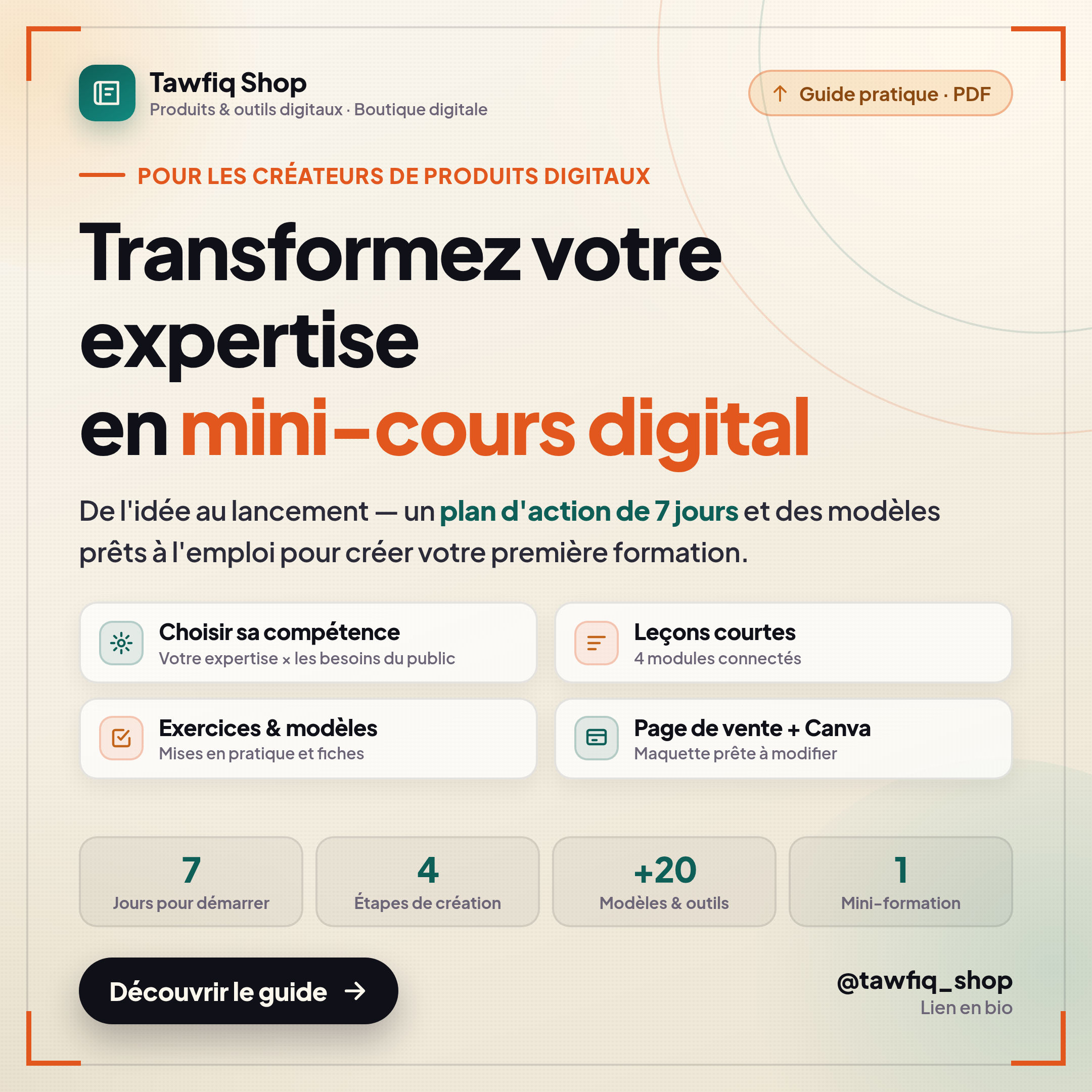
🚀 Turn your expertise into a micro digital course — A guide for digital product creators Do you have a useful skill or experience but don’t know how to turn it into a sellable digital product? You don’t need to create a long course or spend months producing it. Start with practical steps and a clear method that helps you turn your knowledge into a short course focused on solving a specific problem and delivering a tangible result. This guide gives you a practical roadmap to build your digital course from idea to launch, with tools and ready-to-use templates that help you organize content and prepare your offer for sale. 📚 What you’ll learn inside the guide: ✅ Choose the right skill: Find the intersection between your expertise, your audience’s needs, and the problems people want solved. ✅ Break your expertise into short lessons: Structure your content into four connected modules and focused lessons that guide the learner from problem to result. ✅ Create practical exercises: Turn information into actionable tasks, ready-made templates, and checklists that enable application instead of passive watching. ✅ Design a professional sales page: Learn how to arrange sales page sections, highlight results and benefits, and present course content clearly and persuasively. ✅ Use Canva: Leverage editable layouts and templates to prepare your teaching materials and sales page. 🎯 What the file includes: - A four-stage roadmap for building the micro course. - A practical formula to craft the course title and promise. - A template for organizing short lessons and delivering practical application. - Ideas for exercises, templates, and worksheets. - A visual outline for a sales page to guide your design. - A 7-day action plan from idea to initial launch. - Instructions for importing the presentation into Canva and editing the slides. 👥 Who this guide is for: - Skilled professionals and experts who want to create a digital product. - Trainers, consultants, and service providers. - Freelancers and content creators. - Entrepreneurs and digital shop owners. - Anyone who wants to organize their knowledge into a short, practical course. ✨ Why start with a micro course? Instead of trying to teach everything at once, focus on one skill, one clear problem, and one actionable result the learner can work toward. This guide helps you apply that idea step by step. Start turning your expertise into an organized, scalable digital product ready to present to your audience. 🛍️ Discover more products and digital tools at Tawfiq Shop — Tawfiq Digital Store.
 Free preview
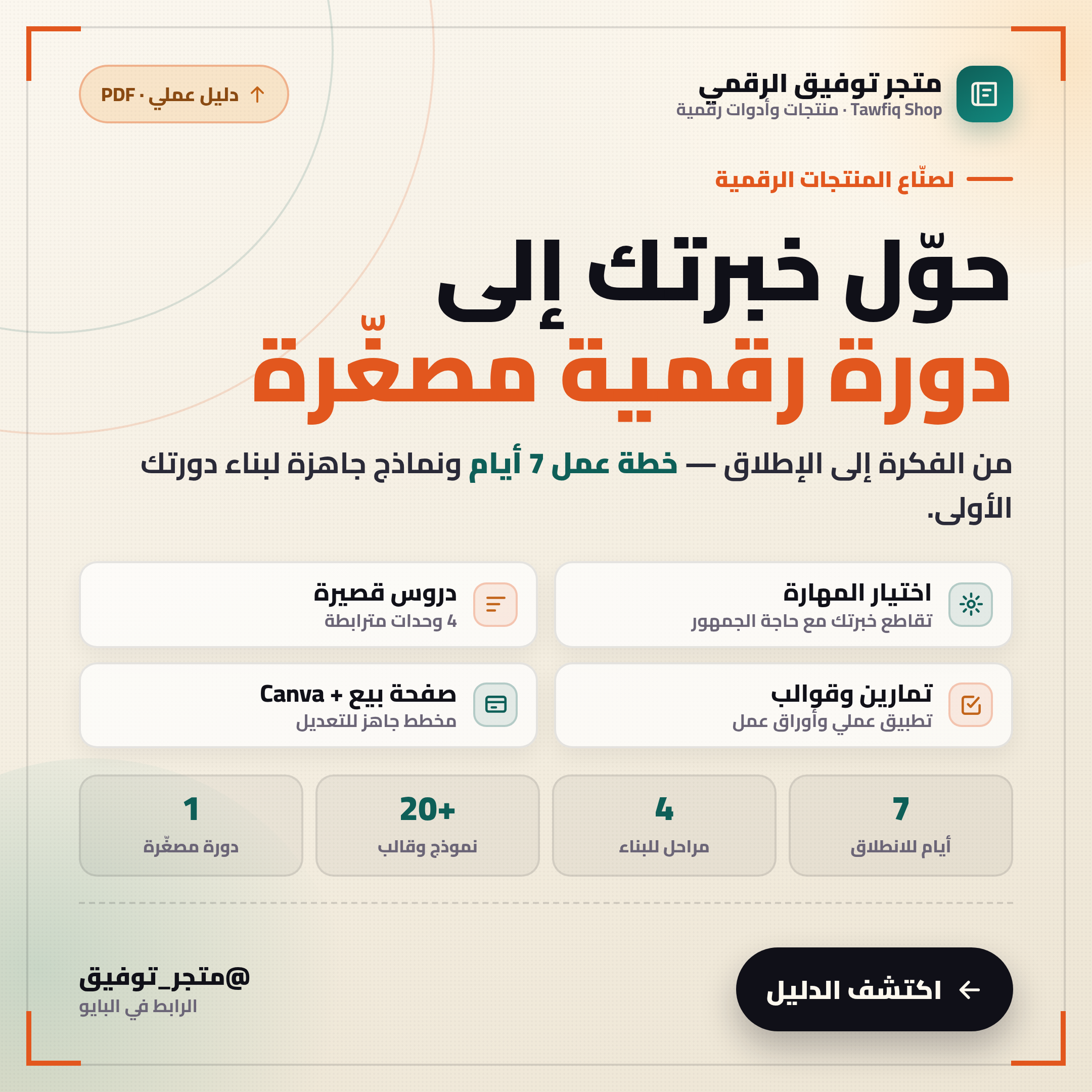
How to Turn Your Expertise into a Mini Digital Course? Editable Canva Presentation — French Version
🚀 Turn your expertise into a mini digital course — A guide for digital product creators Do you have a skill or useful expertise but don't know how to turn it into a sellable digital product? You don't need to create a long course or spend months producing it! Start with practical steps and a clear method that help you turn your knowledge into a focused mini-course that solves a specific problem and delivers a tangible result. This guide gives you a practical roadmap to build your digital course from idea to launch, with tools and templates to help you organize content and prepare your offer for sale. 📚 What you'll learn inside the guide? ✅ Choose the right skill: Find the intersection between your expertise, your audience's needs, and problems people are seeking solutions for. ✅ Break your expertise into short lessons: Organize your content into four connected modules and focused lessons that help learners move from problem to result. ✅ Prepare practical exercises: Turn information into actionable tasks, ready-made templates, and checklists that help learners apply rather than just watch. ✅ Design a professional sales page: Learn how to structure sales page sections, highlight outcomes and benefits, and present course content clearly and convincingly. ✅ Use Canva: Use editable templates and layouts to prepare your educational materials and sales page. 🎯 What's included in the file? - A four-stage roadmap to build the mini-course. - A practical formula to craft the course title and its promise. - A template to organize short lessons and present practical application. - Ideas for exercises, templates, and worksheets. - A visual layout for a sales page you can use as a design reference. - A 7-day action plan from idea selection to initial launch. - Instructions to import the presentation into Canva and edit the slides. 👥 Who is this guide for? - Skilled professionals who want to create a digital product. - Coaches, consultants, and service providers. - Freelancers and content creators. - Entrepreneurs and digital store owners. - Anyone who wants to organize their knowledge into a short, practical course. ✨ Why start with a mini-course? Instead of trying to teach everything at once, focus on one skill, one clear problem, and a result the learner can work to achieve. This is the core idea the guide helps you apply step by step. Start turning your expertise into an organized, scalable digital product, ready to present to your audience. 🛍️ Discover more products and digital tools at Tawfiq Shop — Tawfiq Digital Store.
 Free preview
Turn Your Expertise into a Mini Digital Course — Editable Canva Presentation
🚀 Turn your expertise into a mini digital course — A guide for digital product creators Do you have a useful skill or expertise but don’t know how to turn it into a sellable digital product? You don’t need to create a long course or spend months in production! Start with practical steps and a clear method that help you convert your knowledge into a short course focused on solving a specific problem and delivering a tangible result. This guide gives you a practical roadmap to build your digital course from idea to launch, with tools and ready-to-use templates to help you organize content and prepare your offer for sale. 📚 What you’ll learn inside the guide: ✅ Choosing the right skill: Discover the intersection between your expertise, your audience’s needs, and the problems people are looking to solve. ✅ Breaking your expertise into short lessons: Organize your content into four connected modules and focused lessons that help learners move from problem to outcome. ✅ Preparing applied exercises: Turn information into practical tasks, ready-made templates, and checklists that help learners apply rather than merely watch. ✅ Designing a professional sales page: Learn how to structure the sales page sections, highlight results and benefits, and present course content clearly and persuasively. ✅ Using Canva: Use editable layouts and templates to prepare your teaching materials and sales page. 🎯 What’s included in the file? - A four-stage roadmap to build the mini course. - A practical formula for crafting the course title and its marketing promise. - A template for organizing short lessons and presenting practical application. - Ideas for exercises, templates, and worksheets. - A visual layout for a sales page you can use as a design reference. - A 7-day action plan from idea definition to initial launch. - Instructions for importing the presentation into Canva and editing the slides. 👥 Who is this guide for? - People with skills and expertise who want to create a digital product. - Trainers, consultants, and service providers. - Freelancers and content creators. - Entrepreneurs and digital shop owners. - Anyone who wants to organize their knowledge into a short, practical course. ✨ Why start with a mini course? Instead of trying to teach everything at once, focus on one skill, a clear problem, and a result the learner can work toward. This is the core idea the guide helps you apply step by step. Start turning your expertise into an organized, scalable digital product that’s ready to present to your audience. 🛍️ Discover more products and digital tools at Tawfiq Shop — Tawfiq Digital Store.
 Free preview
WhatsApp Order and Sales Management System — English Version
WhatsApp Order and Sales Management System Turn WhatsApp conversations into an organized system for managing orders and sales, and reduce lost orders, inventory mistakes, and delayed responses! Do you receive customer orders via WhatsApp and find it difficult to track conversations, confirm payments, and know which products are available? This operational guide gives you a practical solution to organize sales processes from the first message through order confirmation, shipping, and after-sales service. The product combines a hands-on guide with ready-made templates to help you manage your store efficiently, even if you start with simple tools like WhatsApp Business and Excel or Google Sheets. ✨ What you will get: - 12 ready messages for welcoming customers, presenting prices, confirming orders, shipping and follow-up. - Two templates for organizing data: an inquiry form and an order registration form. - An inventory management system showing actual, reserved, and available-for-sale quantities. - 7 clear order states from the initial inquiry to delivery or cancellation and return. - A performance tracking dashboard to measure response speed, inquiry-to-order conversion rate, cancellations, and inventory accuracy. - Explanations of WhatsApp Business tools, quick replies, and conversation labeling. - A 30-day implementation plan to apply the system gradually and adapt it to your store's needs. 🎯 Who is this product for? Owners of online stores, sellers on WhatsApp, Instagram and Facebook, home-based businesses, and sales and customer service teams. 🚀 Why choose this guide? Because it helps you move from scattered chats to clear steps, defined responsibilities, and an organized record for every order, with the ability to start using simple tools without needing an expensive technical system. Organize your orders, track your inventory, improve your customer service, and make every conversation a follow-upable and measurable sales opportunity.
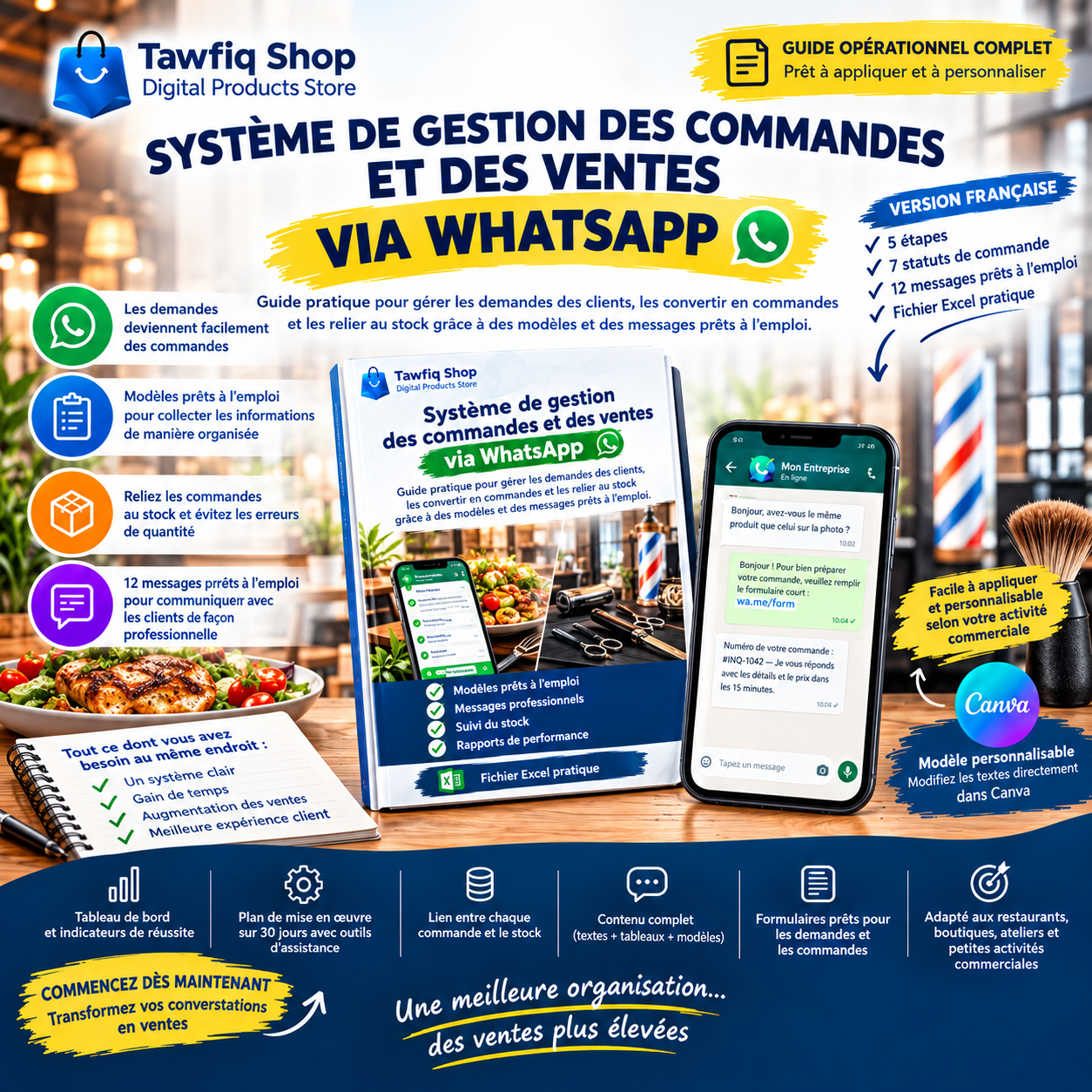 Free preview
WhatsApp Order and Sales Management System — French Version
📦 Product marketing description: WhatsApp Order and Sales Management System Turn WhatsApp conversations into an organized system for managing orders and sales, and reduce lost orders, inventory errors, and delayed responses! Do you receive customer orders via WhatsApp and find it difficult to track conversations, confirm payments, and know which products are available? This operational guide provides a practical solution to organize sales processes from the first message through order confirmation, shipping, and after-sales service. The product combines a practical guide and ready-made templates to help you manage your store efficiently, even if you’re starting with simple tools like WhatsApp Business and Excel or Google Sheets. ✨ What will you get? - 12 ready-made messages for welcoming customers, presenting prices, confirming orders, shipping, and follow-up. - Two data organization templates: an inquiry form and an order registration form. - An inventory management system that shows actual quantity, reserved quantity, and available-for-sale stock. - 7 clear order states from the initial inquiry to delivery, cancellation, or return. - A performance dashboard to measure response speed, inquiry-to-order conversion rate, cancellations, and inventory accuracy. - Explanation of WhatsApp Business tools, quick replies, and conversation labeling. - A 30-day implementation plan to gradually apply the system and adapt it to the store’s needs. 🎯 Who is this product for? E-commerce store owners, sellers on WhatsApp, Instagram, and Facebook, home-based businesses, and sales and customer service teams. 🚀 Why choose this guide? Because it helps you move from scattered conversations to clear steps, defined responsibilities, and an organized record for each order, with the ability to start using simple tools without needing an expensive technical system. Organize your orders, track your inventory, improve your customer service, and make every conversation a measurable sales opportunity.
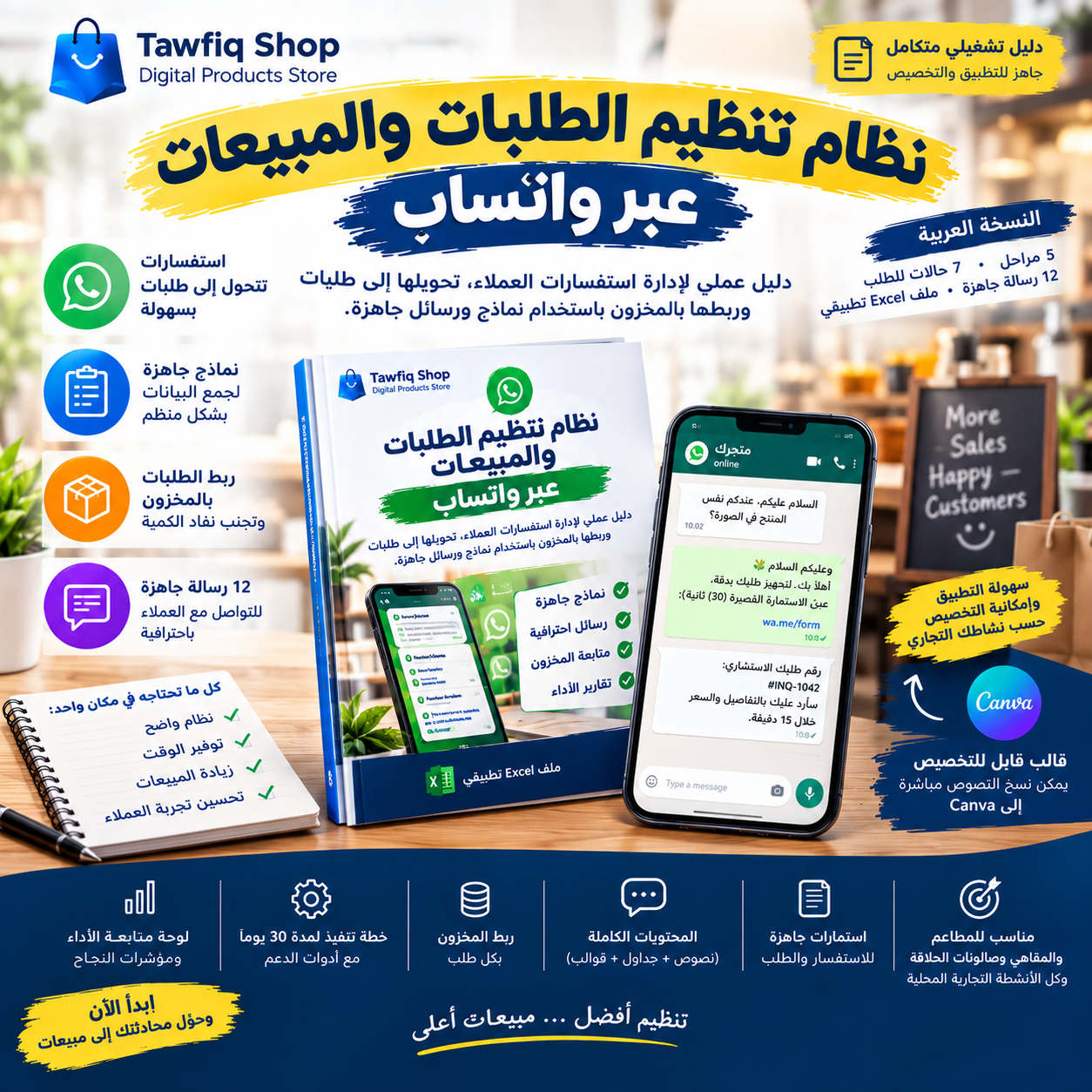 Free preview
WhatsApp Order & Sales Management System
Turn WhatsApp conversations into an organized system for managing orders and sales, reducing lost orders, stock errors, and delayed replies! Do you receive customer orders via WhatsApp and struggle to track conversations, confirm payments, and know which products are available? This operational guide gives you a practical solution to organize sales processes from the first message to order confirmation, shipping, and after-sales service. The product combines an actionable guide and ready-made templates to help you manage your store efficiently, even if you start with simple tools like WhatsApp Business and Excel or Google Sheets. ✨ What you'll get: - 12 ready-made messages for welcoming customers, presenting prices, confirming orders, shipping, and follow-up. - Two data organization templates: an inquiry form and an order log. - An inventory management system showing actual, reserved, and available quantities for sale. - 7 clear order statuses from initial inquiry to delivery or cancellation and returns. - A performance tracking dashboard to measure response speed, conversion rate from inquiries to orders, cancellations, and inventory accuracy. - Explanations of WhatsApp Business tools, quick replies, and conversation labeling. - A 30-day implementation plan to roll out the system gradually and adapt it to your store's needs. 🎯 Who is this for? E-commerce store owners, sellers on WhatsApp, Instagram and Facebook, home-based businesses, and sales and customer service teams. 🚀 Why choose this guide? Because it helps you move from scattered conversations to clear steps, defined responsibilities, and an organized record for every order — with the ability to start using simple tools without needing an expensive technical system. Organize your orders, track your inventory, improve customer service, and turn every conversation into a measurable sales opportunity.
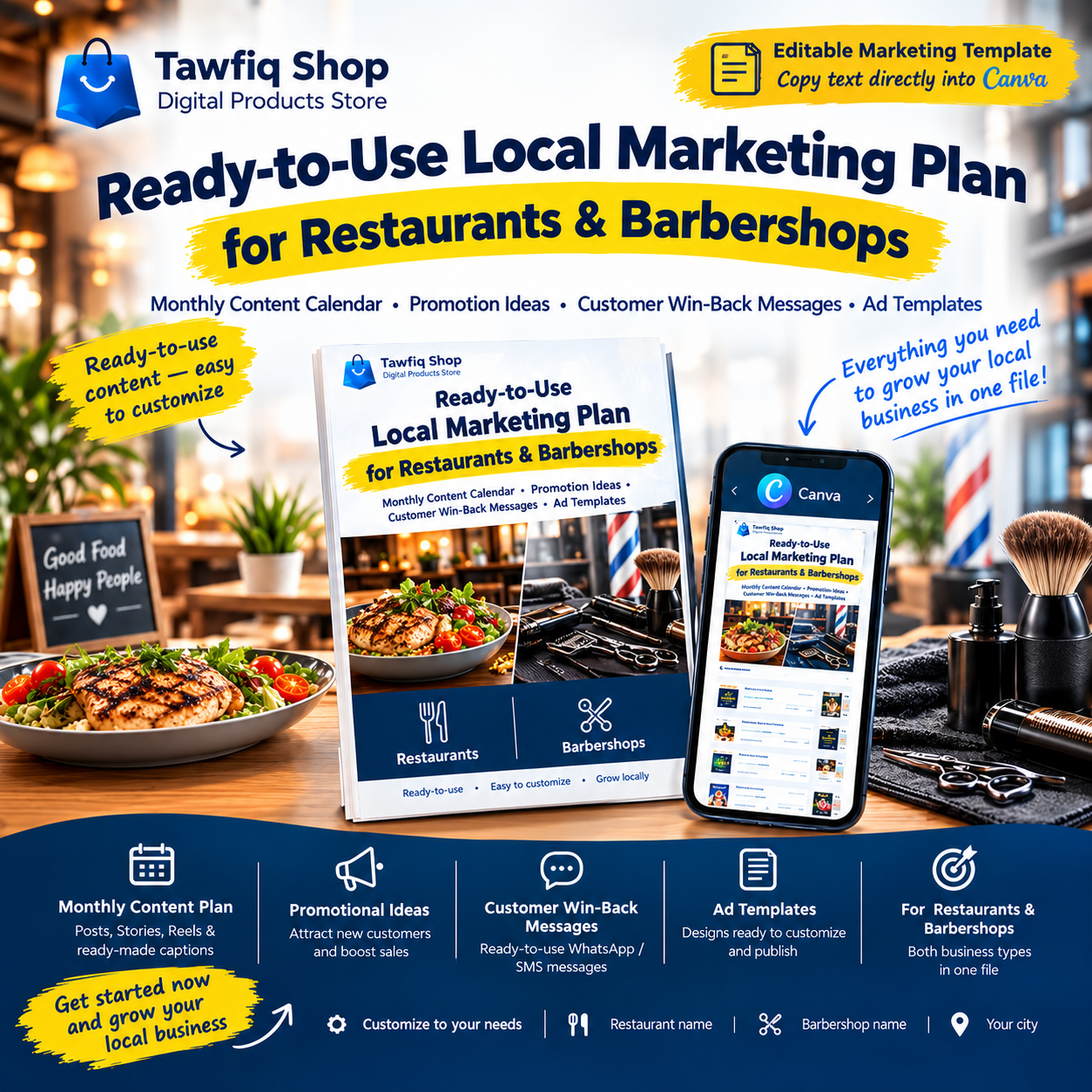 Free preview
Local Marketing Plan for Restaurants & Barbershops — Ready Canva Template (English Version)
A ready-to-implement local marketing plan for restaurants and barbershops Turn your daily posts into opportunities to attract customers and increase visits and bookings! Do you own a restaurant or barbershop and are you looking for practical marketing ideas without starting from scratch? This digital template gives you a complete plan to help organize content, design offers, win back past customers, and create more effective ads on Facebook and Instagram. ✨ What’s included? - 📅 A full-month content calendar with ideas tailored for restaurants and barbershops. - 🎯 Promotional offer ideas to attract customers and encourage repeat visits. - 💬 Ready-to-use WhatsApp and SMS messages to recover absent customers and remind them of appointments. - 📢 Paid ad templates including headlines, copy, and calls to action. - 📊 Clear performance metrics to track engagement, bookings, visits, and returning customers. - 🎨 Customization guidelines for Canva to edit designs to match your business identity. 🎯 Who is this product for? Restaurant and café owners, barbershops, digital marketers, and managers of local business pages. 🚀 Start with a clear plan, save content preparation time, and organize your marketing campaigns in a practical, measurable, and scalable way. The file is customizable — you can edit texts, names, and offers to suit your business and city.
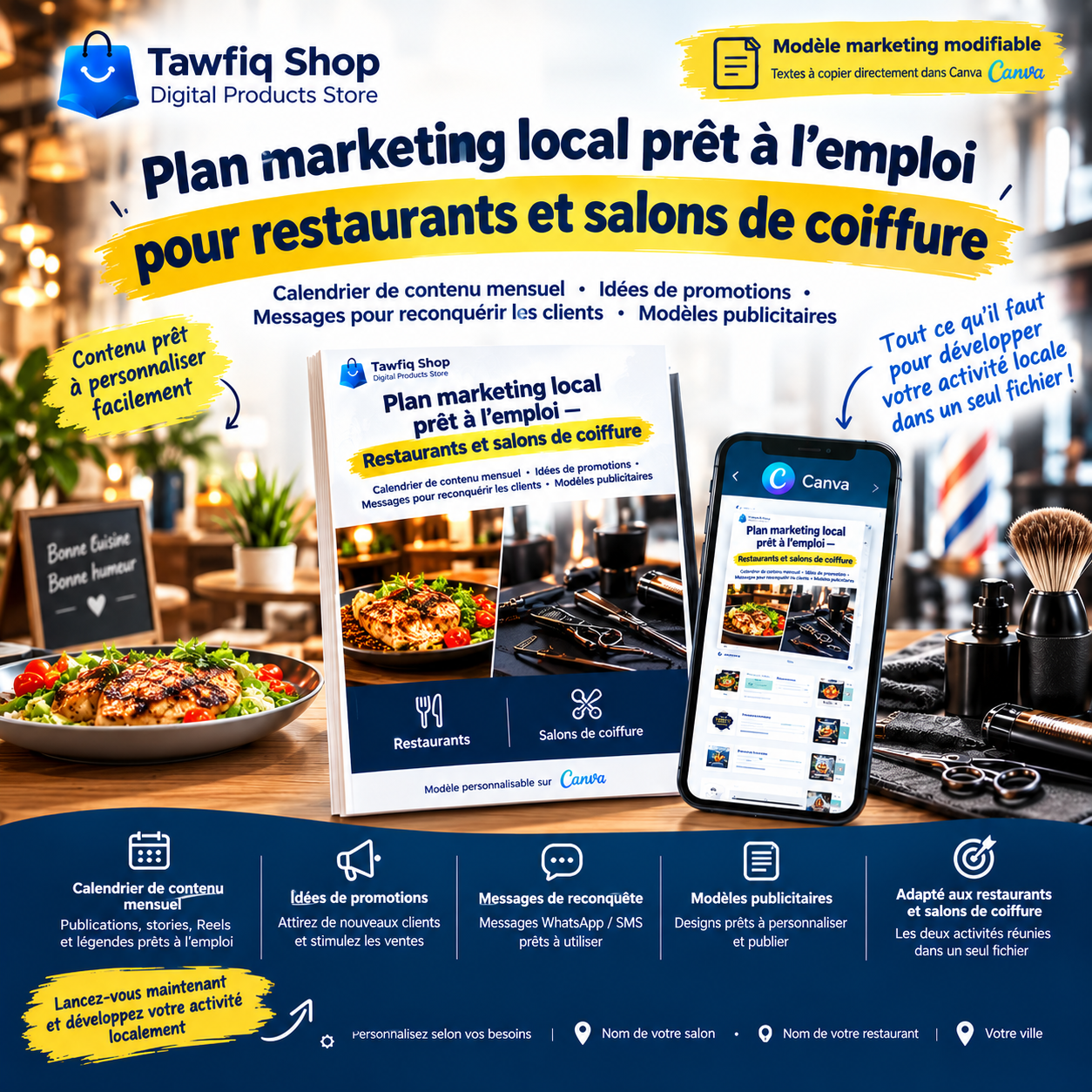 Free preview
Local Marketing Plan for Restaurants & Barbershops — Ready Canva Template — French Version
A ready-to-implement local marketing plan for restaurants and barbershops Turn your daily posts into opportunities to attract customers and increase visits and bookings! Do you own a restaurant or barbershop and need practical marketing ideas without starting from scratch? This digital template gives you a complete plan to organize content, design offers, win back past customers, and create more effective ads on Facebook and Instagram. ✨ What’s included? - 📅 A one-month content calendar with ideas tailored for restaurants and barbershops. - 🎯 Promotional offer ideas to attract customers and encourage repeat visits. - 💬 Ready-to-use WhatsApp and SMS messages to recover inactive customers and remind them of appointments. - 📢 Paid ad templates including headlines, copy, and calls to action. - 📊 Clear performance metrics to track engagement, bookings, visits, and returning customers. - 🎨 Canva customization guidelines to edit designs to match your brand identity. 🎯 Who is this product for? Restaurant and café owners, barbershop owners, digital marketers, and managers of local business pages. 🚀 Start with a clear plan, save time preparing content, and organize your marketing campaigns in a practical, measurable, and scalable way. The file is customizable; you can edit texts, names, and offers to suit your business and your city. A professional square 1:1 cover image has been created, suitable for displaying the product in Tawfiq Digital Store, combining restaurant and barbershop atmospheres and highlighting the editable marketing template concept.
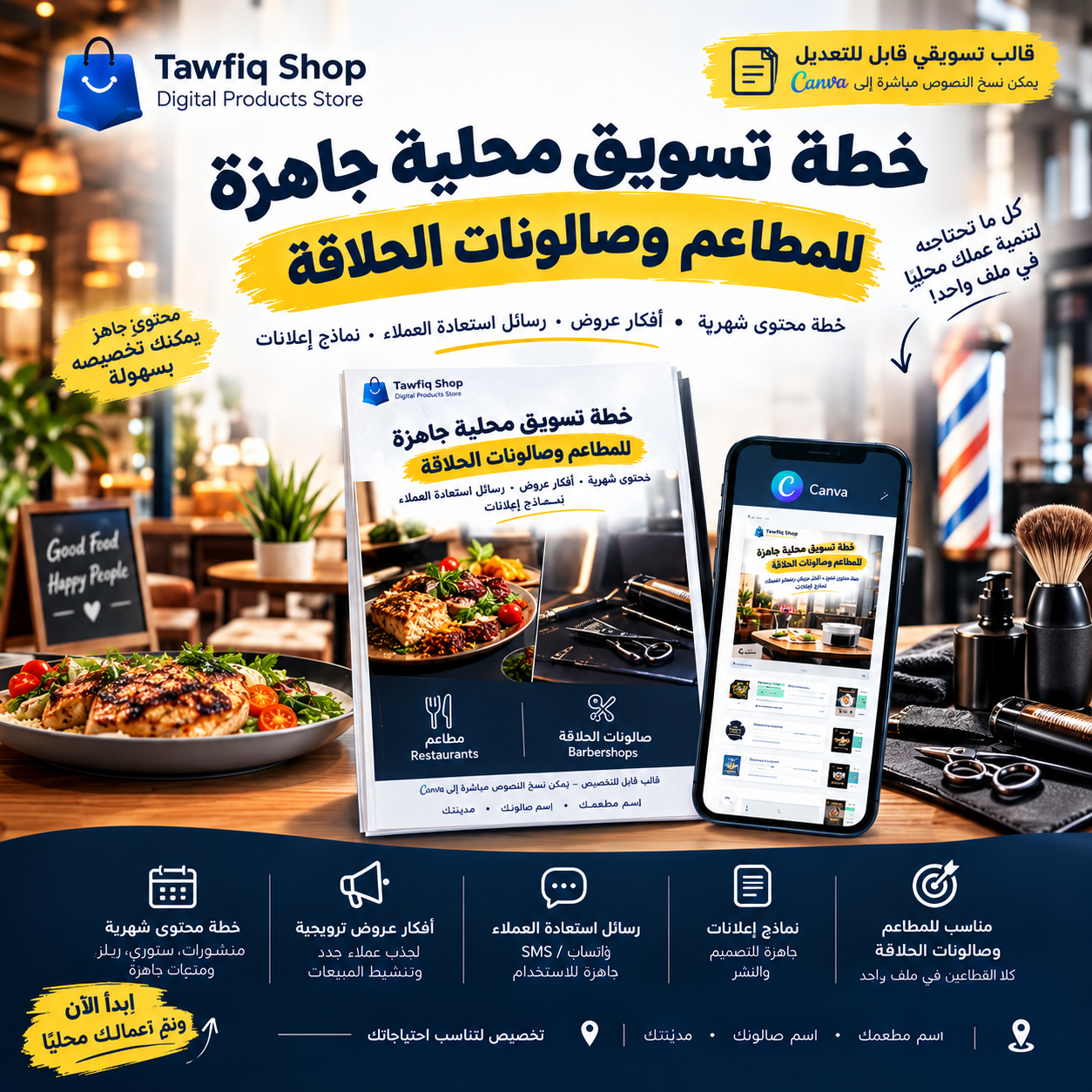 Free preview
Local Marketing Plan for Restaurants & Barbershops — Ready Canva Template
Tawfiq Digital Store – Tawfiq Digital Store Ready-to-implement local marketing plan for restaurants and barbershops Turn your daily posts into opportunities to attract customers and increase visits and bookings! Do you own a restaurant or a barbershop and need practical marketing ideas without starting from scratch? This digital template gives you a complete plan to organize content, design offers, win back past customers, and create more effective Facebook and Instagram ads. ✨ What’s included? - 📅 A full-month content calendar with ideas tailored for restaurants and barbershops. - 🎯 Promotional offer ideas to attract customers and encourage repeat visits. - 💬 Ready WhatsApp and SMS messages to recover lapsed customers and remind them of appointments. - 📢 Sample paid ad templates including headlines, copy, and calls to action. - 📊 Clear performance metrics to track engagement, bookings, visits, and returning customers. - 🎨 Canva customization guidelines to edit designs to match your business identity. 🎯 Who is this for? Restaurant and café owners, barbershop owners, digital marketers, and managers of local business pages. 🚀 Start with a clear plan, save content preparation time, and organize your marketing campaigns in a practical, measurable, and scalable way. The file is customizable — you can edit texts, names, and offers to suit your business and city.
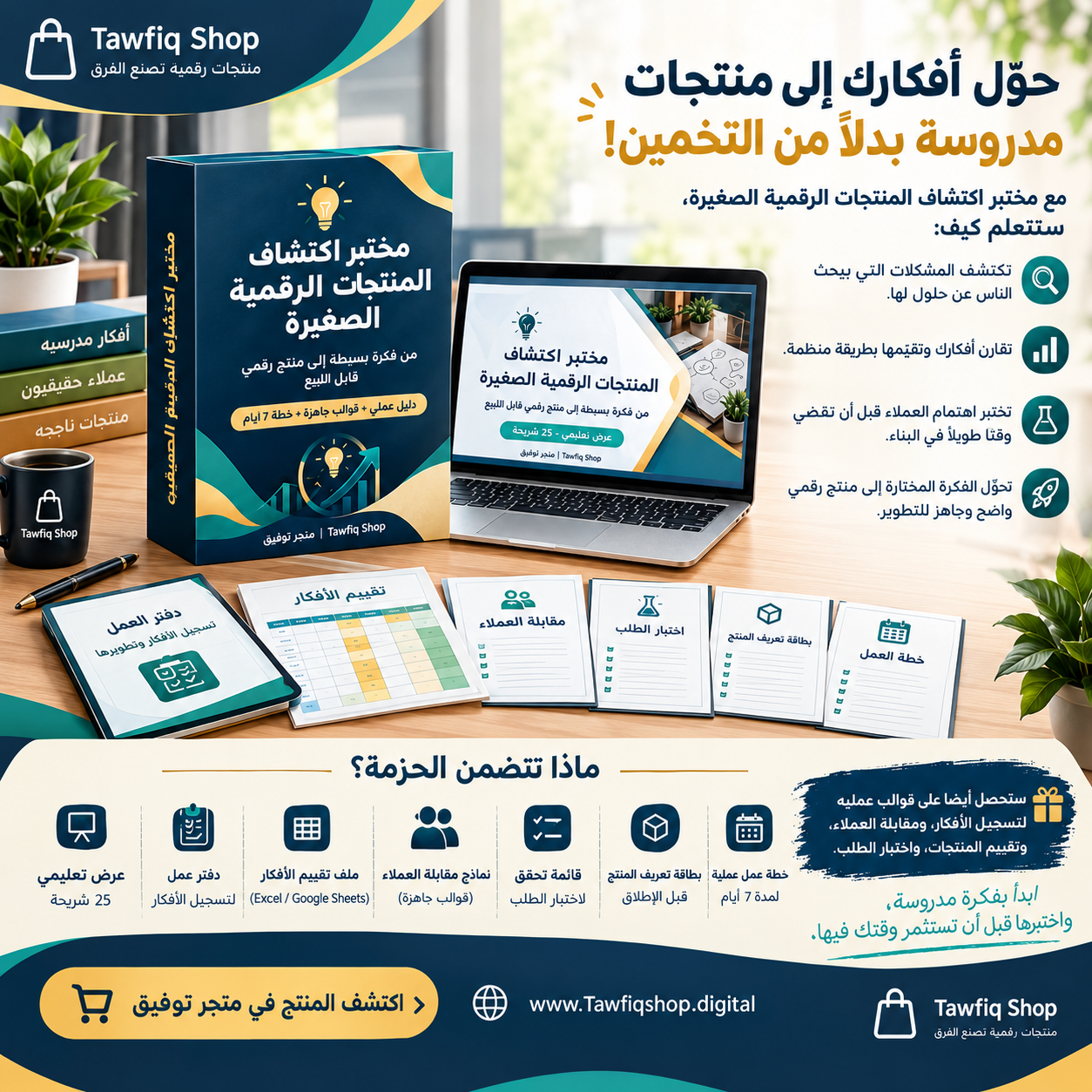
Small Digital Product Discovery Lab (Etsy & Canva) — Presentation
💡 Got lots of digital product ideas but don’t know which one is worth starting? Stop creating products based on guesswork! 🚀 With the Small Digital Product Discovery Lab, you’ll learn how to: 🔎 Identify problems people are actively looking to solve. 📊 Compare and evaluate your ideas in a structured way. 🧪 Test customer interest before you spend a lot of time building. 📘 Turn the chosen idea into a clear, development-ready digital product. 🎁 You’ll also get practical templates for capturing ideas, conducting customer interviews, evaluating products, and testing demand. Start with a validated idea, and test it before you invest your time. 🛍️ Discover the product in Tawfiq's shop
Trust & Post-Purchase Retention Plan for "Animal Adventures" Coloring Book
From a single book to a scalable children’s book series This file is a professional presentation offering a plan to develop a bilingual (Arabic and English) educational and entertaining children’s book series, focusing on transforming the book experience from simple coloring into a comprehensive experience combining coloring, stories, games and educational activities. The file explains how to build a long-term relationship with children and parents after purchase through an organized email journey, soliciting genuine reviews, and collaborating with suitable parent and teacher influencers, while maintaining transparency and trust. ✨ What does the file include? 🎨 A strategy to present the book as an interactive experience. 📧 A 5-message email sequence to drive usage and loyalty. ⭐ A strategy to obtain genuine, unbiased reviews without incentives or fabricated ratings. 👨👩👧 Selecting appropriate parent and teacher influencers instead of focusing only on follower counts. 📱 Influencer content ideas including video, carousel posts and usage stories. 👥 Clear task distribution among the product team, email, influencers and analytics. 📊 Metrics to measure email, reviews and influencer performance and to make scaling decisions. 🛡️ Guidelines for transparency, compliance and protection of children’s data. 📅 A 30-day implementation plan starting with preparation, then testing, analysis and optimization. 🎯 Who is it for? Publishers, children’s book project owners, educational brands, marketers, content creators, and entrepreneurs who want to launch a children’s product in an organized, measurable and scalable way. 🚀 Core value The goal is not just to sell a book, but to build a trusted experience around the product and convert early customers into sources of learning, loyalty and future growth.
From One Book to a Bilingual Coloring Book Series — Book Marketing Pitch
📚 Professional marketing description for the package From a single book to a series — Animal Adventures 🦁 Turn one coloring book into an expandable educational brand! This investor and publisher pitch presents a clear vision to develop “Animal Adventures” into an Arabic–English children's book series combining coloring, stories, games and educational activities. ✨ What does the package offer? 🎨 Fun coloring with reusable illustrations and characters. 📖 Recurring stories and characters that can be transferred to new environments and adventures. 🎮 Games and activities such as mazes, counting, word puzzles and connect-the-dots. 🌍 Arabic–English content that adds value for children, parents and teachers. 📚 Ideas for future editions such as: On the Farm, Under the Sea, Around the World, Colors and Numbers. 🏷️ A consistent series identity with changing environments, vocabulary, skills and games in each volume. 📈 A thoughtful growth plan that starts with a single release, then measures and improves, then launches new volumes based on demand signals. 🛒 Distribution and marketing strategy via KDP, Amazon Ads, social media and partnerships. 📊 Clear metrics to validate product success before expanding the series. 🎯 Who is it for? Investors, publishers, children's book creators, educational product owners, and those interested in building a scalable educational brand. 🚀 The core idea Color → Read → Solve The goal is not just to sell a single book, but to build a playful Arabic–English library that can grow with a child's curiosity, maintaining characters and style while adding new skills and experiences in each release. The appropriate professional image for the package depicts a colorful children's book series, beloved animal characters, Arabic–English coloring books, and a playful educational atmosphere, highlighting the transition from one book to an expandable series.

Social Media Marketing for the “Animal Adventures” Book
🎨 Looking for a fun way to combine entertainment and learning for your child away from screens? 📱❌ Introducing the book “Animal Adventures” 🦁🐘🐰 — a complete play-and-learn experience designed especially for children ages 4 to 8! This isn’t just an ordinary coloring book, but a colorful world that combines fun with skill development: ✅ Fun coloring and drawing: unleash your child’s creativity. ✅ Bilingual learning: animal name vocabulary in Arabic and English. ✅ Interactive stories: a lovely tale about forest friends that reinforces cooperation. ✅ Smart games and activities: mazes, connect-the-dots, and fun counting questions. 💡 Make your child’s time both enjoyable and beneficial!
Investor Presentation — Club Identity System
MOVE WITH PURPOSE — Club Identity System 2026 Turn a football club concept into a cohesive sports brand that extends from the pitch into everyday life. This professional presentation delivers an integrated blueprint for building a Football Lifestyle brand that combines football identity, sportswear, training, travel and customer experience. It begins with market opportunity and visual identity, then moves to product portfolio design, quality control, pricing, launch and distribution strategy, and on to a growth and investment plan. 🔥 What you'll find inside: A complete visual identity for the brand including logo, color system and motion. A cohesive product portfolio covering Home, Away, Third, Goalkeeper, Training & Travel. A development and quality-control system from lab dip and PP sample through to final production. A commercial pricing model with a price ladder and suggested price points. A go-to-market strategy starting with DTC, then pop-ups, then selected partners. A pop-up store concept that translates the sports identity into a tangible customer experience. A KPI framework to measure performance such as conversion, average order value, sell-through and customer registration. A 0–18 month roadmap for validation, reorders and scaling. A risk matrix and mitigation plans prior to scaling. A dedicated section for the investment ask and next steps for commercial validation. 🎯 Who is it for? Sports brands, founders of Football Lifestyle ventures, sportswear designers, entrepreneurs, football clubs, investors, and brand agencies. 🚀 Core idea Train · Travel · Compete From the match shirt to training, travel and everyday wear, the presentation proposes building one versatile brand system instead of selling a single product. A professional digital deliverable that helps you visualize the brand, test demand, design the customer experience, and stage growth in measurable phases.

Castle Night Campaign Strategy
Castle Night — Transform your evening into an extraordinary ritual ✨ Looking for a way to make your home feel warmer and more elegant? Discover "Castle Night," the scented candle designed for lovers of refined, dark atmospheres, warm woody scents, and details inspired by ancient castles and quiet nights. Inside this file you’ll find a complete two-week marketing strategy to help you present the product attractively and build interest gradually — from curiosity to product awareness, then trust and purchase. 📅 A full two-week content plan. 🎬 Ideas for Reels, Stories, posts, and carousels. 💬 Ready-made scripts for audience engagement. 🛍️ Tailored messages for conversion and purchase. 🎁 Ideas for marketing the product as a distinctive gift. 📱 A 3–4 screen Stories sequence. ✍️ A luxurious, warm writing tone suitable for the product. 🛒 A ready product page description and near-the-buy-button copy. 🔥 Instructions for using and caring for the candle. 📊 Fields and specifications to complete before product launch. 🎯 Suitable for brand owners, candle and home fragrance shops, marketers, and content creators who want to build an integrated campaign around a luxury product. Suggested cover idea: a luxurious black candle lit amid a nocturnal atmosphere inspired by an ancient castle, with light aromatic smoke and bronze and burgundy accents, the prominent title "Castle Night" and underneath "Two-week marketing campaign strategy", with a sophisticated, mysterious, warm identity as specified in the file.
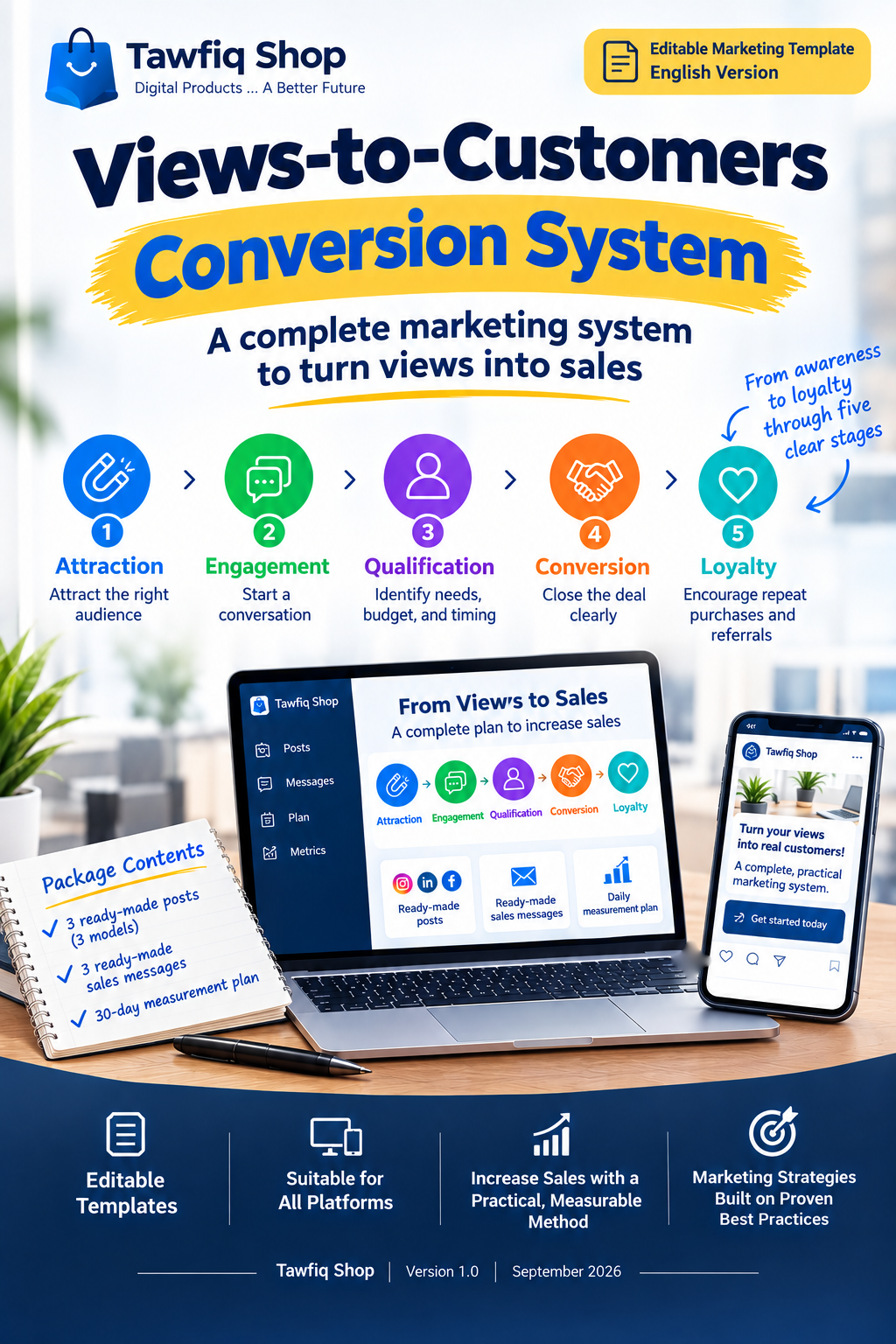 Free preview
Views-to-Customers Conversion System — English Version
Product description: Views-to-Customers Conversion System Turn your followers and views into serious conversations and real customers with a practical, ready-to-implement marketing system! Discover the “Views-to-Customers Conversion System” template, a digital product in Arabic that helps you organize the customer journey from the first view of your content to purchase and loyalty, through five clear stages: Attraction, Engagement, Qualification, Conversion, and Loyalty. The template includes ready-to-copy-and-edit marketing posts, sales, follow-up and closing messages, responses to customer objections, plus a 30-day implementation and measurement plan. What does this product include? - 5 stages to convert views into customers: from attracting the right audience to building loyalty. - 3 ready-made marketing posts: an awareness post, a case study post, and an offer post. - 3 ready sales messages: for initial contact, follow-up and qualification, and closing the deal. - Responses to customer objections: such as high price, hesitation, and lack of time. - A 30-day measurement plan: to track engagement, qualified conversations, and closing rate. - A 4-week implementation plan: practical steps to apply the system and improve results. Who is this product for? - Business owners and online stores. - Content creators and digital marketers. - Freelancers and service providers. - Entrepreneurs and owners of business pages. Start turning views into real sales opportunities! Use the ready templates, organize your customer communication, and track your results step by step to build a scalable marketing system. Available now on Tawfiq Shop.
 Free preview
Views-to-Customers Conversion System
Product description: Views-to-Customers Conversion System Turn your followers and viewers into serious conversations and real customers with a practical, ready-to-implement marketing system! Discover the “Views-to-Customers Conversion System”, a digital product in Arabic that helps you organize the customer journey from the first content view to purchase and loyalty across five clear stages: attract, engage, qualify, convert, and retain. The template includes ready-to-use marketing posts for copying and editing, sales, follow-up, and closing messages, responses to customer objections, plus a 30-day measurement plan and a 4-week implementation plan. What’s included? - Five stages to convert views into customers: from attracting the right audience to building loyalty. - Three ready-made marketing posts: awareness post, case-study post, and offer post. - Three ready sales messages: initial contact, follow-up/qualification, and closing message. - Responses to common customer objections: e.g., high price, hesitation, lack of time. - 30-day measurement plan: to track engagement, qualified conversations, and closing rate. - Four-week implementation plan: practical steps to apply the system and improve results. Who is this for? - Business owners and e-commerce stores. - Content creators and digital marketers. - Freelancers and service providers. - Entrepreneurs and owners of business pages. Start turning views into real sales opportunities! Use the ready templates, organize your customer communication, and monitor your results step by step to build a scalable marketing system. Available now on Tawfiq Shop.
Presentation Script for the Smart Store Assistant in English
📘 Product description: No-code Smart Store Assistant Turn your online store into an intelligent sales and customer-service system using artificial intelligence—no coding required! Discover the presentation “No-code Smart Store Assistant,” a practical guide in English that explains how to use a smart assistant to automate e-commerce tasks, from answering customer inquiries and recommending products to order tracking, recovering abandoned carts, and enhancing the shopping experience. The guide explains features, tools, and integrations, and includes practical examples from stores in fashion, coffee, electronics, and perfume, plus ready-made templates and a 30-day launch plan. 43d2ec54-a57e-4908-b3ef-c301e5ada675.docx ✨ What you’ll find inside this product: Sales and customer-service automation: message responses, product recommendations, and order follow-up. Product content creation: marketing descriptions and SEO-friendly titles. Integrations with stores and channels: such as Shopify, WooCommerce, WhatsApp, and Instagram. Marketing automation: abandoned cart recovery, sending promotions, and customer follow-up. Security and data protection: permission management and handling cases that require human intervention. Case studies: examples showing results of automation in different types of stores. Ready-made digital templates: FAQs, product descriptions, ad headlines, campaign plans, and performance reports. 30-day launch plan: practical steps to start, scale, and measure results. 🎯 Who is this product for? Online store owners and entrepreneurs. Digital marketers and customer-service managers. Marketing agencies and e-commerce service providers. Anyone interested in AI and business automation. 🚀 Start improving your store today! Learn how to leverage AI to save time, improve customer experience, and organize sales and marketing operations with a comprehensive practical guide. Available now on Tawfiq Shop.

AI-Powered Smart Sales Assistant
Product description: AI-Powered Smart Sales Assistant Turn your online store into a smart sales assistant that works around the clock! Discover the AI Smart Sales Assistant guide, a comprehensive digital presentation that explains how to build an intelligent assistant capable of responding to customer inquiries, recommending suitable products, automatically following up on orders, and converting conversations into real sales opportunities. This guide provides a practical roadmap for building a smart sales system, from designing the technical architecture and integrating communication channels to security, permission management, performance measurement, and marketing. What you will learn from this guide: - Intelligent customer responses: understanding inquiries and providing accurate answers in Arabic and English. - Smart product recommendations: suggesting suitable products based on budget, preferences, and inventory. - Order follow-up: tracking shipments and automatically sending updates to customers. - Building the technical system: understanding the components of the intelligent agent, its tools, and required integrations. - Data protection: organizing permissions and defining actions that require human approval. - Measuring performance and costs: monitoring success metrics and analyzing costs and returns. - Implementation and marketing plan: practical steps to move from idea to launch and scale. Who is this product for? - Online store owners and entrepreneurs. - Those interested in AI and sales automation. - Digital marketers and customer service managers. - Developers and those who want to build smart sales systems. Start your journey toward a smarter store, more efficient customer service, and a smoother shopping experience. Available now on Tawfiq Shop.
Guide to Building an AI‑Powered Smart Sales Agent — English Edition
Do you want to transform the response system in your store from a mere "bot" that answers FAQs into a "smart sales agent" that closes deals and increases your sales around the clock? In your hands is the most comprehensive and practical executive guide (Version 1.0 - September 2026), tailored for e‑commerce stores and companies in the Gulf and the Arab world. This guide doesn’t stop at theory — it gives you the complete architecture and a roadmap for a 12‑week implementation plan. 💡 What will you learn and implement with this guide? Move beyond traditional replies: how to shift from dull decision‑tree bots to a "smart agent" that understands Arabic and Gulf dialects and accurately extracts purchase intent. The six‑part system architecture: connecting communication channels (WhatsApp, Instagram, website) to the AI core, databases, payment gateways, and shipping providers. Live recommendation engine: how to propose three highly accurate options to the target customer that reduce choice overload and multiply your conversion rate. Proactive follow‑up management: reduce “Where is my order?” messages by up to 40% through instant notifications and automated tracking. Security and human escalation: permissions matrix, customer data protection in accordance with the (PDPL), and when the agent should stop so a human can intervene. 🚀 Start today to close the digital gap and turn your communication platforms into your brand’s strongest revenue channel! 2️⃣ Cover Design Concept Since the product is a technical and commercial executive guide, the cover should reflect professionalism, modernity, and reliability. 🎨 Cover elements and headings: Main title (bold and prominent): Guide to Building an AI‑Powered Smart Sales Agent Subtitle: From Automated Replies to Closing Sales — A Comprehensive Executive Guide Edition info (top or bottom): Version 1.0 | September 2026 🖌️ Visual identity and appearance: Colors: Background: dark navy blue or luxurious black with gradient blue accents reflecting trust and technology. Texts and icons: crisp white with gold/orange gradients or sky blue (Cyan/Neon Blue) to highlight headings and emphasize a futuristic tone. Graphics and icons (Visuals): A 3D shape or geometric mesh (Tech Grid / AI Core) representing artificial intelligence. A simplified illustration that combines a chat (Chat/WhatsApp) icon with a growth chart/shopping cart or transaction confirmation card, expressing the shift from mere chat to real sales.
Guide to Building an AI-Powered Smart Sales Agent
Do you want to transform your store's response system from a mere "bot" that answers FAQs into a "smart sales agent" that closes deals and increases your sales around the clock? In your hands is the most comprehensive and practical executive guide (Version 1.0 - September 2026), tailored for e-commerce stores and businesses in the Gulf and the Arab world. This guide doesn't stop at theory; it provides the complete architecture and a roadmap for a 12-week implementation plan. 💡 What you'll learn and implement with this guide: Move beyond traditional responses: how to shift from boring tree-based bots to a "smart agent" that understands Arabic and Gulf dialects and accurately extracts purchase intent. Six-part system architecture: connecting communication channels (WhatsApp, Instagram, website) to the AI core, databases, payment gateways, and shipping providers. Real-time recommendation engine: how to suggest three highly accurate options to prospects that reduce choice paralysis and multiply the conversion rate (Conversion Rate). Proactive follow-up management: reduce "Where is my order?" messages by up to 40% through instant notifications and automated tracking. Security and human escalation: permission matrices, customer data protection in accordance with the PDPL, and when the agent should pause for human intervention. 🚀 Start today to close the digital gap and transform your communication platforms into the strongest revenue channel for your brand!
 Free preview
No‑Code Smart Store Assistant - Presentation (English Version)
This digital presentation provides a comprehensive solution to run and automate business processes for online stores, specifically designed to help small business owners compete and grow without requiring programming expertise. The product is “customizable and resellable,” making it a valuable commercial asset you can sell directly or use to build an agency service. PPTX + 1 Core content and modules (30 editable slides): The presentation is divided into logical chapters including: Market problem diagnosis: highlighting why small stores lose to competitors (fragmented tools, high support costs, weak product content, and abandoned carts). PPTX No-code software solution: a unified browser-accessible platform to manage sales, support, and content automatically and in 6 languages. PPTX Operational guide (six steps): from account creation and store connection to training and monitoring, with a setup time between 45 and 90 minutes. PPTX Technical architecture: traces how data flows from inbound channels (WhatsApp, Instagram, email) through the decision engine and AI to the tools. PPTX Ten detailed modules: unified inbox, product management, drag-and-drop automations, SEO page generator, and reporting. PPTX Integrations and channels: direct connections to Salla, Zid, Shopify, WooCommerce, or CSV files. PPTX Practical real-world examples: scenarios for various sectors (fashion, dates and coffee, electronics, perfumes) showing numbers and before-and-after results. PPTX Content and template bank (150 items): ready-made responses, marketing headlines, product descriptions in multiple tones, and resellable automation templates. PPTX Commercial value and profit opportunities: This file represents a complete and profitable business model you can price and sell in multiple ways: PPTX Sell ready-made digital products: (such as the 60-question bank, automation templates, and product descriptions). PPTX Agency packages and subscriptions: offering full store setup and onboarding services or selling a commercial license to agencies. PPTX The presentation concludes with an actionable 4-week launch plan and clear, measurable success indicators (such as reducing response time to under 5 seconds and recovering abandoned carts). PPTX
 Free preview
No‑Code Smart Store Assistant — Presentation
This digital presentation provides a complete solution to run and automate business processes for online stores, specifically designed to help small business owners compete and grow without programming expertise. The product is “customizable and resellable,” making it a valuable commercial asset you can sell directly or use to build an agency service. Core content and modules (30 editable slides): the presentation is divided into logical chapters that include: a diagnosis of market problems—highlighting why small stores lose to competitors (fragmented tools, high support costs, weak product content, and abandoned carts); the no-code software solution—a unified, browser-accessible platform to manage sales, support and content automatically and in six languages; an operation guide (six steps)—from account creation and store connection to training and monitoring, with an activation time between 45 and 90 minutes; the technical architecture—showing how data flows from entry channels (WhatsApp, Instagram, email) through the decision engine and AI to the tools; the 10 detailed modules—unified inbox, product management, drag-and-drop automations, SEO page generator, and reporting; integrations and channels—direct connectors to Salla, Zid, Shopify, WooCommerce, or CSV files; real practical examples—scenarios for various sectors (fashion, dates & coffee, electronics, perfumes) showing numbers and before-and-after results; content and templates bank (150 items)—ready replies, marketing headlines, product descriptions in multiple tones, and sellable automation templates. Commercial value and profit opportunities: this file represents a complete, profitable business model you can price and sell in multiple ways: sell ready-made digital products (for example the 60-question bank, automation templates, and product descriptions); agency packages and subscriptions—offer full store setup and onboarding services or sell a commercial license to agencies. The presentation concludes with a practical four-week launch plan and clear, measurable success indicators (such as reducing response time to under 5 seconds and recovering abandoned carts).
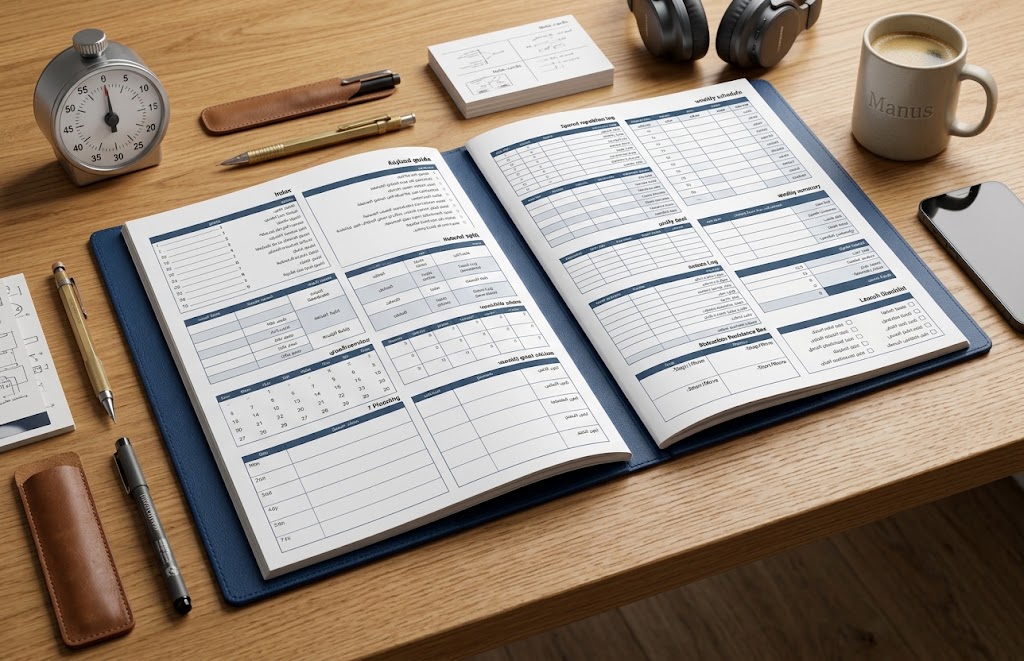
Weekly & Monthly Study and Exam Planner
This file is a “Study and Exam Preparation Planner,” a practical and comprehensive tool designed to help students organize their time, resist distraction, and prevent lesson backlogs. Detailed contents: Problem diagnosis and solutions: Distraction — addressed with focused work sessions (Pomodoro technique 25/5 or 50/10), putting the phone away, and a dedicated “distraction-resistance” box to offload intrusive thoughts. Lesson backlog — solved by breaking subjects into small units and applying a “no day without at least one lesson” rule, plus a three-stage catch-up plan for piled-up material. Chaotic review time — organized by setting fixed weekly review windows and using a spaced-review system (1 / 3 / 7 / 14 / 30 days). Sections and methods: Dividing subjects and breaking units — a table to assess difficulty and priority of each subject and distribute lessons across available weeks. The four study layers for any lesson: (1) quick scan → (2) active summarization → (3) solving questions → (4) rapid retrieval. Monthly plan and weekly schedule — adopt a rule of only three main tasks per day, with a weekly timetable divided into time blocks aligned to mental energy levels. Daily and weekly progress tracking — a log to measure completed focus sessions, actual hours, and a focus index. Error notebook and analysis — a protocol for recording mistakes after each test and classifying causes (carelessness, lack of understanding, time pressure) to target during review. Emergency plan and calendar — a monthly tracking board and a 7-day plan for the final week before exams.
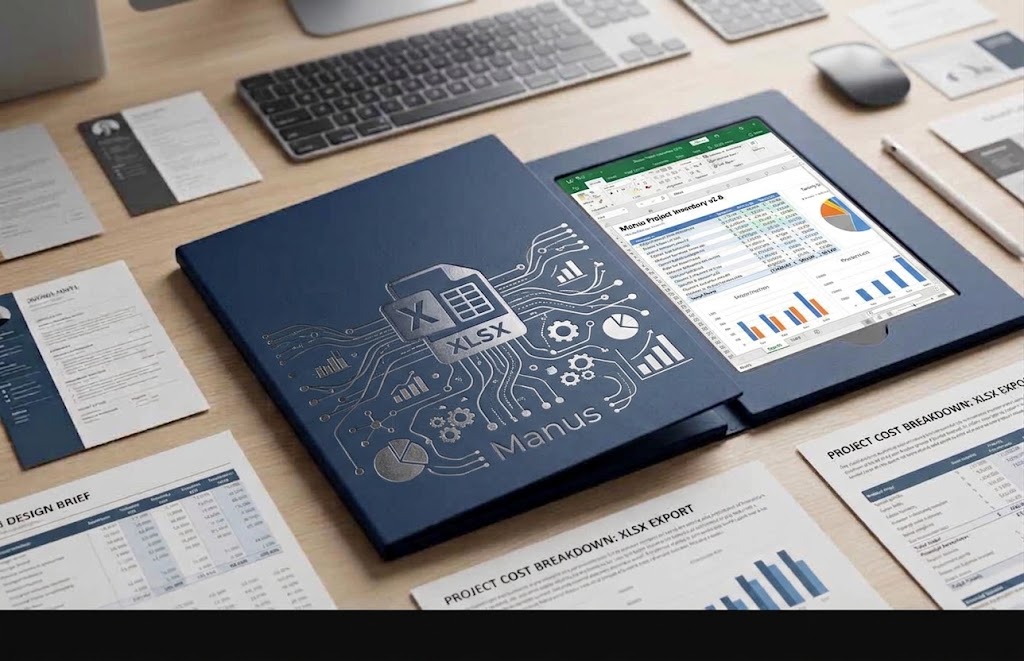 Free preview
Inventory & Sales Management Excel Template
A comprehensive, professional solution for managing daily business operations, tracking inventory movement, and recording sales and profits accurately and automatically. Key features and components: Main dashboard (Dashboard): Displays real-time statistics and charts showing total sales, profits, and alerts for products running low. Inventory and product management: The sales and inventory table includes detailed parameters such as: product code (SKU), product name, available quantity, purchase price, selling price, and total. Automatic calculation of total value and expected profits. Sales and transactions log: Records daily transactions with automatic calculation of net profit for each sale. Alerts and reports: Automatic alerts when any product's quantity falls below the minimum reorder level. Easy filtering, searching, and printing with export-ready formats.
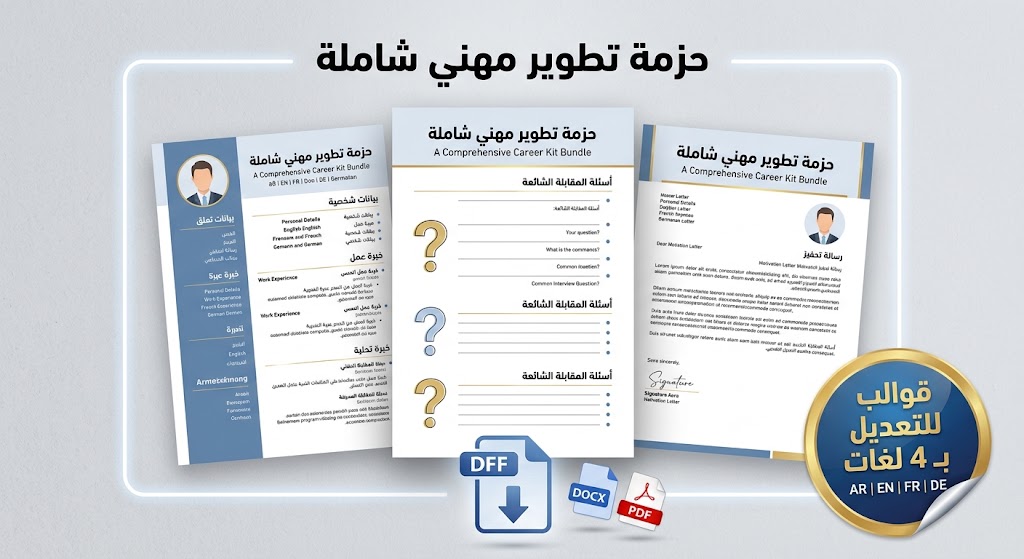 Free preview
Resume, Interview Preparation & Cover Letter Bundle
A comprehensive career development kit (Career Kit) offering editable, ready-to-use templates for job application documents in four languages: Arabic, English, French, and German.
 Free preview
Practical German: For Beginners A1 to B2 — English Edition
A comprehensive English-language guide to learning German from A1 to B2, with an advanced extension up to C1. Includes pronunciation, grammar, everyday conversations, workplace dialogues, professional language, preparation for the Goethe and TestDaF exams, job interview preparation, and writing professional emails.
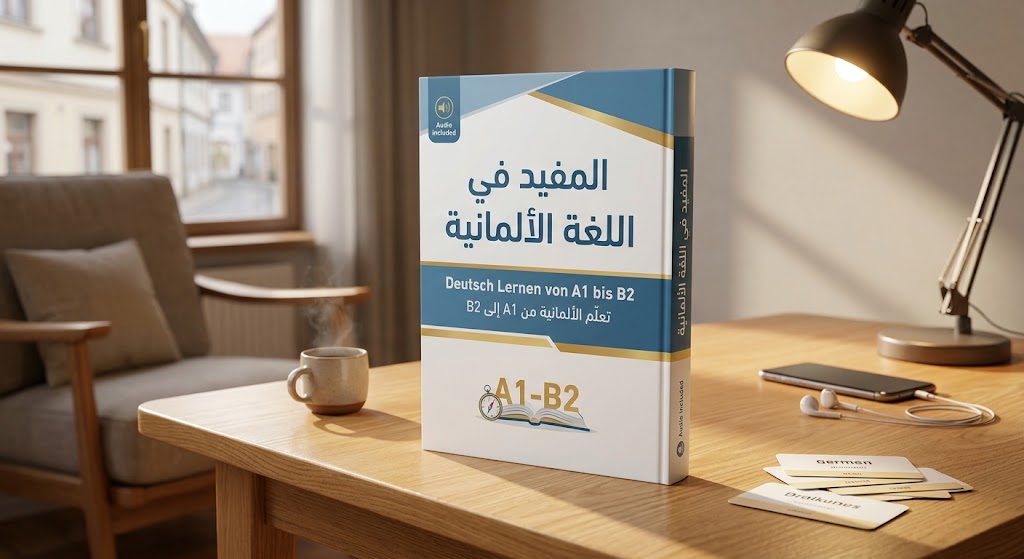 Free preview
Al‑Mufid in the German Language
"Al-Mufid in the German Language" is a comprehensive educational and practical reference designed as a systematic, hands‑on guide for learners aiming to master German, from letters and sounds to advanced professional and academic communication. The book combines simplified grammar explanations, practical exercises, audio scenarios and official exam preparation. Contents and key features: - Phonetics & Audio Guides: core pronunciation rules for consonant and vowel combinations (e.g., ie, ei, sch, ch, sp, st) and umlauts (ä, ö, ü). Audio scripts include stress and intonation marks and are designed for AI voice generation or live recording. - Grammar progression A1 to B2/C1: A1 foundations (definite/indefinite articles, common verb conjugations, pronouns, Nominativ and Akkusativ); A2 (Dativ, separable verbs, basic conjunctions); B1 (connected sentences, verbs of doubt/condition, everyday and workplace situations); B2/C1 (complex grammar, workplace idioms and business emails, 50 important separable verbs with applications). - Exercises & Answer Keys: graded exercises (multiple choice, fill‑in‑the‑blanks, sentence reordering, error correction) and model answers with explanations to support self‑study. - Exam Preparation: mock exams simulating Goethe‑Zertifikat (A2/B1/C1) and TestDaF, targeted reading and writing drills for advanced levels, and preparation for job interviews (Vorstellungsgespräch). Highlights: covers a full A1–B2 pathway with C1 supplements; bilingual editions (Arabic–German and English–German); visually organized with tables, flashcards and checklists; ready for print and digital use, accompanied by a professional cover (SVG) and a reader‑friendly layout.

Last Pulse City — Marketing Presentation
An original marketing presentation visual built around a futuristic city and campaign rhythm.

Upcoming Event Social Image
An original premium social visual for presenting an upcoming event elegantly.

Content Marketing
A premium digital visual for presenting content marketing ideas in an editorial style.

Anime Cover Page Image
An original premium anime-style cover image for digital storefront and visual identity projects.

Digital Marketing Campaign for the Sports Team
This document serves as a comprehensive Brand Style Guide and Identity System for an original fictional sports club named "Manus Al" (or Manus AI). Designed to seamlessly blend technical precision with luxury aesthetics, the guide revolves around the core philosophy and slogan: "Move with Purpose. Train. Travel. Compete". Key highlights of the document: Identity & Color Palette: Features a sophisticated base of charcoal black and warm gold, complemented by technical white and emerald green designated for specific kit lines. The Crest: A geometric shield design featuring a double gold border and dynamic arrows symbolizing motion and energy, complete with strict layout guidelines and clear-space rules. Graphic System & Typography: Utilizes broken diagonal stripes to convey forward movement and clean, modern sans-serif fonts for clear communication. Product Families: Detailed specifications for match kits (Home, Away, Third, Goalkeeper) alongside specialized training and travel wear focusing on comfort and performance. Campaigns & Usage Rules: Guidelines for professional product photography, digital advertising layouts across social media platforms, proper logo usage, and necessary commercial and legal disclaimers prior to official market launch.

Club Kits Video
An official promotional video designed to showcase and reinforce the club's visual identity and brand image. The video features high-quality cinematic shots highlighting the club's logo, official colors, and dynamic key moments, reflecting the strong sense of belonging, energy, and creativity among its members.
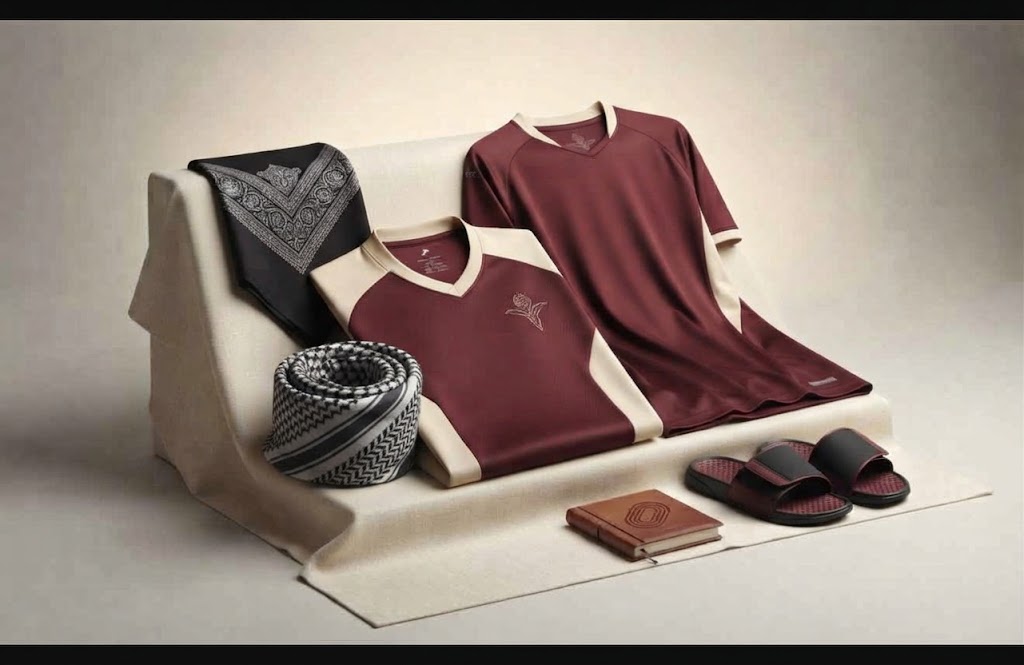
Complete Club Team Kit
A premium, fully customizable design template tailored for sports clubs and organizations looking for a bold and elegant visual identity. Featuring a dramatic dark background, ornate gold-accented borders, and dedicated sections for logos, campaign titles, discount badges, and clear Call-to-Action (CTA) buttons. Key Highlights: Luxurious classic theme with radiant gold accents. High-resolution, easy-to-edit graphic components. Optimized layout to boost conversions and customer engagement.

Campaign Title
Overall tone: The template features a dark, enchanting visual identity inspired by classical atmospheres and ancient epic tales, giving it a sense of luxury and mystery. Background and visual elements: The background contains a dramatic night scene of a stone castle under bright moonlight, with warm light sources (such as torches) and deep color gradients that enhance the design's appeal. Frames and ornaments: The design is surrounded by a lavish ornate frame with intricate classical motifs and glowing gold accents, clearly separating the content and imparting a regal character. Layout and texts: Brand logo or name: Appears at the top center in an elegant, smooth Arabic script. Campaign/product title: Prominent in the center of the template in a large, bold typeface with attractive golden gradients. Short description: A dedicated area below the title to add a brief blurb about the offer or product. Discount badge: A special design highlighting the discount percentage (for example 30% off) clearly to grab customers' attention. Call-to-action (CTA) button: An interactive button at the bottom in a dark rectangular design with a golden border bearing a clear phrase like "Discover Now" to encourage clicks and purchases.

AI Automation and Its Role in Project Execution
A comprehensive practical guide exploring how AI automation transforms project execution with speed and efficiency. This book demonstrates how to integrate AI tools to automate routine tasks, streamline workflows, and reduce human error to ensure timely project delivery with maximum quality. Key Highlights: Transforming traditional project workflows into smart automated systems. Essential AI automation tools and integration techniques. Strategies for cost reduction and boosting team productivity.
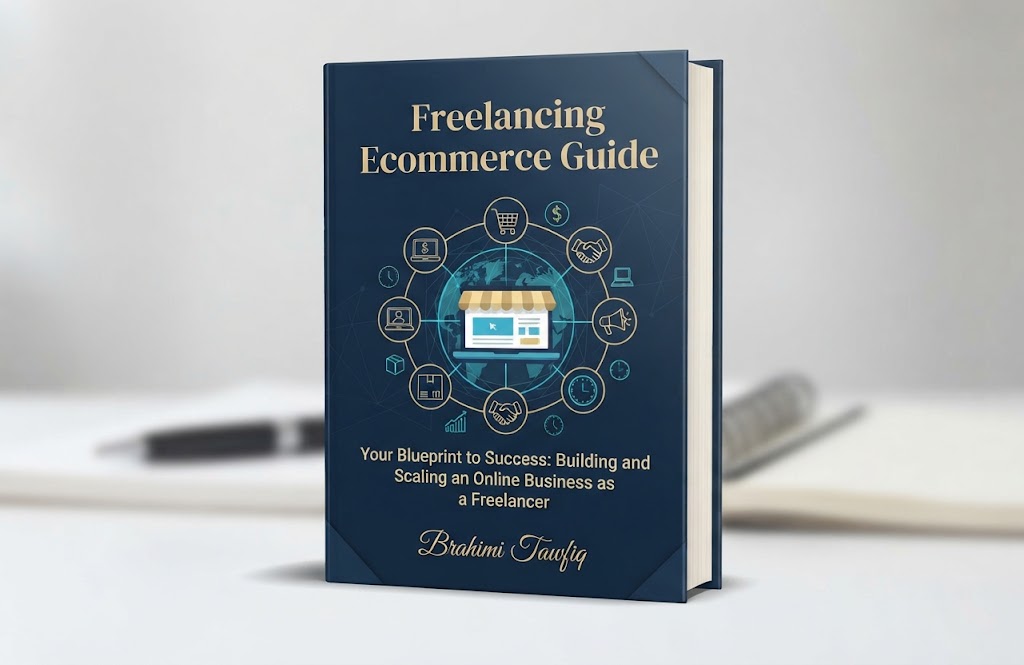
Freelancing and Its Relationship to E-commerce
Freelancing and Its Relationship to E-commerce is a digital guide that explores how independent professionals can leverage e-commerce models to sell digital products, scale their services, and diversify their income streams. Target Audience: Freelancers, digital creators, and entrepreneurs looking to transition from service-based tasks to scalable digital assets. Core Topics Covered: Pricing freelance services and finding high-paying clients. Building and managing efficient freelance workflows. Structuring passive income streams alongside client work. Integrating e-commerce principles into independent service offerings.

Children's Coloring Book
Discover the wonders of nature and animals with your children using this fun digital book designed especially for little ones. This digital coloring book contains a variety of cute, child-friendly animal illustrations that help children develop creative skills and fine motor control through coloring, learn the names and shapes of different animals in an entertaining way, and enjoy meaningful, screen-free activity time. Features: Ready-to-print high-quality PDF. Clear outlines and simplified drawings suitable for very young children. An ideal choice for home use or preschool.
Pokémon Magical Stories
"Embark on an exciting journey into the magical world of Pokémon! This storybook takes young readers on an enchanting adventure filled with action, friendship, and fun challenges. Perfect for kids and Pokémon fans looking for an engaging and delightful reading experience."

Freelancing
A practical guide to entering freelancing, building valuable skills, and creating a sustainable independent career.

Build Yourself
A practical, inspiring guide to unlocking your potential, building the person you aspire to be, and beginning a meaningful self-development journey.